34
Deva 5.8 and Deva 16 Owner’s Manual
Chapter 3
Fader 8
Fader 8 serves two purposes on the Deva 5.8 and Deva 16. When no track is assigned to fader 8, it
functions as the headphone output volume control. However, when a track is assigned to fader 8, it
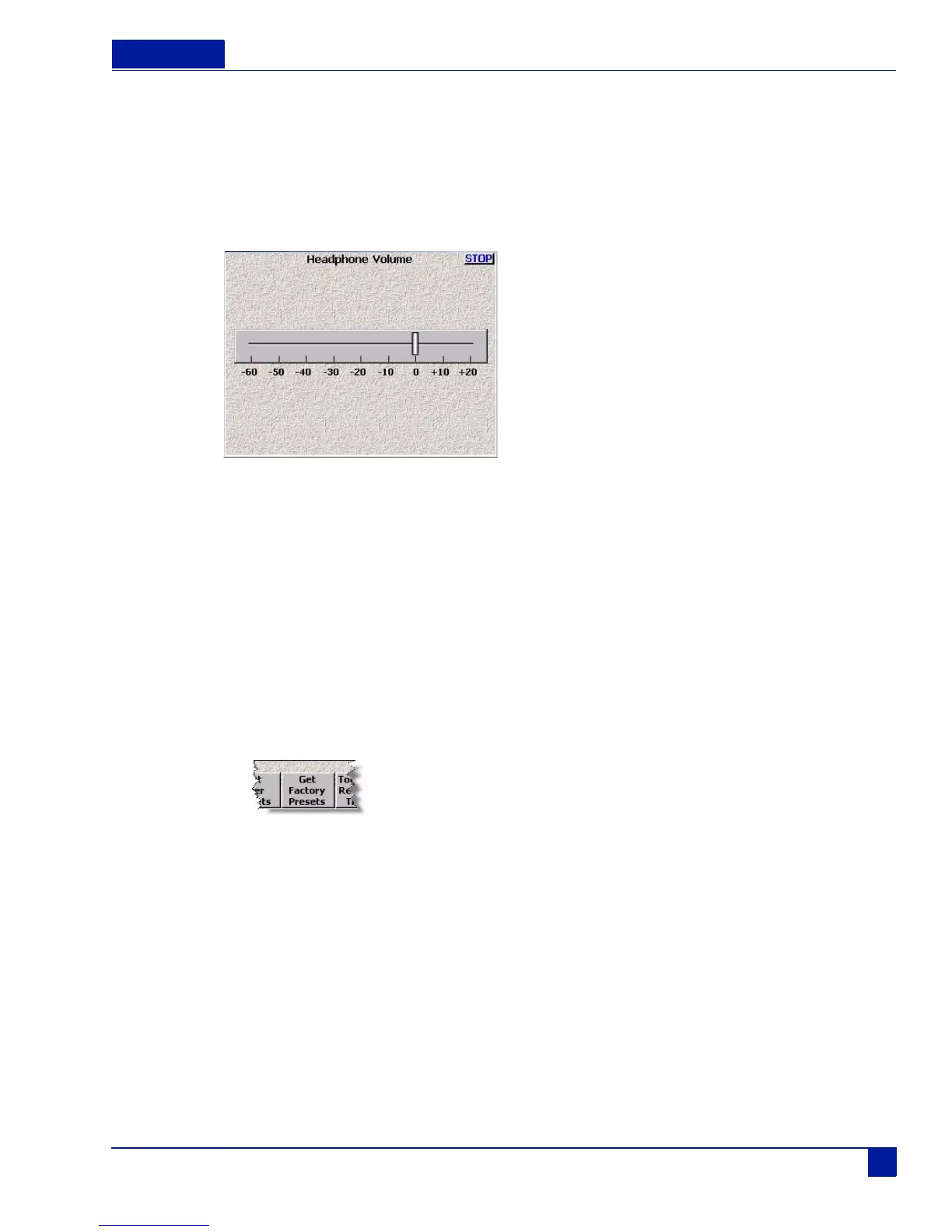
functions as a normal fader. To adjust the headphone volume when fader 8 is assigned, a Headphone
Volume menu is used.
F6 > Headphone Volume
Figure 35 Headphone Volume Menu (Fader 8 assigned)
To adjust the headphone volume with fader 8 assigned perform the following:
1. Press F6 on front of the Deva.
2. Use the slider to adjust the volume.
Loading a Factory Preset
To load a Factory Preset, perform the following:
1. Press F6, the Headphone area on the home screen, or Headphone Mix on the Main Menu.
The Headphone Mix menu is displayed.
2. Press Get Factory Presets
The Factory Preset Screen Appears.
3. Press the preset button you want to use.



 To Next Page