Deva 5.8 and Deva 16 Owner’s Manual
Chapter 5
71
To adjust the trim, select the desired input display and select MORE GAIN or LESS GAIN. You can add or
subtract 20 dB of gain. CLEAR TRIM deletes any changes you've made.
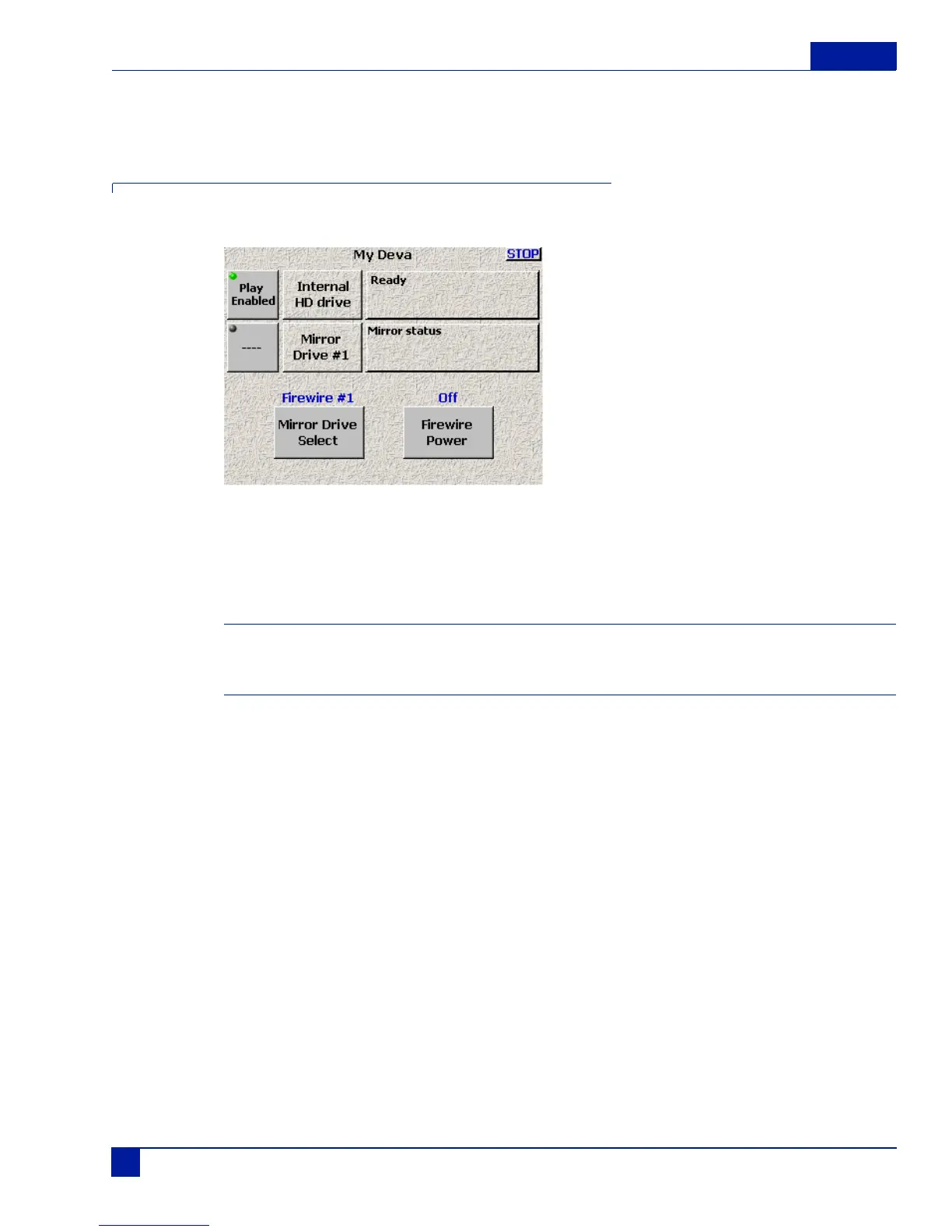
My Deva Menu
The My Deva menu gives you access to all the internal and external recording drives.
Figure 29 My Deva Main Screen
The selections for the Internal DVD drive or the External Fire Wire Drives allow you to set options inde-
pendently of the Internal Hard Drive settings. You can set different options for all of the drives.You an use
the external FireWire device with either a DVD-RAM drive or FireWire Hard Drive.
Important: There are some known limitations using FireWire hard drives with the Deva 5.8
• FireWire drive must have the Oxford 911 Chipset, other chipsets may not work
• FireWire hard drives are currently limited to mirroring 8 GB before they start corrupting the data.
Mirroring is done after recording. Currently six tracks can be mirrored to DVD-RAM in real time at 24-bit
resolution with a 48K sampling rate.



 To Next Page