26
Deva 5.8 and Deva 16 Owner’s Manual
Chapter 3
Chapter 3
Settings for Recording
Once the input cables are connected, there are many setup decisions to be made. In the previous section,
the basic settings for the input and output channels were explained and setup. This section describes
additional recording settings and where they are found in the menus.
Note: There is no one way to setup a Deva correctly, nor do any of the settings described here have to be done in any
certain order.
Storing the Data
The size of the hard drive determines how much data can be stored.
Formatting a Drive
A new drive must be formatted before it can be used. Drives shipped from Zaxcom are pre-formatted for
the Deva, however it is a good idea to format all drives again before using them. When you format a drive,
it does a high level format of the drive. If a copy of the Deva firmware is installed on the hard drive, it is not
erased.
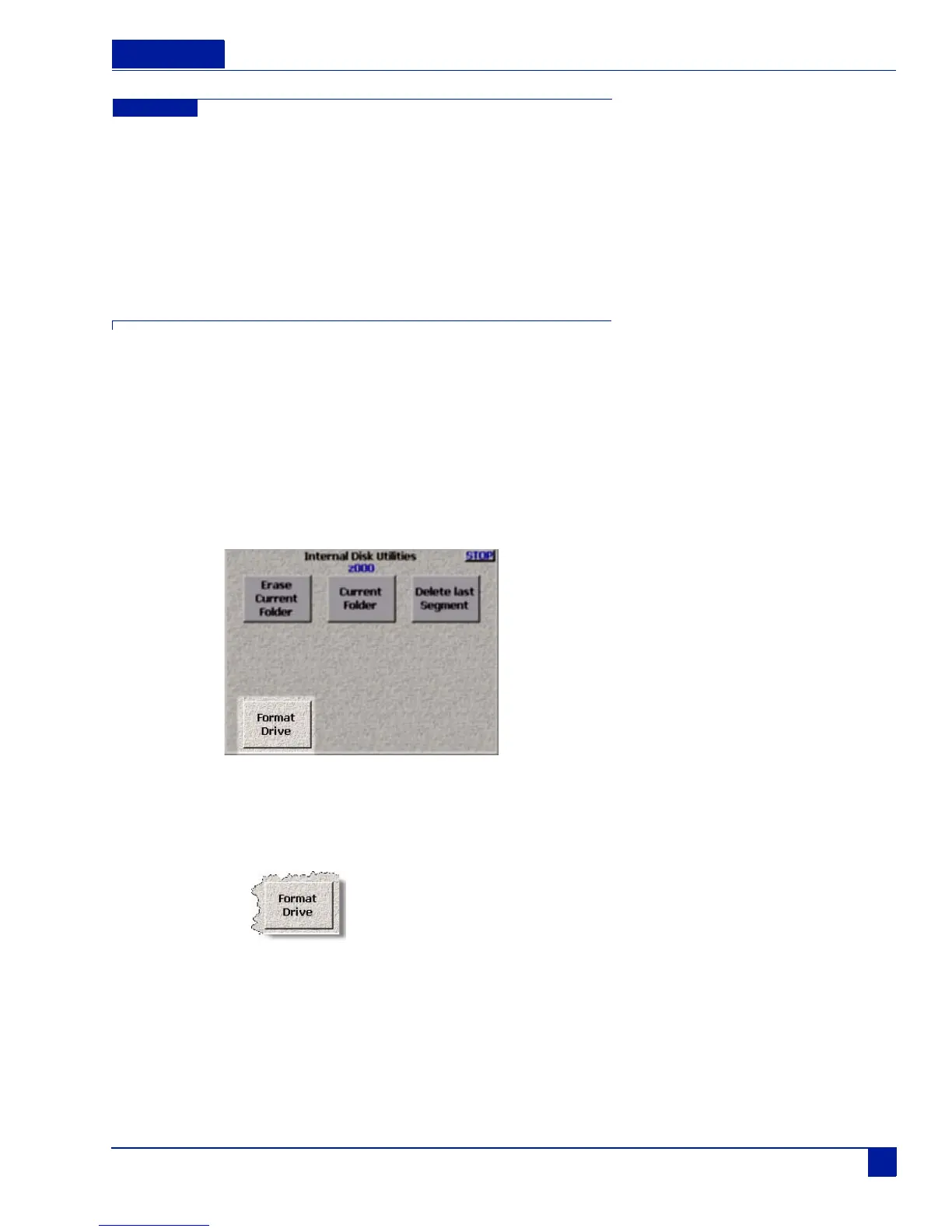
Main Menu > My Deva > Internal HD Drive > Internal Disk Utilities > Format Drive
Figure 24 Internal Disk Utilities Menu (Format Drive Button highlighted)
To format, or initialize, the internal hard drive, perform the following:
1. Press Format Drive button
The format menu warning appears.



 To Next Page