Deva 5.8 and Deva 16 Owner’s Manual
Chapter 3
27
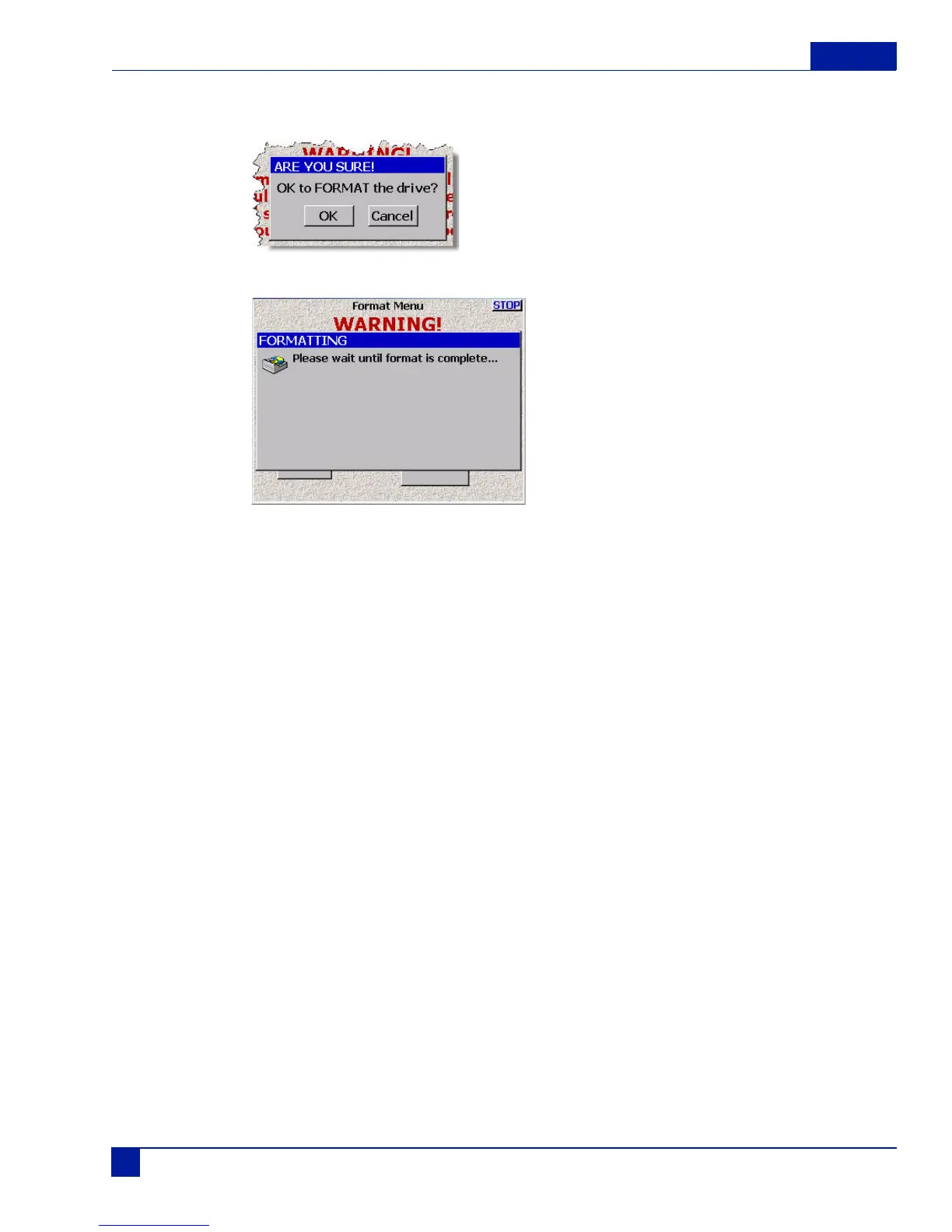
2. Press the Format Drive button.
A dialog appears, which request you to confirm the formatting of the internal hard drive.
3. The formatting status menu appears.
Do not remove power from the deva until the formatting process is complete.
Selecting a partition
Main Menu > My Deva > Internal Hard Drive > Current Folder
Depending on the size of your hard drive, the number of folders or partitions varies. To select a partition
do the following:
1. Press the My Deva button on the Main Menu screen.
The My Deva Screen appears.
2. Press the Internal Hard Drive button.
The Internal Disk Utilities screen appears.
3. Press the Current Folder button.
the Internal Disk Folders screen appears.
4. Press the folder name you want to record on.
The folder’s button turns white.
The Internal Disk Folders screen also allows you to erase the contents within a section, rename the folder,
and change the view order of the folders.



 To Next Page