14
Deva 5.8 and Deva 16 Owner’s Manual
Chapter 2
3. Press the High Pass Filter button again when all channels are enabled.
Hint: To quickly disable the High Pass Filter, press the High Pass Filter button on the Input Control menu, and
then press the channels you want to disable.
Enabling Phantom Power (48 VDC)
Some microphones require power to operate. The Deva supplies the full power and current allowed by the
phantom power specification (48 VDC up to 1.0 A). The Deva does not supply 12T power which is
required by some older microphones. If you use microphones requiring 12T power, check with your local
audio dealer for phantom to 12T power converters.
Main Menu > Input Control > Input Channel
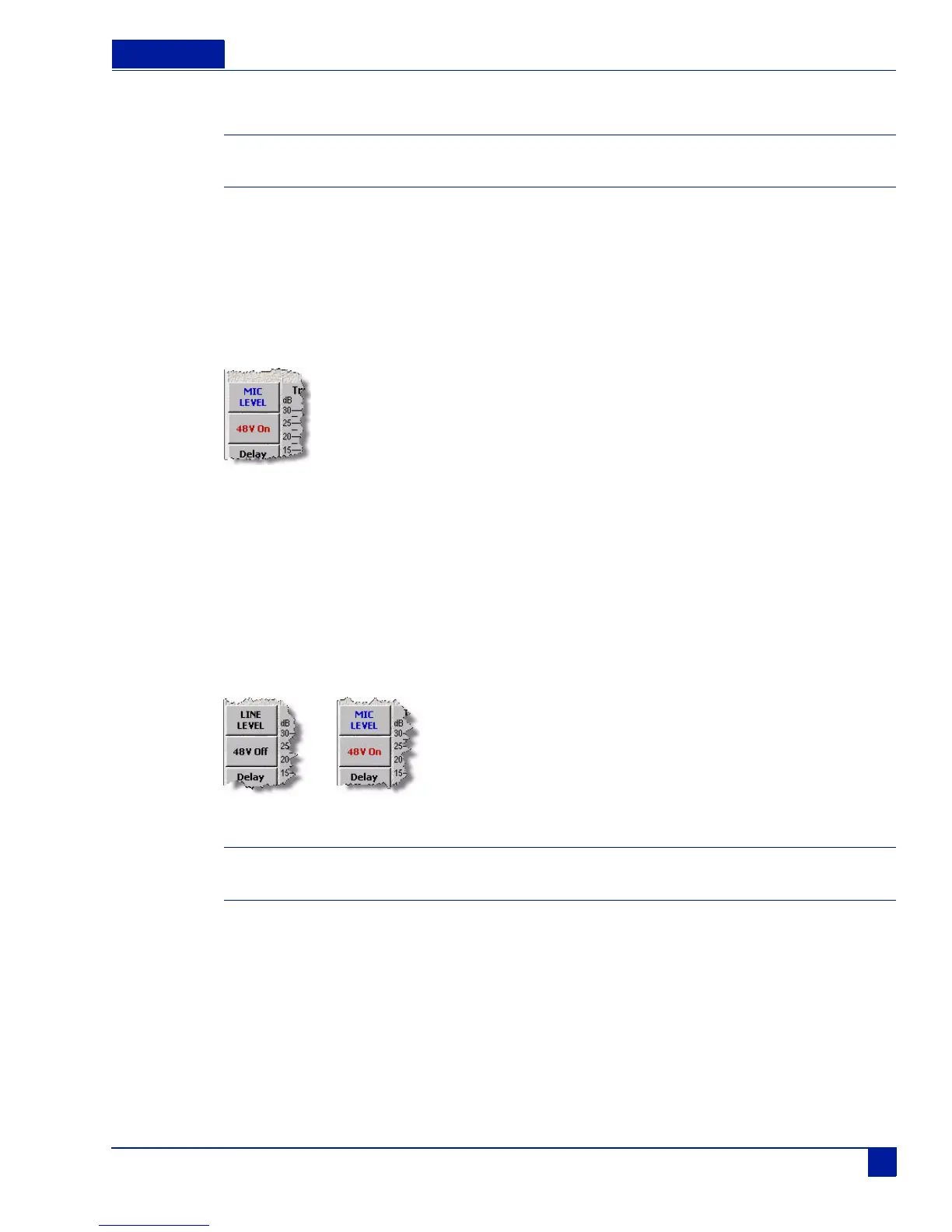
Figure 11 Phantom power button on the Input Channel menu
To enable phantom power, perform the following:
1. Press the channel on the Input Control menu you want phantom power applied to.
The Input Channel menu appears.
2. Press the 48 V Off button.
The 48V button changes to red and changes to 48V On indicating it is active.
3. Press the channel you want phantom power applied to.
48 V on the button turns red and changes to 48 V On to indicate 48 VDC is applied to that channel.
Important: To protect equipment from damage, the Deva does not allow you to apply power to any channel set as a
Line input.
Phantom off Phantom on



 To Next Page