23
Zaxis Inc. LLC
801.264.1000
2442 South 2570 West
West Valley City, UT 84119
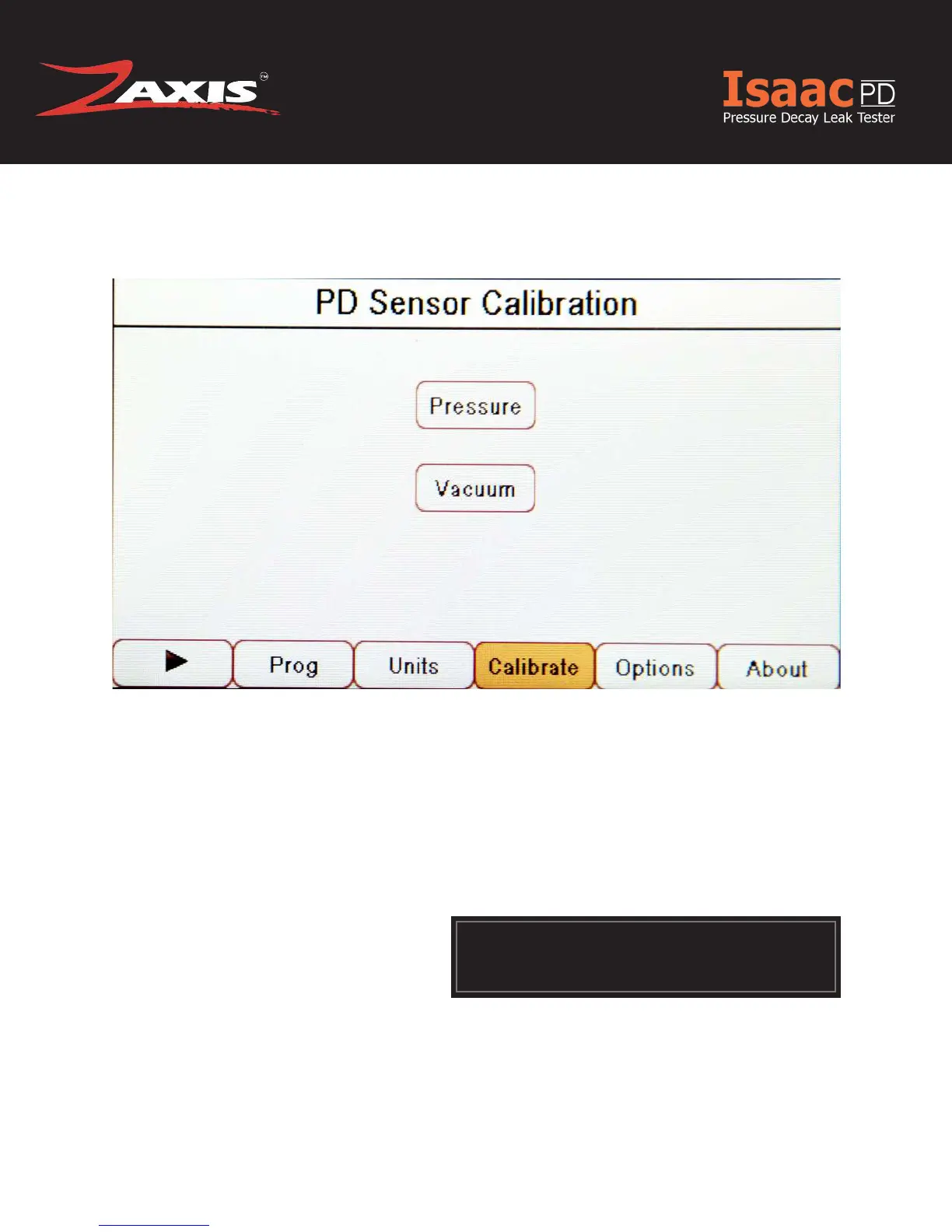
1. Select the calibrate button to open the sensor selection screen.
2. A warning box will appear. To continue into the calibration screens press “Cali-
brate” .
» Pressing “Back” will take you to the about screen.
3. Two Sensor types are shown.
a. Pressure
b. Vacuum
Calibration Verication
!
Even though both sensor types are shown each unit will
have model specic sensors installed. For details, see the
calibration report shipped with the tester.
Fig. 10. Calibration Sensor Selection Screen.



 To Next Page