Follow the instructions to connect the RS485 port to HYD-3000/3600/4000/5000/6000-ZSS -HP
inverters.
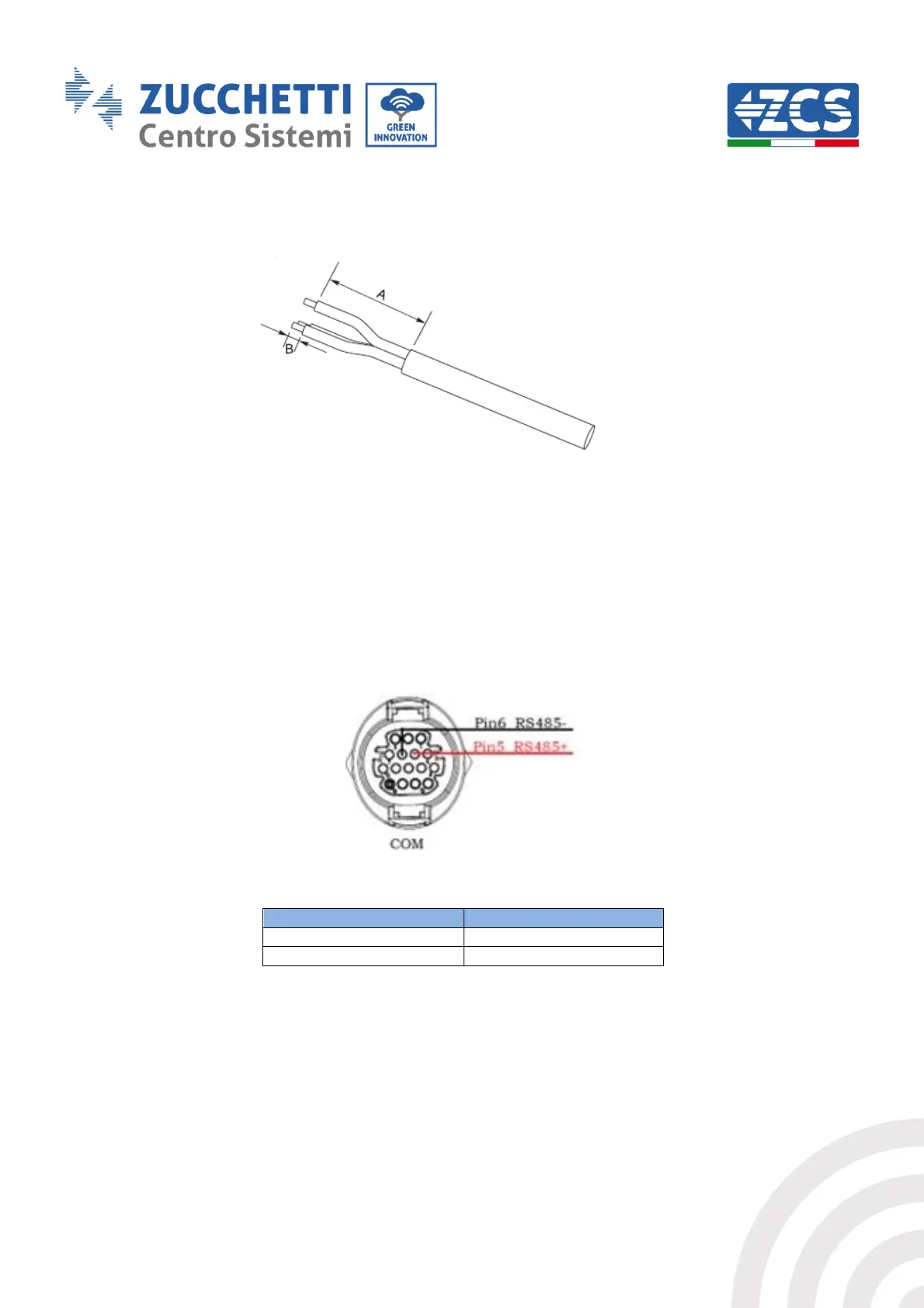
Figure 14 – Preparing RS485 cables
1) Remove a suitable length of the protective sleeve, as shown in the figure (A: 80~100 mm B:
6~8 mm).
2) Connect the 2-pole cable to the pins of the HP hybrid inverter marked “RS485”. Follow the
polarity shown in the figure and the pin-out in the table.
Figure 15 - Connections on HP single-phase hybrid inverter
Table 8 - RS485 connections to HP single-phase hybrid inverter
For connecting the RS485 port to HYD-3000/3600/4000/5000/6000-ZSS inverters, refer to Figure
17 on connecting to the inverter.



 To Next Page