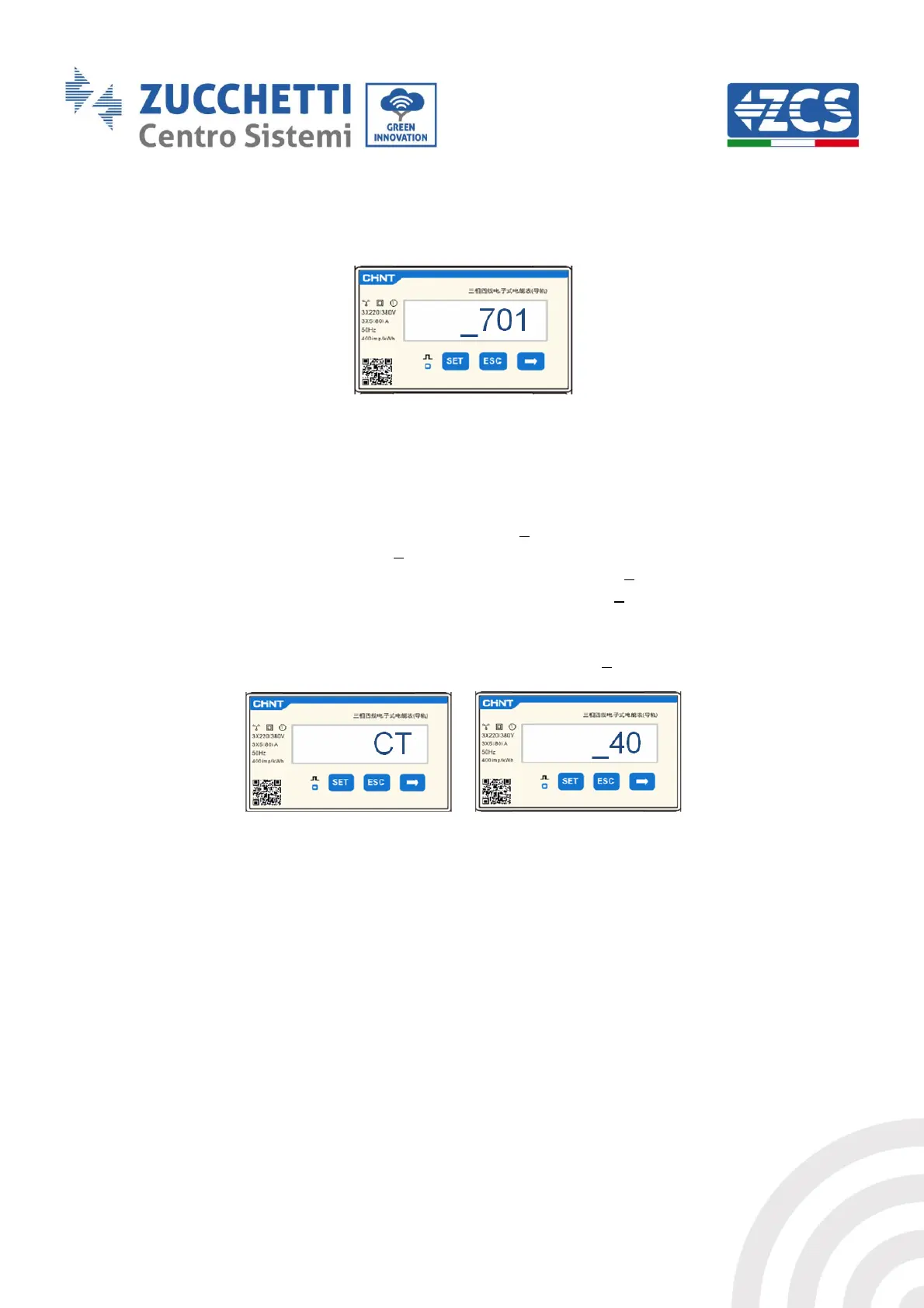
Note: In case of error, press “ESC” and then “SET” again to reset the required code.
4. Confirm by pressing SET until you enter the settings menu.
5. Enter the following menus and set the parameters indicated:
a. CT:
i. Press SET to enter the menu
ii. Write “40”:
1. From the first screen where the number “1” appears, press the ”→” key several
times until the number “10” is written.
2. Press “SET” once to move the cursor left, highlighting “10”
3. Press the “→” key several times to write the number “40”
Note: In case of error, press “SET” until the number relating to thousands is
highlighted and then press “→” until only the number “1” appears;
at this point repeat the above procedure.
i. Press “ESC” to confirm and “→” to scroll to the next setting.
b. ADDRESS:
i. Press SET to enter the menu:
ii. Write “32” (by pressing “→” once from screen “01”).



 To Next Page