OO=çÑ=QQ fåëíêìÅíáçå=j~åì~ä=_paQ=ÇÉíÉÅíçê=ÉåMN
RK=léÉê~íáçå
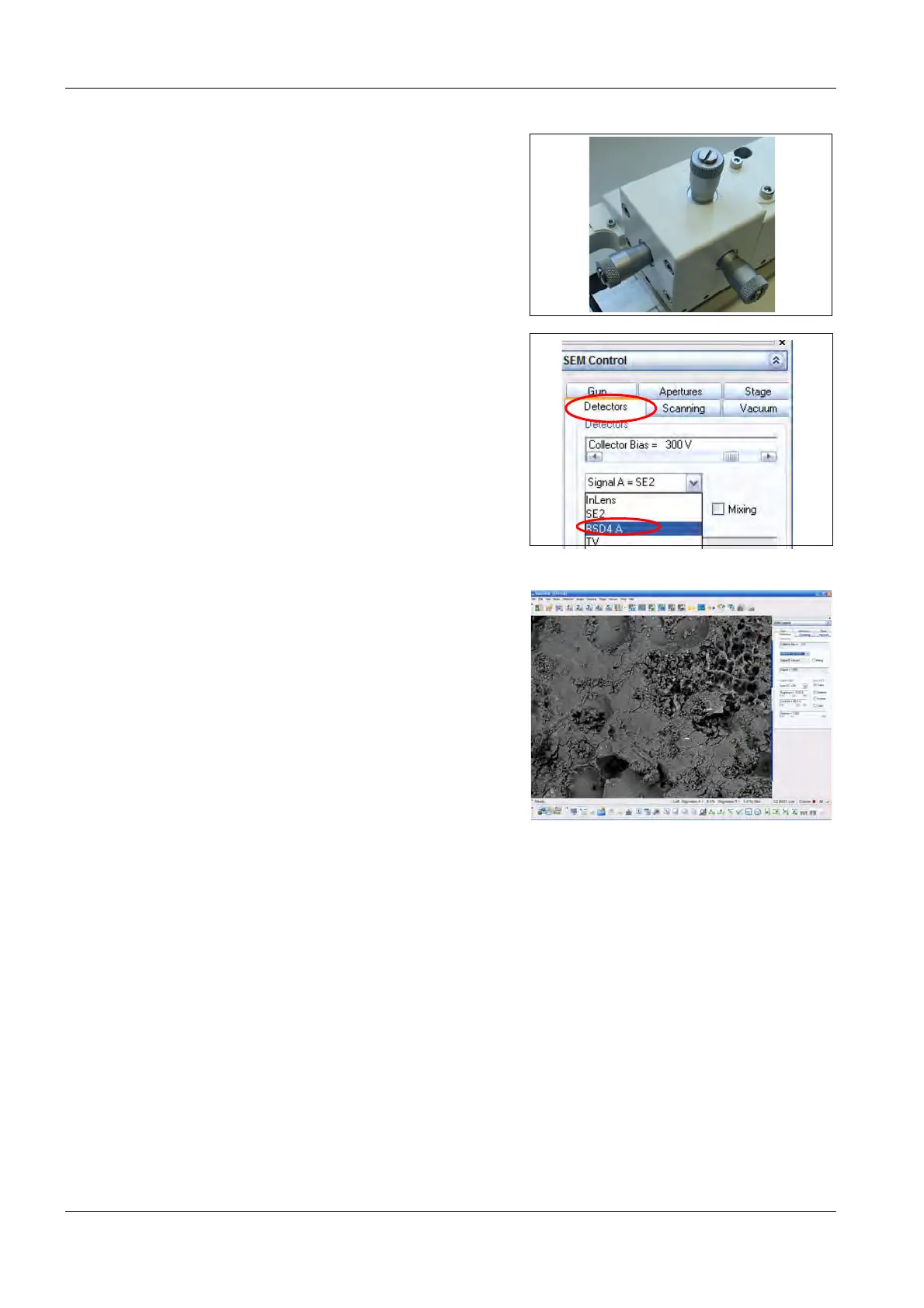
a Adjust the position of the BSD4 detector
with the adjustment knobs, so that the
BSD4 detector is longer visible in the In-
lens/SE2 image.
7 Go to the Detectors tab in the SEM Control
panel.
8Select BSD4 A from the drop-down menu.
SmartSEM
®
switches to the BSD4 detector.
9 Check the image quality.



 To Next Page