OU=çÑ=QQ fåëíêìÅíáçå=j~åì~ä=_paQ=ÇÉíÉÅíçê=ÉåMN
RK=léÉê~íáçå
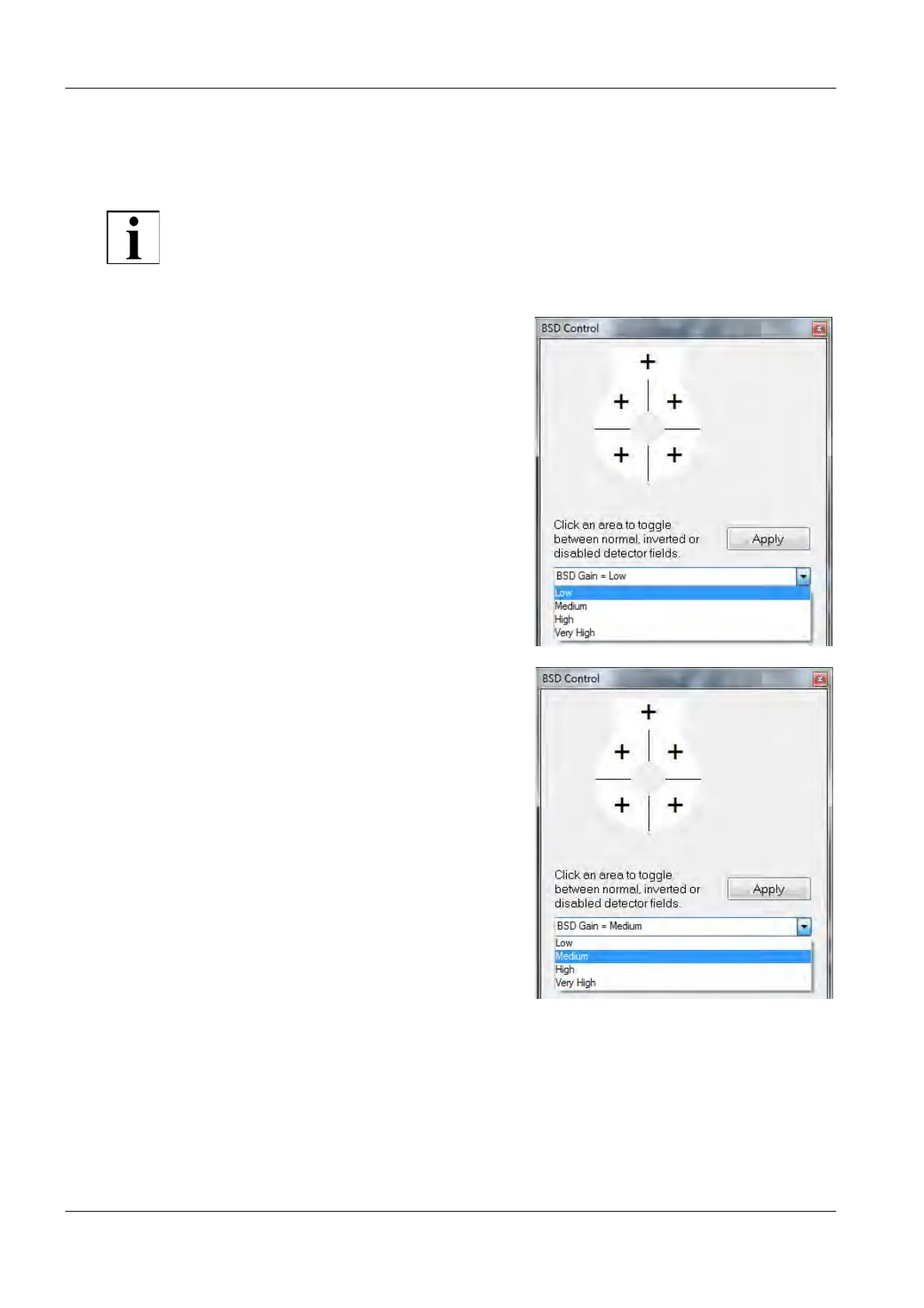
5.2.3.2. Manually setting the gain range
With the BSD Auto Range option unticked, you have to select the gain ranges manually.
IMPORTANT
Due to the manual selection of the gain ranges, more user-defined adjustments are
possible.
1Select BSD Gain = Low from the
drop-down menu.
2 Adjust brightness and contrast.
3 If the result is not satisfactory, select
the next higher gain range in the
BSD Control panel.
4 Adjust brightness and contrast.
5 Repeat steps 3 to 4 until the result
is satisfactory.



 To Next Page