fåëíêìÅíáçå=j~åì~ä=_paQ=ÇÉíÉÅíçê=ÉåMN =OT=çÑ=QQ
RK=léÉê~íáçå
5.2.3. Optimising the image
5.2.3.1. Automatically setting the gain range
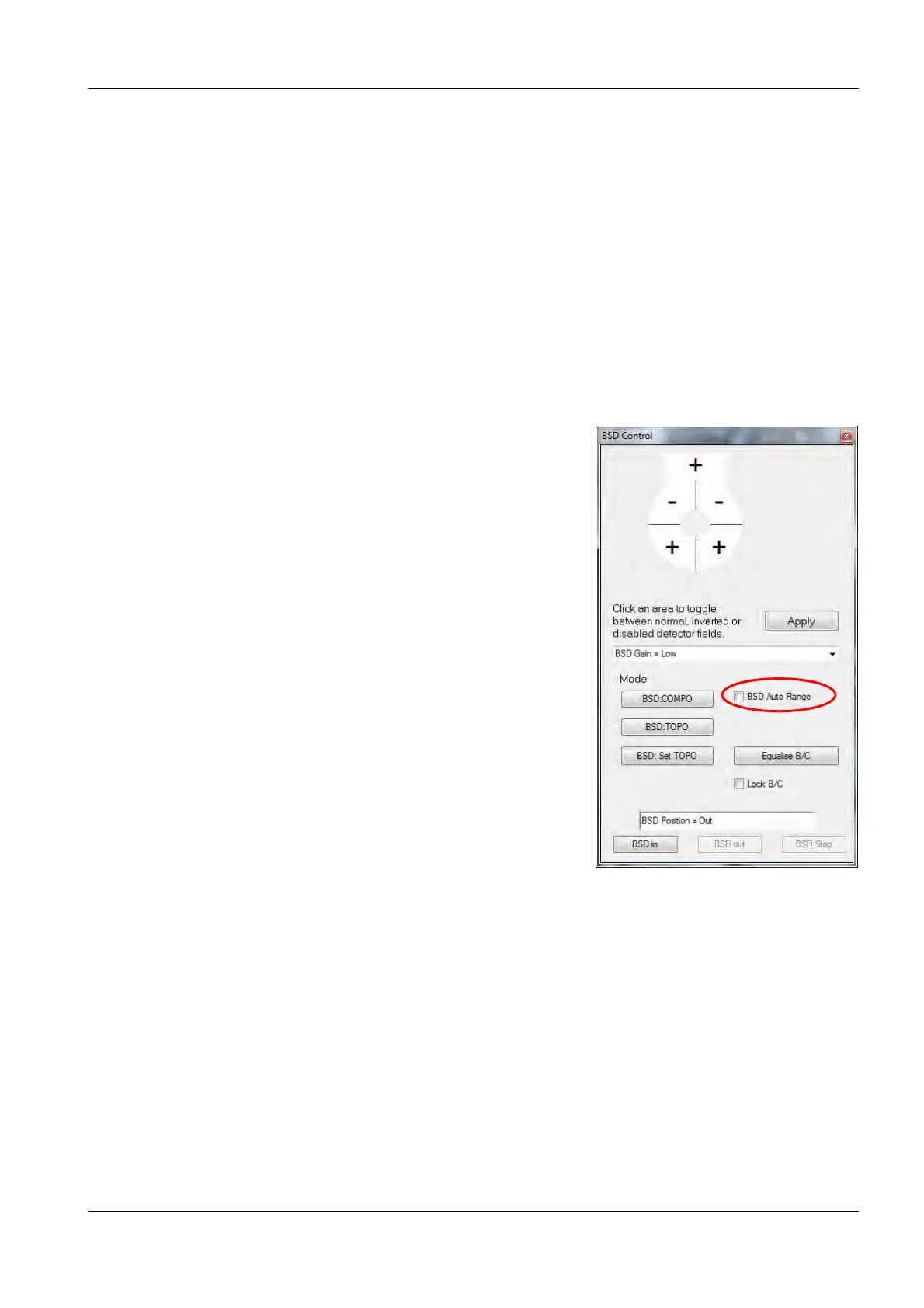
With the BSD Auto Range option ticked, the gain range is adjusted automatically for every
BSD mode depending on brightness and contrast. Four gain ranges are available in the menu:
• low
• medium
• high
• very high
Procedure:
1 Tick the checkbox BSD Auto Range
.
2 Adjust brightness and contrast.
The gain ranges are adjusted automatically.



 To Next Page