OQ=çÑ=QQ fåëíêìÅíáçå=j~åì~ä=_paQ=ÇÉíÉÅíçê=ÉåMN
RK=léÉê~íáçå
5.2. Obtaining an image
5.2.1. Inserting the BSD4 detector
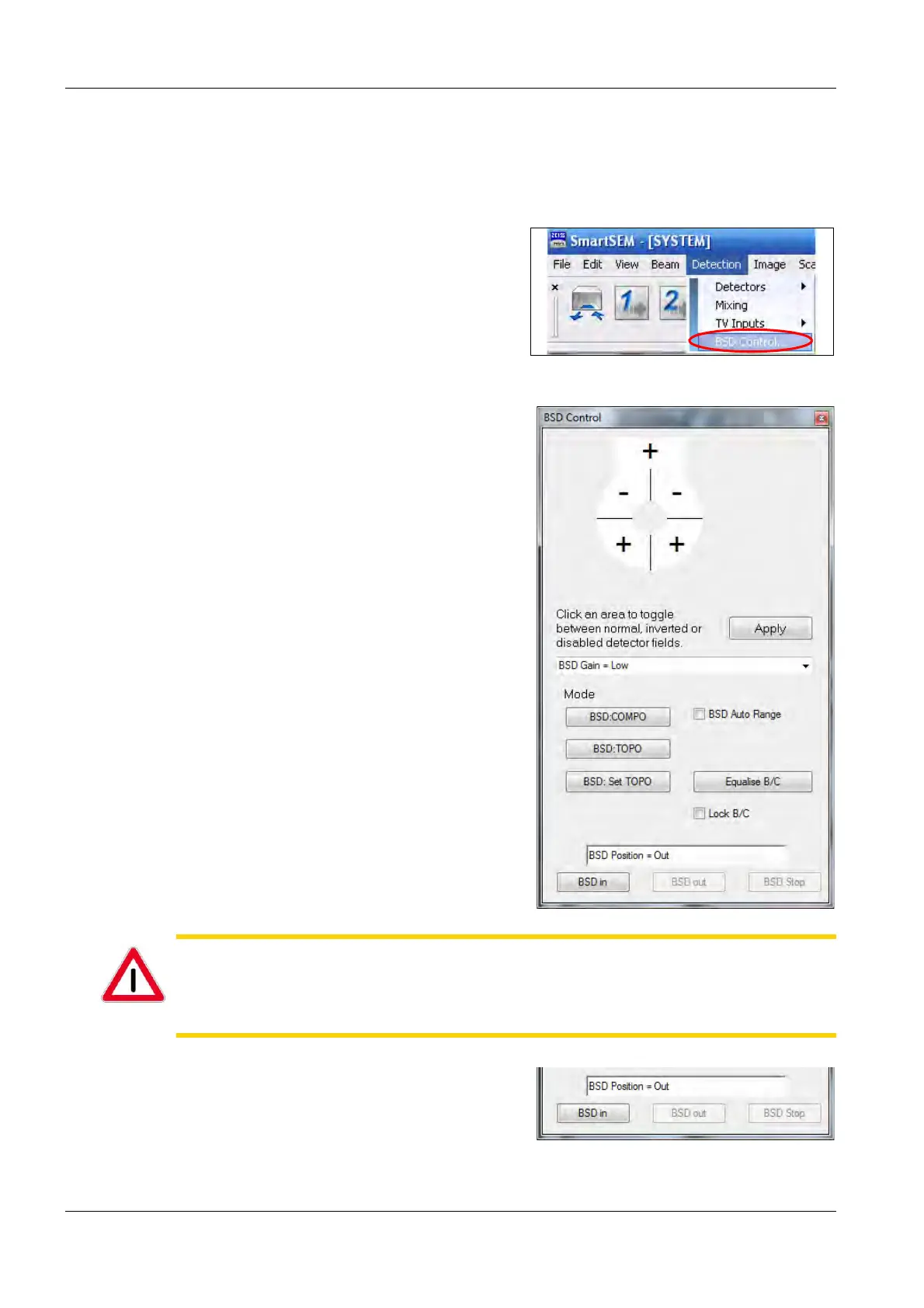
1Select Detection/BSD Control....
2The BSD Control panel opens.
CAUTION
Risk of bruising.
The BSD4 detector is driven pneumatically.
Do not put your hand in the travel while the BSD4 detector is being inserted.
3 To move the BSD4 detector into the specimen
chamber, click on BSD in.



 To Next Page