PU=çÑ=QQ fåëíêìÅíáçå=j~åì~ä=_paQ=ÇÉíÉÅíçê=ÉåMN
SK=j~áåíÉå~åÅÉ=~åÇ=êÉé~áê
6. Maintenance and repair
6.1. Resetting touch alarm
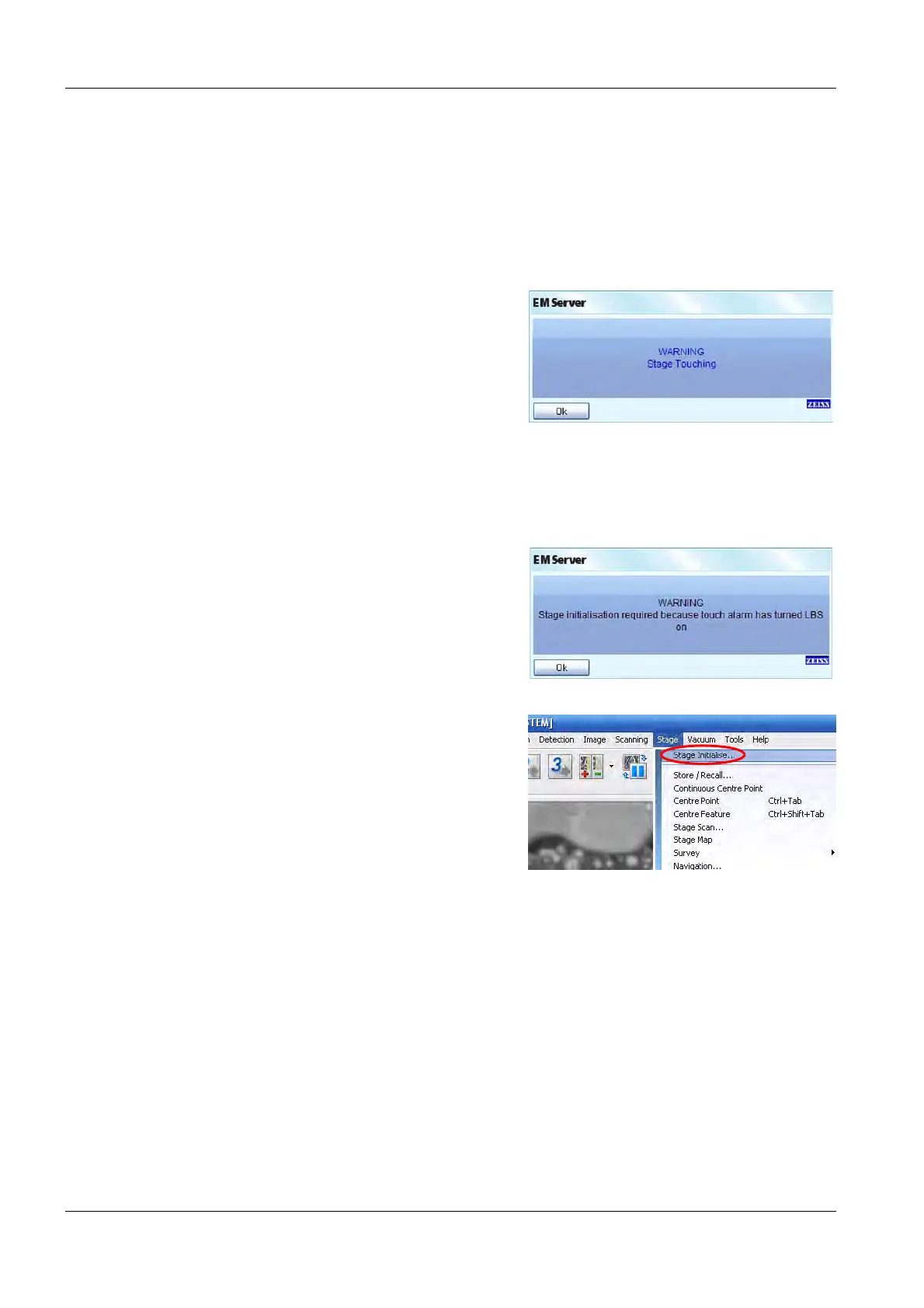
When the BSD4 detector touches the sample holder or the objective lens, an audible warning and
an on-screen message appear.
1 Click on OK to accept the warning.
A warning appears that the stage initialisation
is required.
2 Click on OK to accept the warning.
3 Move the stage to a safe position.
4 Retract the BSD4 detector.
5 Initialise the stage:
Select Stage Initialise in the Stage menu.



 To Next Page