Page 42
TO GET ASSISTANCE, CALL: 919-774-7667
ZENITH PUMPS
Trouble-shooting & Common Questions (cont’d)
• Turn off the AC power for ZeDrive
• Press down “CLEAR” button and “7” button at same time, and hold
• Apply AC power to ZeDrive
• Release the above 2 buttons, until ZeDrive powers up
• Restore the values for above codes
NOTE: Make sure to back up the original settings for your system. Once you perform this
step, all settings will be restore to factory default values. The defaults may NOT match the
actual system you have.
18. Can Not Operate from Keypad:
• ZeDrive could be set for Analog Remote Control mode
• To use keypad on ZeDrive to control the system, set the value of
Code 84 to 0
19. The Display Would Not Light Up:
• Turn off the AC power of ZeDrive
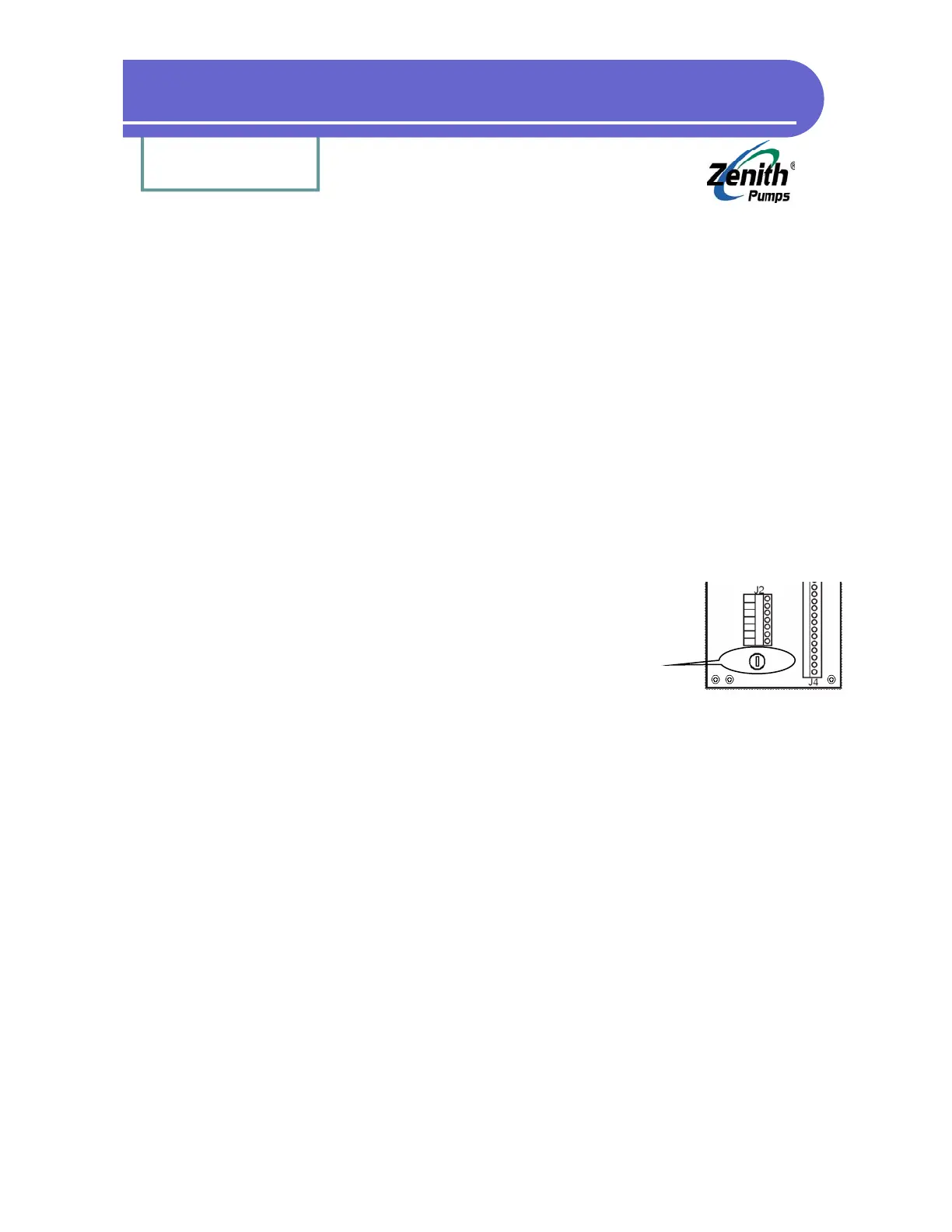
• Check the fuse located below J2 connector on the back panel,
and replace it as necessary
20. How Do I Use ZeDrive for 230 (VAC) Power:
• Locate the “Drive Board” inside of ZeDrive. Please refer to section “No Feedback Signal”
• There is a “Power Selection Switch” on the “Drive Board”. Flip the switch so that it shows
“230 VAC” (by default, ZeDrive sets to “120 VAC”)


 To Next Page