Page 34
TO GET ASSISTANCE, CALL: 919-774-7667
ZENITH PUMPS
Adjust Current Output Limit
NOTE:
The current limit level on ZeDrive is adjustable from approximately 4 to 16 amps.
The current limit is not operable when ZeDrive is in Direct Scaling Mode (Code 61 = 0).
1. Preliminary Action:
• An AC Ammeter
• A Screw Driver
2. Procedures:
2.1 Place the AC ammeter in series (or clamp on)
with one of the VAC power input lines L1 or
L2/Neutral
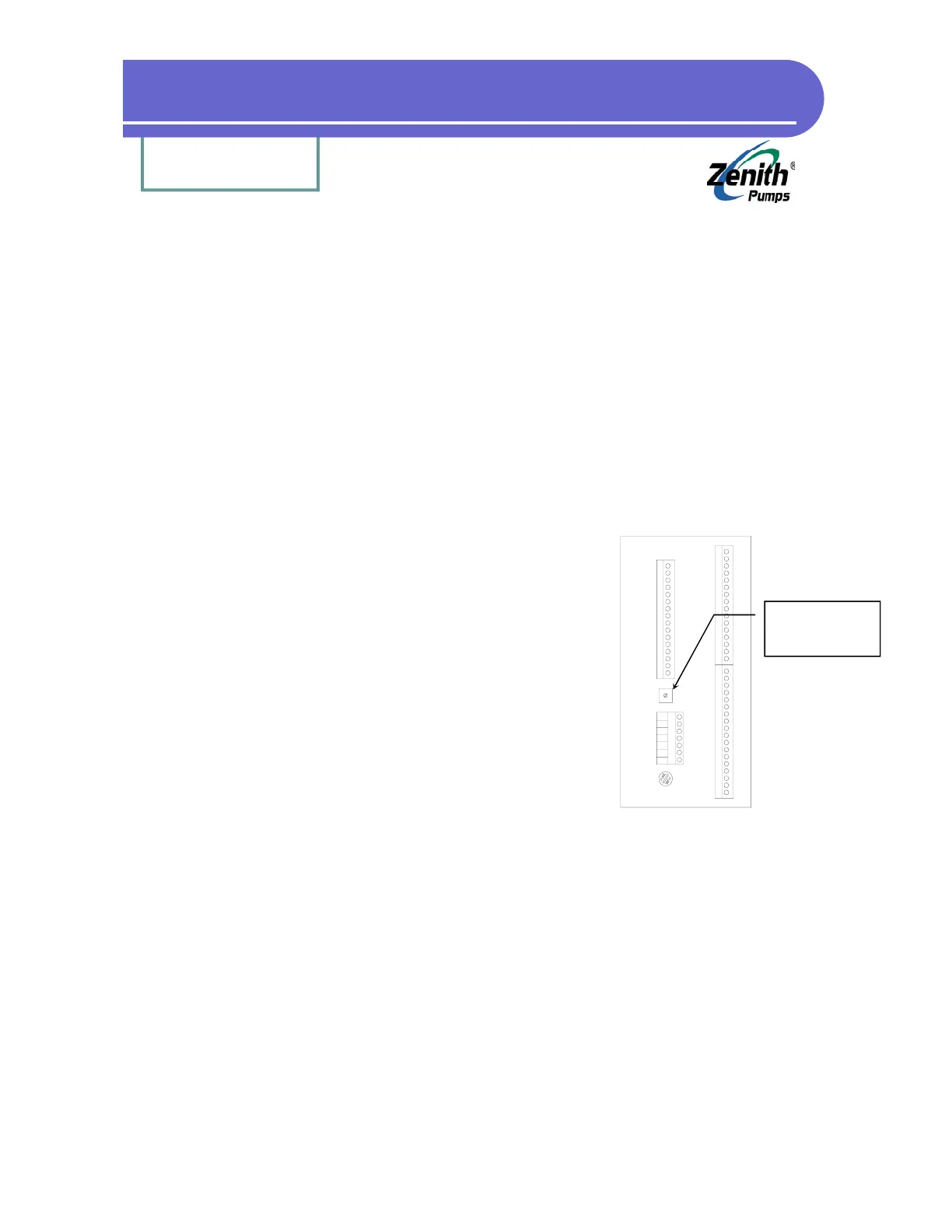
2.2 Turn the current limit potentiometer at the
rear of ZeDrive fully clockwise.
2.3 With ZeDrive in the RUN state, gradually in-
crease the load until the AC ammeter reaches
the desired limit level
2.4 Turn the current limit potentiometer counter-
clockwise until ZeDrive begins to current
limit. This is exhibited by the following
conditions:
• A Slight reduction in motor RPM
• The front panel “LIMIT ALARM” LED
illuminates
• Code 52 indicates a value of 7
2.5 Increase the motor load gradually. The load current should not increase and the motor RPM
should decrease
J 2
J 3
J 1
J 4
Current Limit
Potentiometer


 To Next Page