System Configuration
System Configuration
Startup
When the IP Gateway is powered up or rebooted, if it is configured for power-up memory
test (DIP switch D is in the Up position), the Status LEDs will light up constant orange,
and the VoIP/Analog TX/RX LEDs will light up constant red. When the memory test is
completed, or immediately if DIP switch D is in the Down position, all VoIP/Analog
LEDs will go out, and the Status LEDs will appear as follows:
Status 1 Status 2 Description
Green off IP Gateway is booting firmware image A.
off Green IP Gateway is booting firmware image B.
Red Red IP Gateway is booting failsafe firmware image.
Once the IP Gateway has fully booted, it has reached a quiescent state.
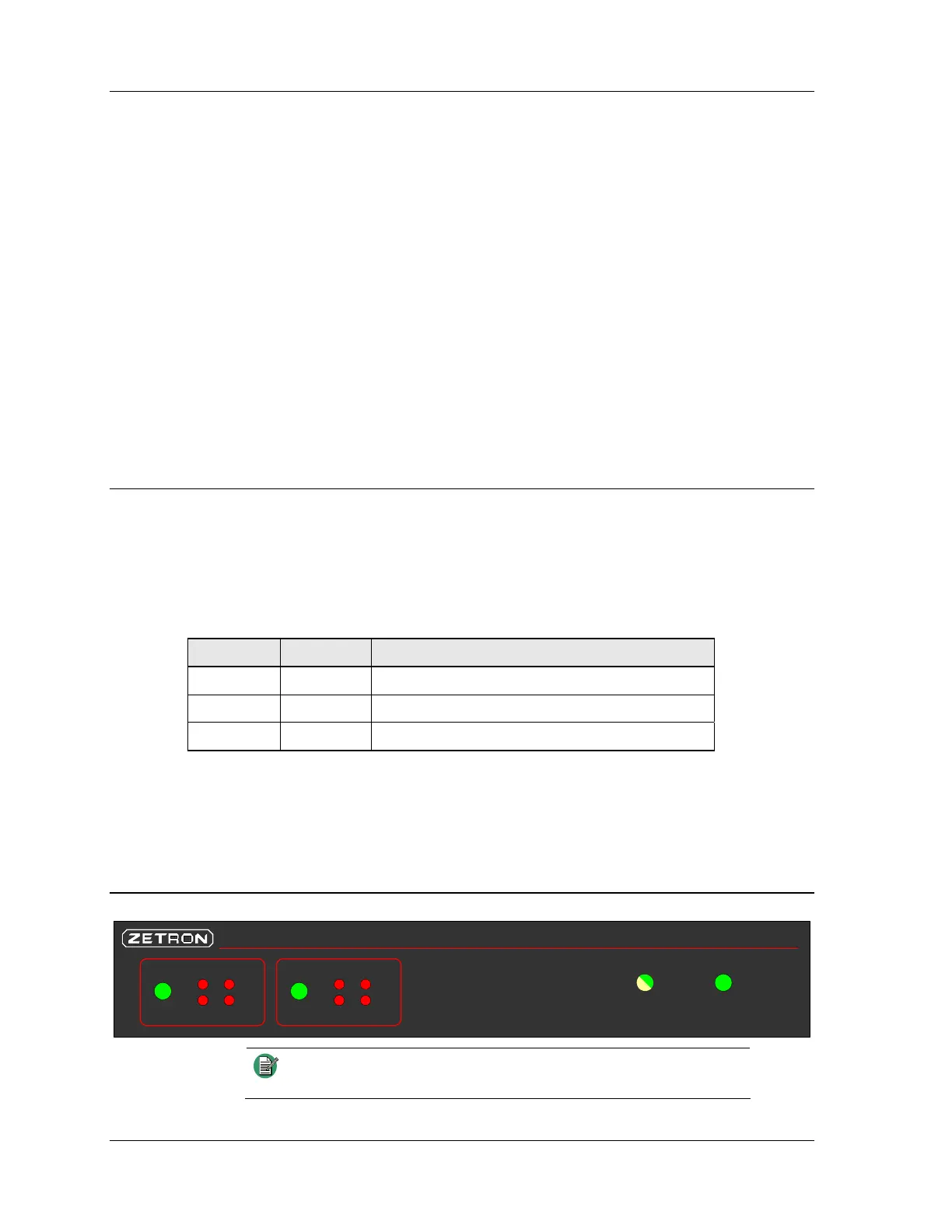
IP Gateway LEDs
Network Power
Model 6300 IP Gateway
Status VoIP Analog
TX
RX
Link 1
Status
TX
RX
Link 2
VoIP Analog
Note
LED behavior is different when the IP Gateway is booting up.
See Startup on page 22.
22 025-9631D.1



 To Next Page