Configuring Two IP Gateways on a Wide Area Network (WAN)
must be even because the companion RTCP service uses the next/odd numbered
port.
• RTP Send Port Number: 4000. This must match the RTP Send Port Number of
the paired Link (Link 1 of Model 6300 #1). The RTP port number must be even
because the companion RTCP service uses the next/odd numbered port.
• TCP Receive Port: 6060. The TCP Send Port of the paired Link (Link 1 of
Model 6300 #1) should match this.
• TCP Send Port: 6060. This should match the TCP Receive Port of the paired
Link (Link 1 of Model 6300 #1).
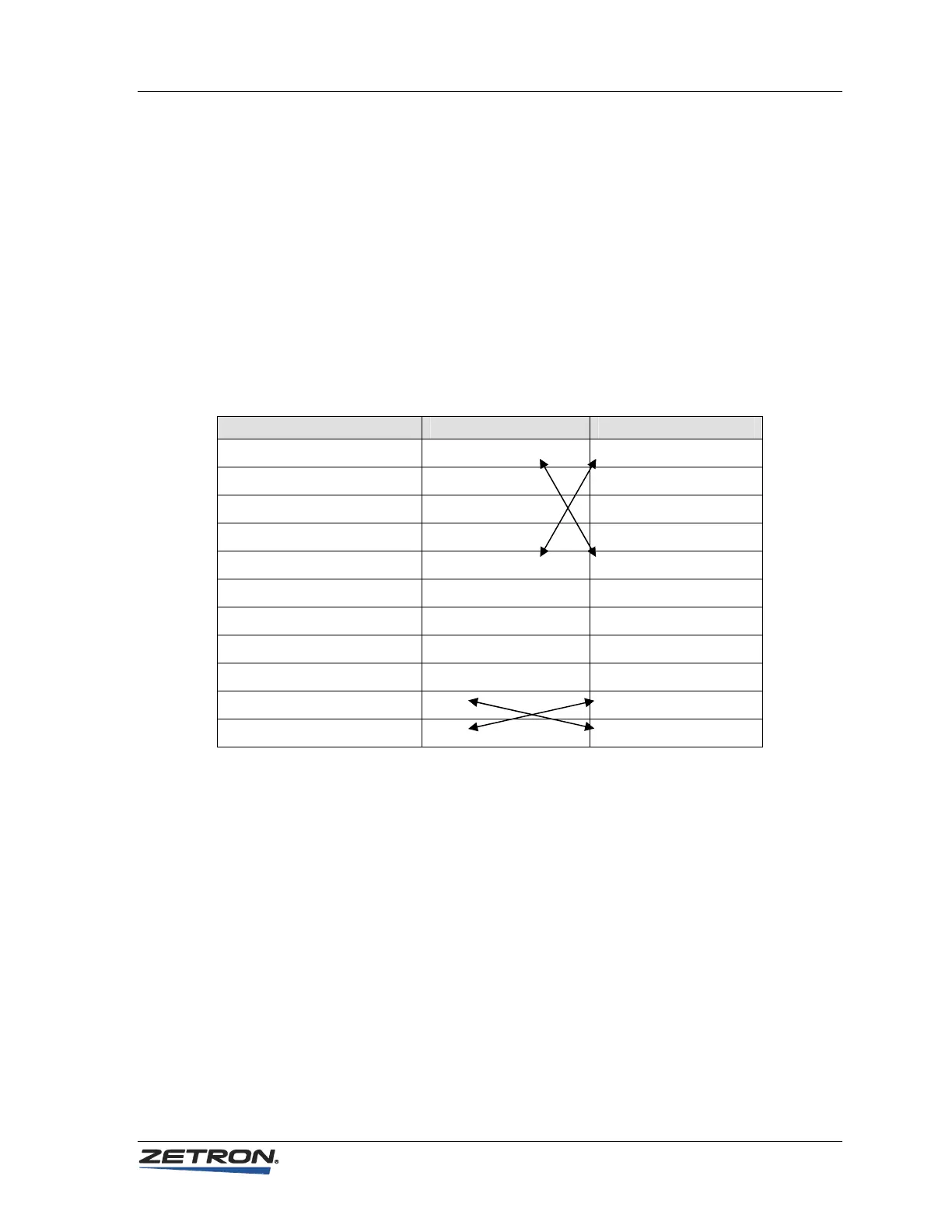
The following table summarizes the example configuration settings:
Parameter M6300 #1 Setting M6300 #2 Setting
System IP Address 192.168.0.133 10.0.0.100
System Netmask 255.255.255.0 255.255.255.0
System IP Gateway 192.168.0.1 10.0.0.1
System DNS Address 123.213.231.30 123.213.231.30
Link IP Send Address 123.213.231.10 123.213.231.20
Link SIP Receive Port 5060 5060
Link SIP Send Port 5060 5060
Link RTP Receive Port 4000 4000
Link RTP Send Port 4004 4004
Link TCP Receive Port 6060 6060
Link TCP Send Port 6060 6060
Router/Firewall Configuration
In order to allow RoIP Gateway traffic to flow between two LANs on a WAN, it is
usually necessary to also configure the Router/Firewall for each LAN.
Routers and Firewalls are used to intelligently route IP packets to the devices to which
they are addressed. This prevents putting unnecessary traffic on the ports connected to
other devices. Firewalls have the additional function of blocking certain kinds of IP
traffic from the outside world. The outside world may know the WAN address of the
firewall, but it does not know the LAN addresses of the devices on the other side of the
firewall. Thus, any communications to devices on the LAN must be sent to the WAN
address, where the firewall controls whether or not it passes to the LAN. To pass
unsolicited data from the WAN to the LAN, the firewall must use the IP port number to
determine which internal device to route the data to. This process is called Port
Forwarding or Network Address Translation (NAT) and goes by other names depending
37



 To Next Page