WORK CODE
64
11
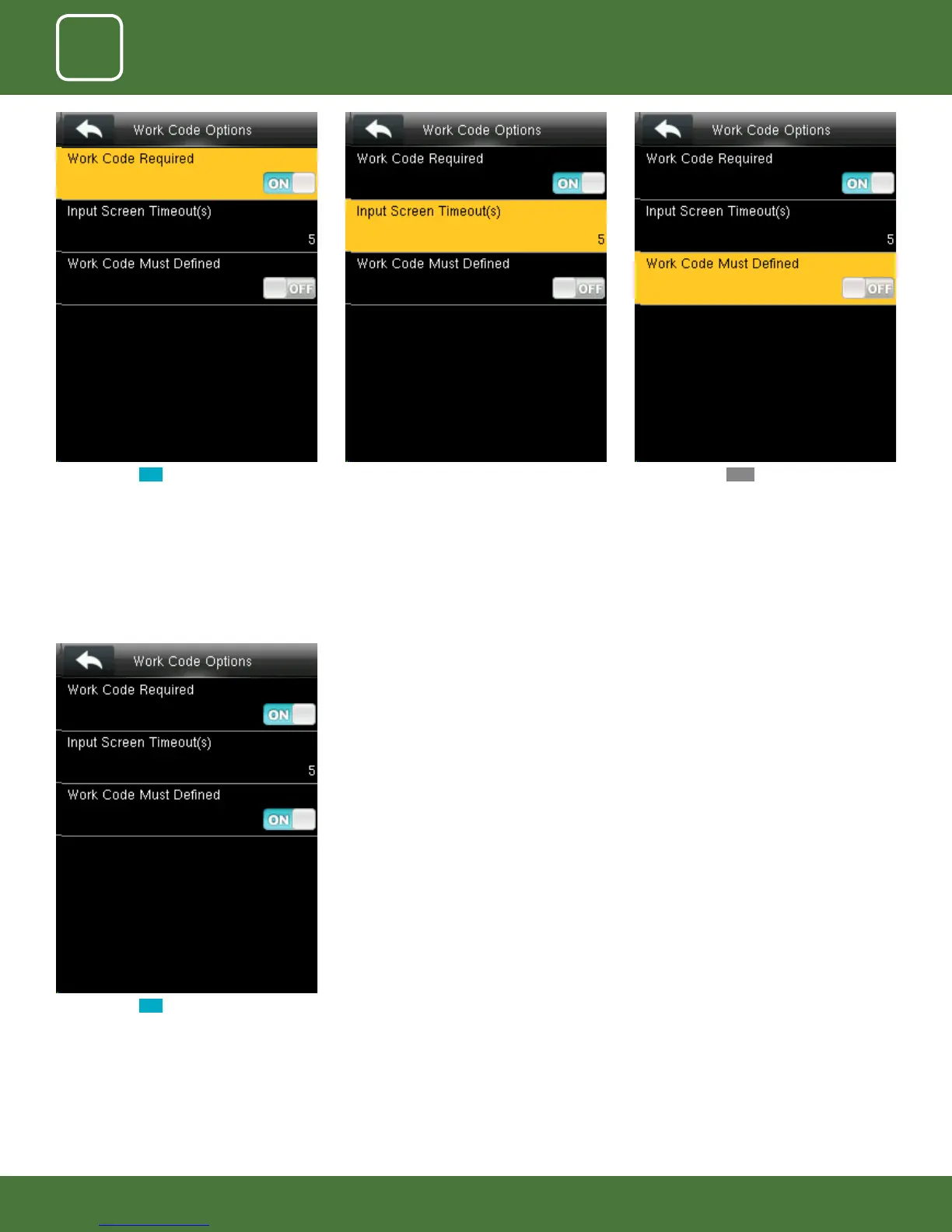
When you turn ON the work code will be
dened and it will enable that function.
When you select OFF for the function above
the work code will not be dened and will be
disabled.
Here you can change the timeout for the input
screen from the image above.
The timeout is in seconds.
When you turn ON the workcode required it will
ask you to set the timeout for the input screen.
Click on input screen timeout.



 To Next Page