MiniAC Plus User Manual
P a g e | 68 Copyright©2021 ZKTECO CO., LTD. All rights reserved.
Notes:
1. When the ending time is earlier than the starting time, such as 23:57~23:56, it indicates that access is
prohibited all day; when the ending time is later than the starting time, such as 00:00~23:59, it indicates that
the interval is valid.
2. The effective time period to unlock the door: open all day (00:00~23:59) or when the ending time is later than
the starting time, such as 08:00~23:59.
3. The default time zone 1 indicates that door is open all day long.
10.3 Holiday Settings
Whenever there is a holiday, you may need a special access time; but changing everyone's access time one by
one is extremely cumbersome, so you can set a holiday access time which is applicable to all employees, and
the user will be able to open the door during the holidays.
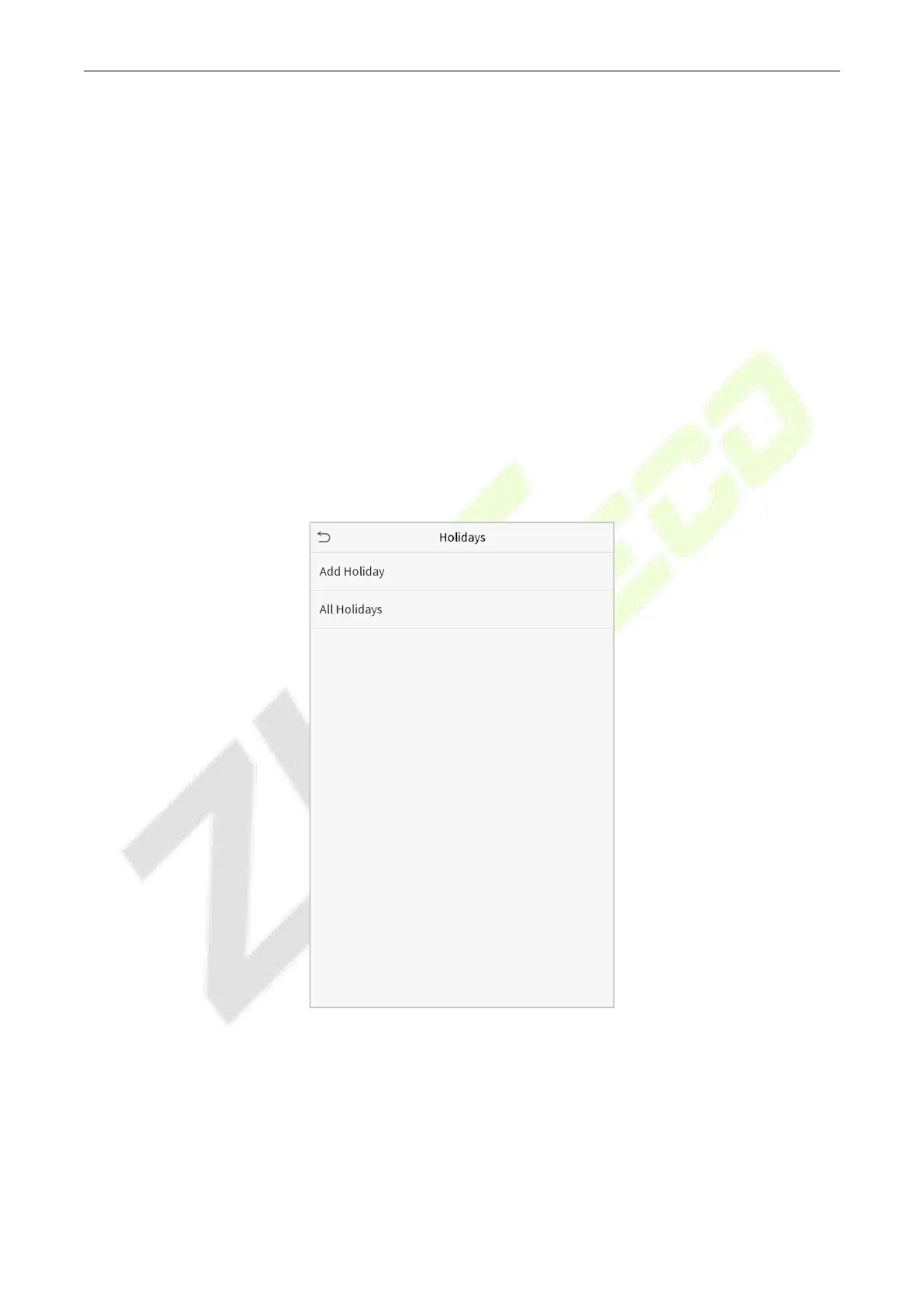
Click Holidays on the Access Control interface.



 To Next Page