MiniAC Plus User Manual
P a g e | 70 Copyright©2021 ZKTECO CO., LTD. All rights reserved.
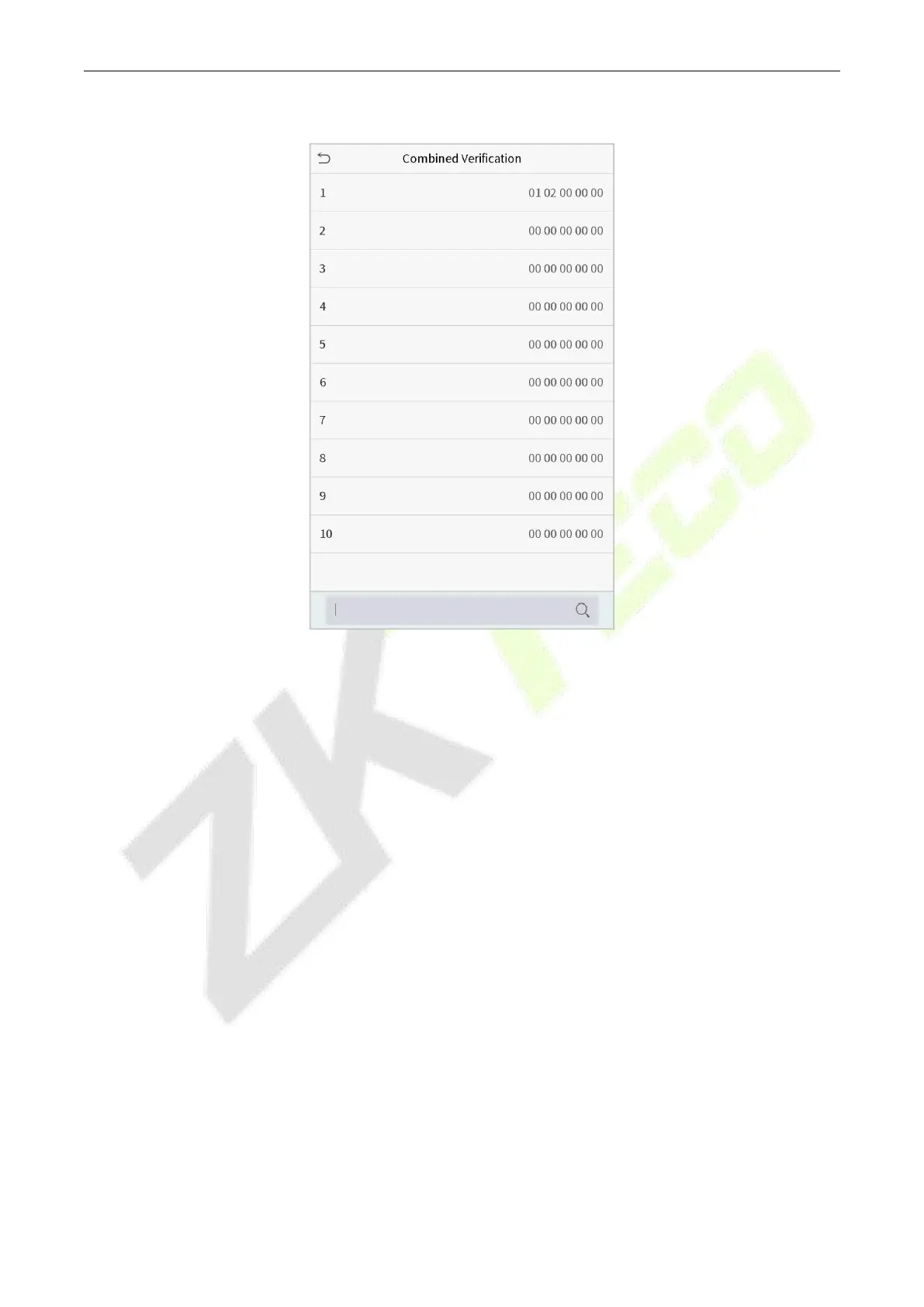
Click Combined Verification on the Access Control interface.
Click the door-unlocking combination to be set. Click the up and down arrows to input the combination
number, then press OK.
Examples:
The door-unlocking combination 1 is set as (01 03 05 06 08), indicating that the unlocking combination 1
consists of 5 people, and the 5 individuals are from 5 groups, namely, access control group 1 (AC group 1), AC
group 3, AC group 5, AC group 6, and AC group 8, respectively.
The door-unlocking combination 2 is set as (02 02 04 04 07), indicating that the unlocking combination 2
consists of 5 people; the first two are from AC group 2, the next two are from AC group 4, and the last person is
from AC group 7.
The door-unlocking combination 3 is set as (09 09 09 09 09), indicating that there are 5 people in this
combination; all of which are from AC group 9.
The door-unlocking combination 4 is set as (03 05 08 00 00), indicating that the unlocking combination 4
consists of three people. The first person is from AC group 3, the second person is from AC group 5, and the
third person is from AC group 8.



 To Next Page