Section 5. Programming the
Cleaner
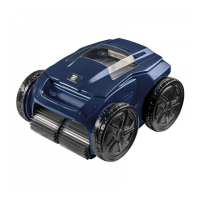
(VX50 4WD and VX55 4WD)
The control box allows you to program the cleaner to run
each day for up to 7 days, perfect for when you go away
on holidays. (It is not recommended that you keep your
cleaner in the pool for unecessary periods of time when not
running.)
NOTE:Youcannotchangeprogrammingordisplaycurrent
dayandtimeduringacleaningcycle.
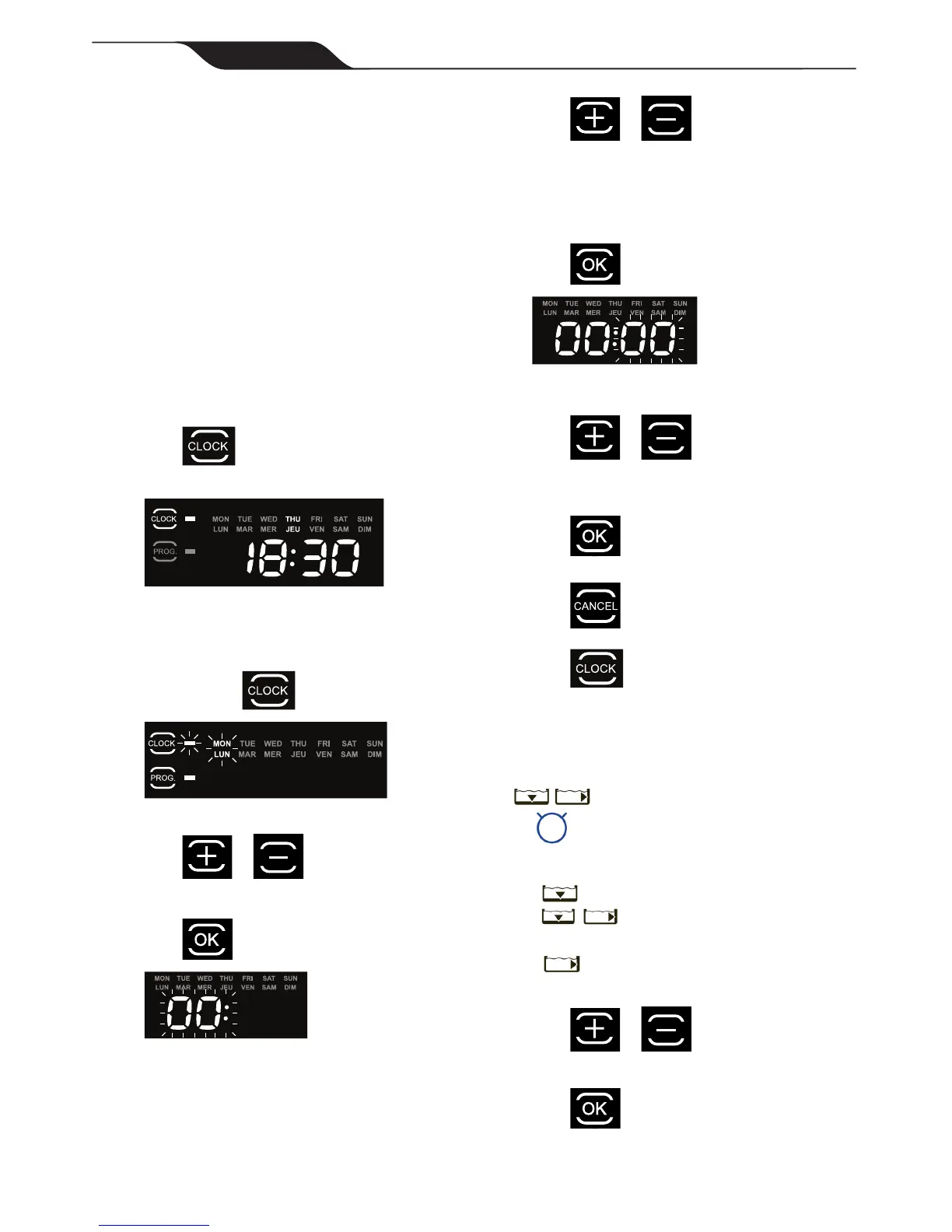
5.1 Displaying Current Day and Time
• Press to display current day and time in
24-hour clock format.
Current day and time is displayed for 5 seconds.
5.2 Changing the Clock Day and Time
1. Press and hold for three (3) seconds.
All days of the week ash twice.
2. Press or buttons to cycle through
seven (7) days and display desired day.
3. Press to select.
Current hour setting ashes.
4. Press or buttons to cycle
through 24 hours and display desired hour
setting.
NOTE: Controlboxissettodisplaytimein24-hour
clockformat.Timesettingwillcyclethrough1-24.
5. Press to select.
Current minutes setting ashes.
6. Press or buttons to cycle
through 1-59 minutes and display desired
minutes setting.
7. Press to select.
8. Press to set time and exit the menu.
9. Press to display current day and time
setting and verify the time you set is correct.
5.3 Changing Default Cleaning Times
Use to change cleaning surface setting.
Default cleaning times are:
Floor Only: 1 hour 30 minutes
Floor and Walls:
2 hours 30 minutes
Waterline (VX55 4WD only):
Variable cleaning time depending on settings
1. Press or buttons to increase or
decrease cleaning time in 30-minute increments.
2. Press to select.



 To Next Page