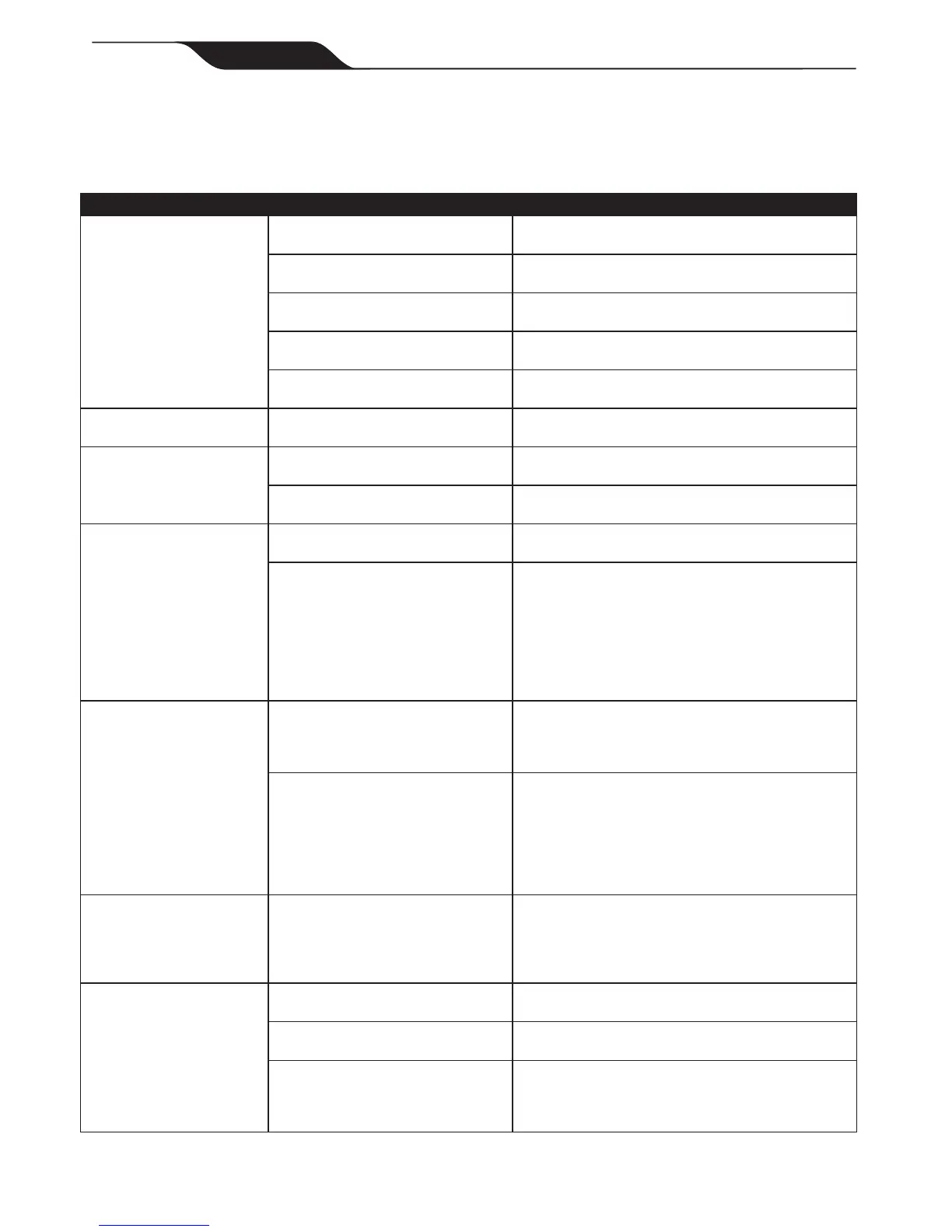
Problem Cause Solution
Theashingindicatorlights
(VX40)orerrorcode(VX50
4WDandVX554WD)
appearjustafterstart.
NOTE:Ifashinglightsare
accompaniedbyanerror
codeonthedisplay,referto
Control box Error Codes.
Floatingcablemaynotbeplugged
intothecontrolboxcorrectly.
Unplugoatingcablefromthecontrolboxand
reconnect.
Cleanermaynotbefullysubmerged. Removecleanerfromthepoolandre-submerge,see
Submerging the Cleaner.
Cleanermayneedtoberesetand
beginanewcycle.
TurncontrolboxpowerOFF,thenbackON,then
restartthecleaner.
Propellermaybejammedandnot
turningcorrectly.
ContactZodiacAfterSalesSupportat1300763021.
Wheelsmaybejammedandnotturn-
ingcorrectly.
ContactZodiacAfterSalesSupportat1300763021.
Theashinglightsappear
duringthecleaningcycle.
Cleanermaybesuckingair(lightswill
appearafter60secondsairintake)
Removecleanerfromthepoolandre-submerge,see
Submerging the Cleaner.
Thecleanerdoesnotstay
rmlyonthepoolbottom.
Thereisairintheappliancecasing. Submergethecleanerfollowingtheprocedurein
Submerging the Cleaner.
Theltercanisterisfullordirty. Cleantheltercanister,seeCleaning the Filter
Canister.
Thecleanerdoesnotorno
longerclimbsthepoolsides.
Theltercanisterisfullordirty. Cleantheltercanister,seeCleaning the Filter
Canister.
Sidesofpoolareslipperyorslimy.
Althoughthewaterseemsclear,
microscopicalgae,invisibletothe
humaneye,arepresentinthepool.
Asaresultthepoolsidesbecome
slipperyandpreventthecleanerfrom
climbing.Checktyresforwearand
replaceasnecessary.
Doashockchlorinationtreatment.DONOTleavethe
cleanerinthepoolduringthistreatment.
Onstartupthecleanerdoes
notmove.
Notsuppliedwithelectricity. Theoutlet,thecontrolboxisconnectedto,isnot
supplyingelectricalpower.Checkthattheoutlet
towhichthecontrolboxisconnectedisreceiving
electricity.
UnitisturnedON. Checkthatyouhavestartedone(1)ofthetwo(2)
programsandcheckthattheindicatorfortheselected
programislit.Iftheindicatorlightisnotlit,turnthe
wheelsthendisconnectthecontrolboxandwaitat
least20secondsbeforereconnecting.Iftheproblem
persists,contactZodiacAfterSalesSupportat1300
763 021.
Cableistanglinginthepool Toomuchcablelengthinthewater. Donotunraveltheentyrecablelength.
Placeonlytherequiredlengthofcableinthewater
andplacetherestonthesideofthepool.
FollowtheprocedureinCord Tangling toavoidand
correcttangledcord.
Thecleanerisnotcleaning
effectively.
Thebrusheshavebecomesmoothor
the"wear"indicatorshows.
Replacethebrushesfollowingtheprocedurein
Replacing the Brushes.
Filtercanisterisfullordirty. Cleantheltercanisterfollowingtheprocedurein
Cleaning the Filter Canister.
Floatingcableisexcessivelycoiledor
kinked.
Makesuretheoatingcableisspreadoutoverthe
pool.Ensurethecableisnottootightlywrappedor
coiledwhenstoring.Iftheproblempersists,laythe
cablestraightinthesuntorelaxitandremovekinks.
8.3 General Troubleshooting
The following table lists some of the common symptoms, causes, and solutions for correcting cleaner operation
problems.



 To Next Page