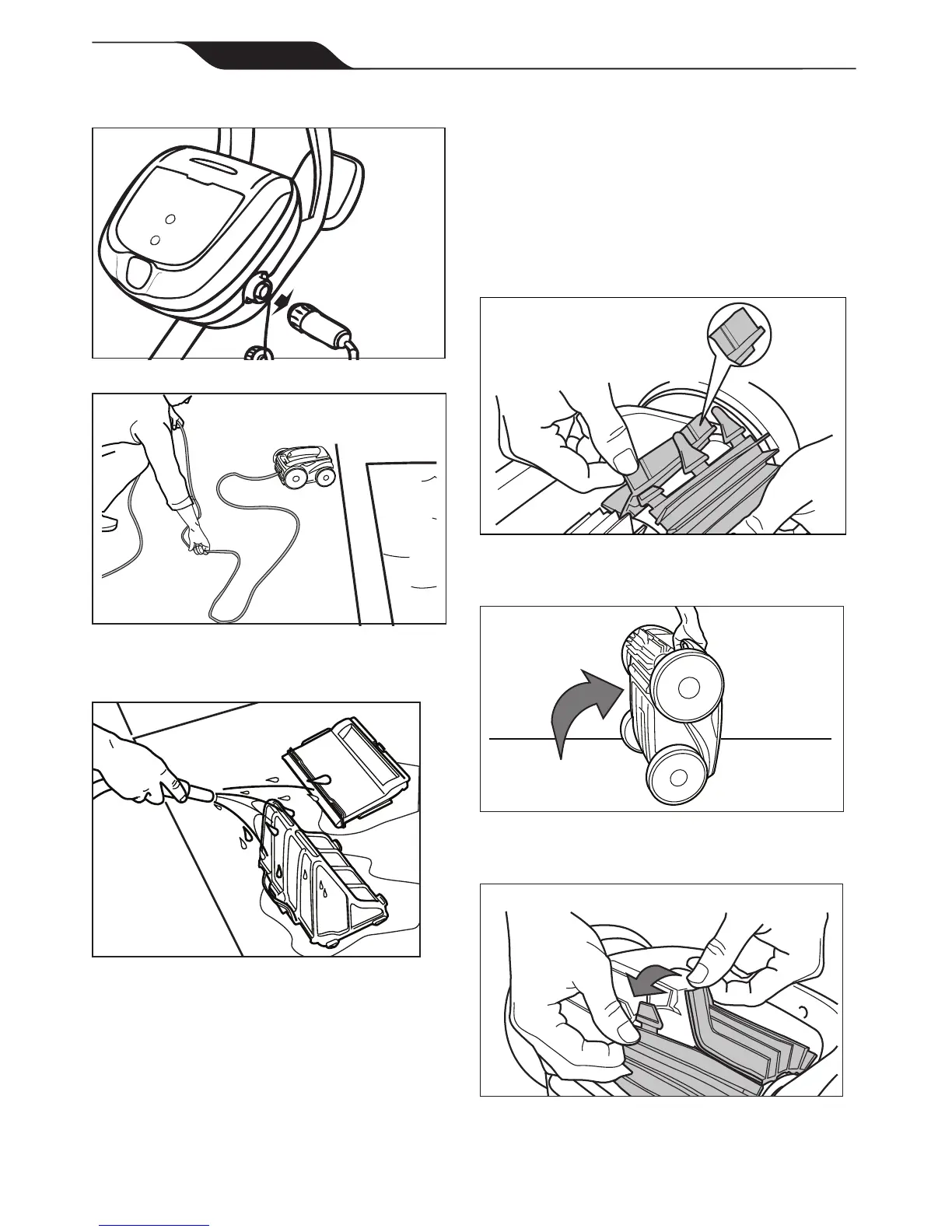
After every cleaning cycle:
1. Unplugtheoatingcableatthecontrolbox.
2. Remove the cleaner from the pool and untangle
anykinksandcoilsintheoatingcablestarting
at the cleaner head.
3. Removeltercanisterandrinsewithclean
water.Plugtheoatingcablebackintothe
control box and store cleaner for next use.
6.3 Replacing the Brushes
ThecleaneristtedwithPVCbrushes.Thereare
''wear'' indicators on the brushes (Figure 29). To
maintain cleaner performance at its best you need
to replace the brushes as soon as one of the wear
indicators is reached (even if the blade wear is not
even). It is recommended that you replace the brushes
when the rubber is worn down to the top of the wear
indicator(oreverytwoyears,whichevercomesrst).
Figure 29. Wear Indicators
1. Lift the cleaner to a vertical position so that the
handle is up (Figure 30).
1
Figure 30. Cleaner in Upright Position
2. Separate the edges of the brush and undo the
tabs (Figure 31). Remove the worn brushes.
2
Figure 31. Undo the Tabs of the Brush



 To Next Page