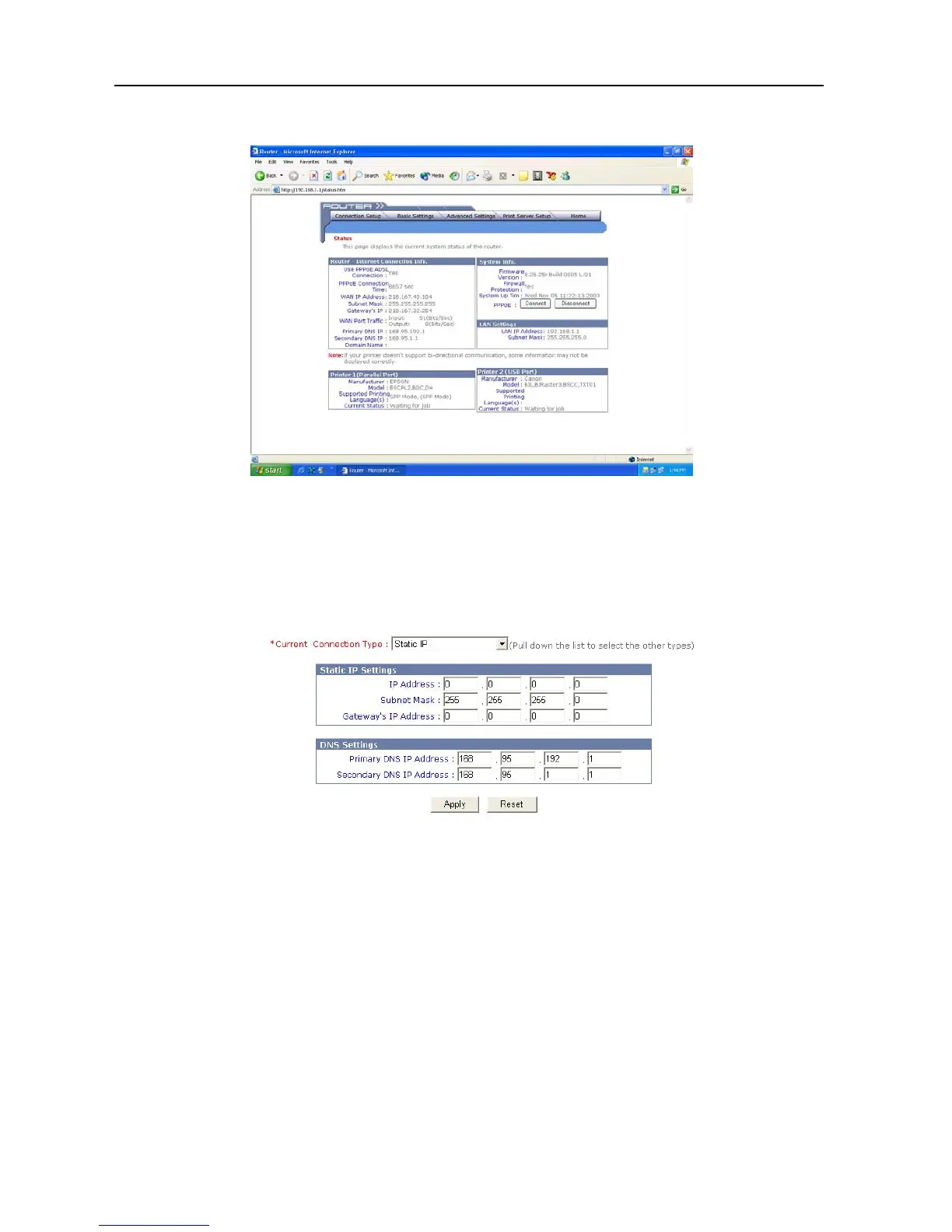
6. It then enters the Broadband Firewall Router main setup menu as shown in the
following figure.
7. Click the Connection Setup, and the following box will appear.
8. Choose either DSL or Cable modem as your connection method.
9. Complete the following settings: (The example shown is for DSL fixed IP)
Choose “Static IP” page, and the following image will appear:
a. In “IP Address” type the IP address provided by your ISP.
b. In “Subnet Mask” type the Subnet Mask IP address provided by your ISP.
c. In “Gateway’s IP Address” type the Default Gateway IP address provided by your
ISP.
d. Set DNS IP as provided by your ISP.
10. Click Apply.
11. The configuration is now complete.
12. To configure the TCP/IP settings on each client computer, please see the
Configuring Windows 95/98/Me or Windows NT/2000/XP (DHCP-capable)
Computers or the Configuring Non-DHCP Computers section.
8



 To Next Page