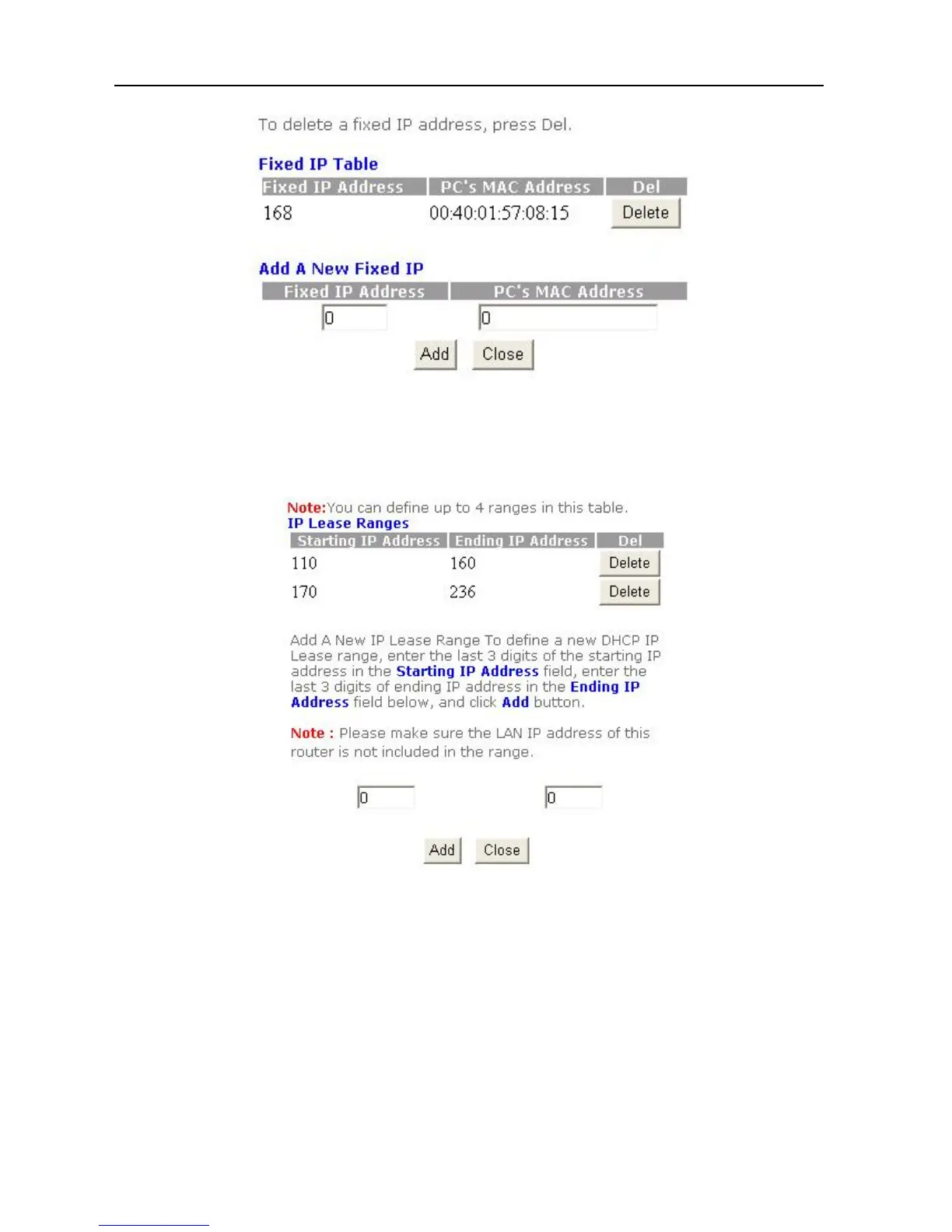
A. Insert the IP and MAC address.
B. Click “Add”.
C. The procedure is now completed.
IP Lease Range: This option allows you to change the DHCP IP Lease Range.
DMZ Setup
The DMZ Host can be accessed from the public Internet via the IP address associated with
the DSL/Cable service.
Please follow these steps to set up the DMZ Host:
1. Click Advanced Settings in the top column. Then click Service Setup.
2. Click DMZ.
22



 To Next Page