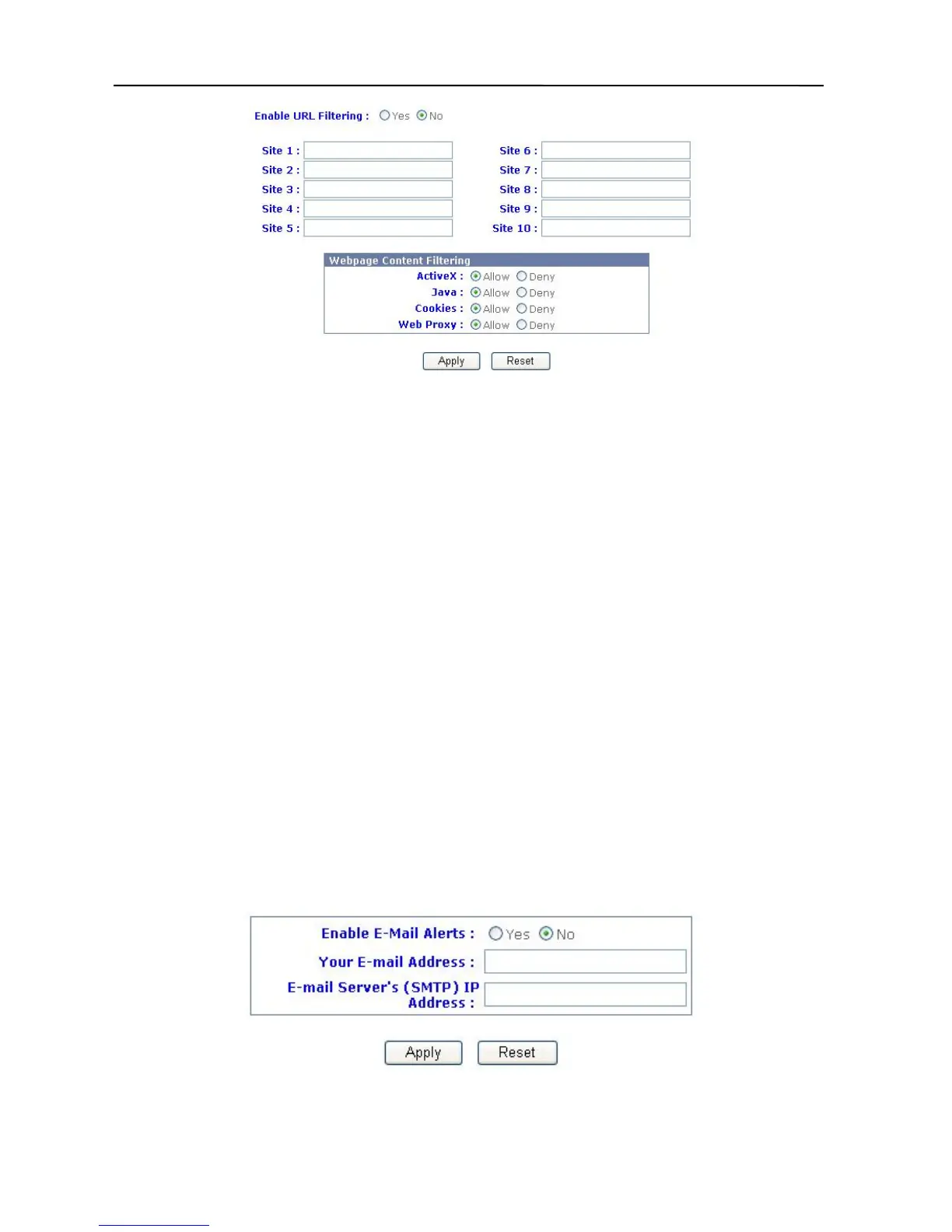
3. If you want to start up the feature, you must choose “Yes” in “Enable URL
Blocking”. The default is “No”.
4. Fill in the URL or Key Word that you want to restrict access to.
5. Webpage Content Filtering:
A. Active X: Allows or disallows the Active X packet pass-through.
B. Java: Allows or disallows the Java packet pass-through.
C. Cookies: Allows or disallows the Cookie packet pass-through.
D. Web Proxy: Allows or disallows the Proxy packet pass-through.
6. Click “Apply”.
7. URL Blocking is now in place.
E-mail Alerts
The Broadband Firewall Router can setup the administrator’s e-mail address and the Mail
server’s IP. If a hacker attacks your network, the Firewall Router can automatically send an
e-mail to the administrator. Use the following procedure to setup this facility:
1. Click Advanced Settings in the top column. Then click Firewall Setup.
2. Click “E-mail Alerts”, and the box pictured below will appear.
3. Select “Yes” in ‘Enable E-mail Alerts’.
41



 To Next Page