3. You can assign a IP address group’s name to include the IP range from “Starting IP
Address” to “Ending IP Address”.
Service Group:
1. Click Advanced Settings in the top column. Then click Group Setup.
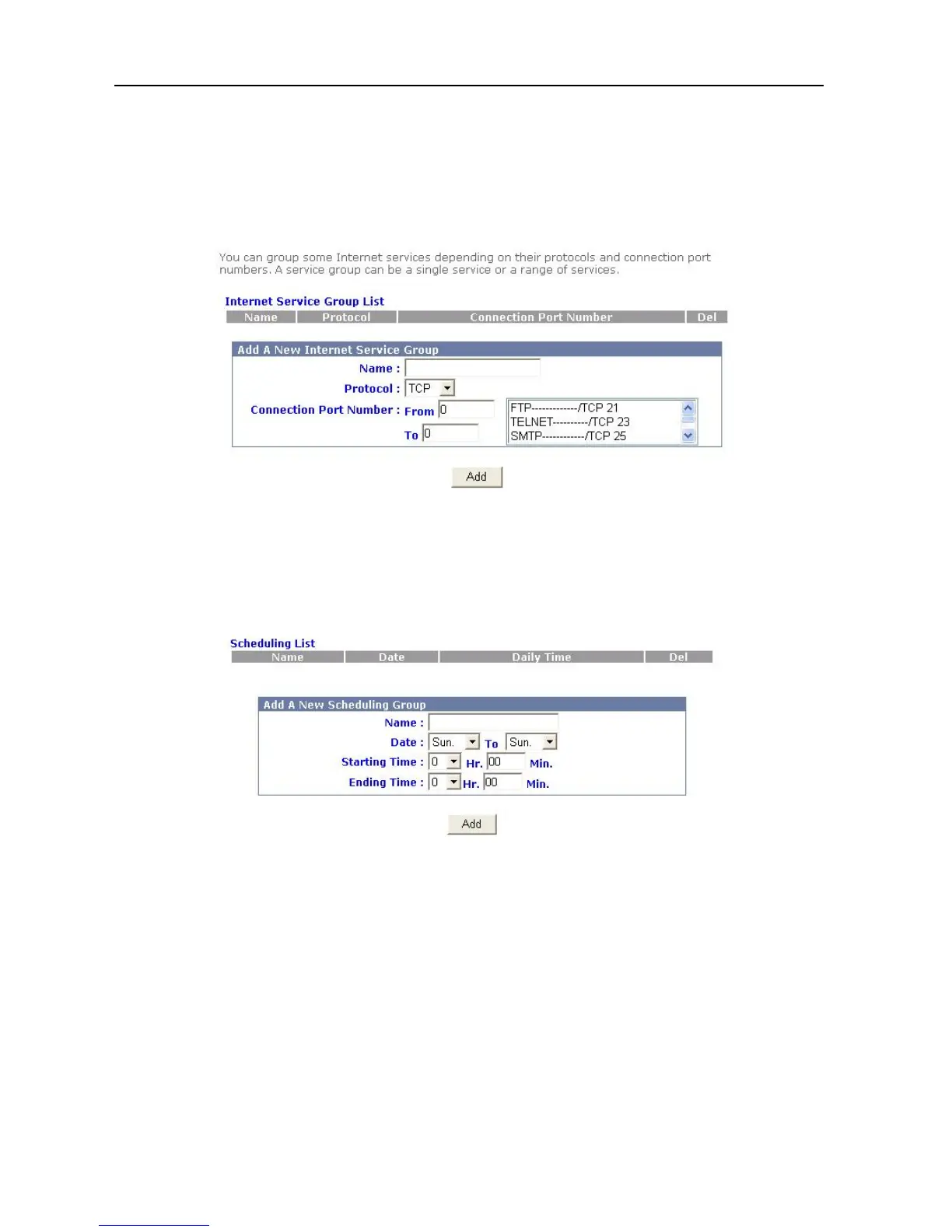
2. Click Service Group, and the following picture will appear.
3. You can assign a service group’s name to include any protocol and port name.
Scheduling Group:
1. Click Advanced Settings in the top column. Then click Group Setup.
2. Click Scheduling Group, and the following picture will appear.
3. You can assign a scheduling group’s name to include the timeframe.
DHCP Service
Please follow these steps to set up the DHCP Service.
1. Click Advanced Settings in the top column. Then click Service Setup
2. Click DHCP Server, and the following picture will appear.
20



 To Next Page