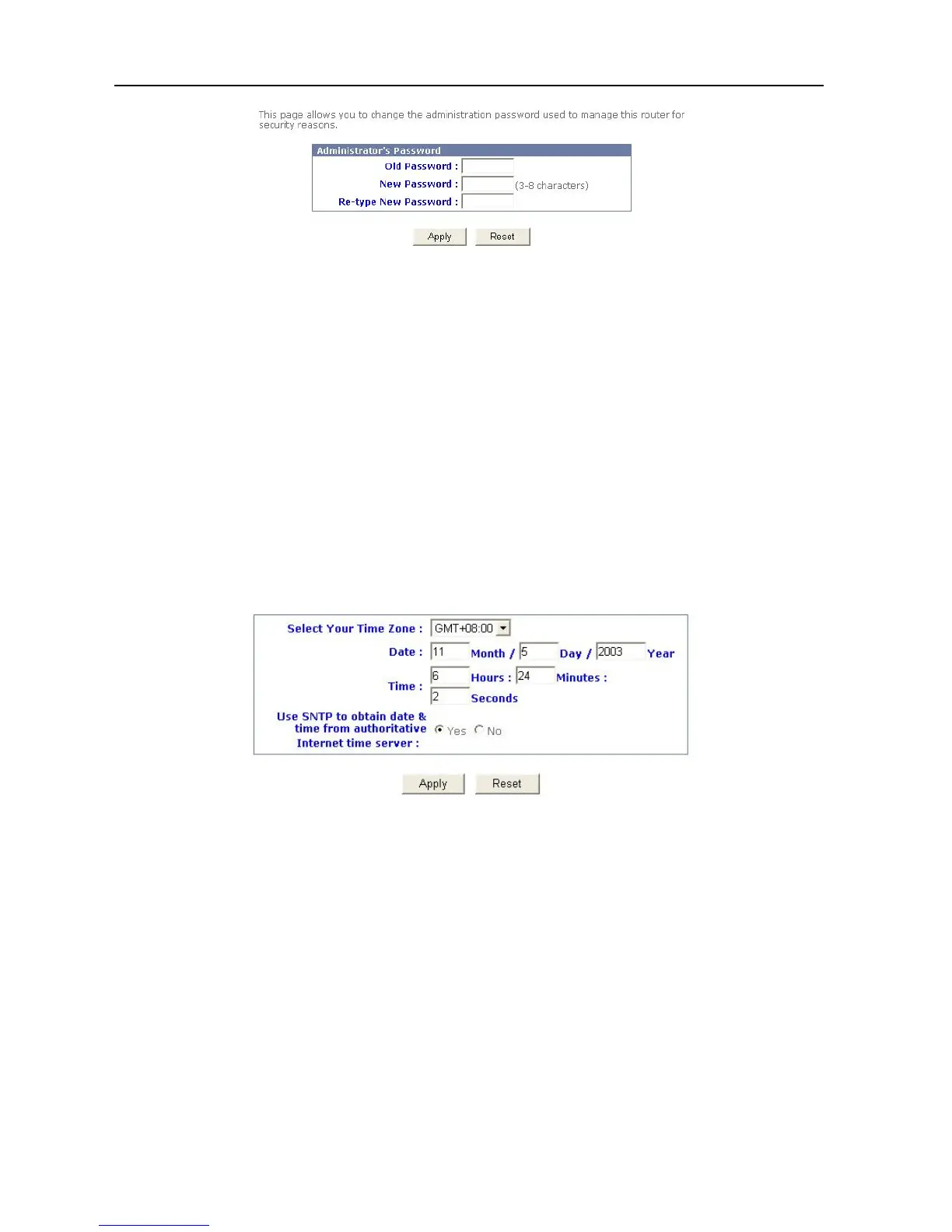
2. Type the current password into Old Password.
3. Type your new password into New Password.
4. Confirm the new password into Re-type New Password.
5. Click “Apply”.
6. The password is now set.
Setting Date and Time
One function of Broadband Firewall Router is that it allows you to set the initial time when you
install the device. This enables the time of any hacker activity in your network to be recorded.
To setup this function, follow the procedure below:
1. Click the Basic Settings button in the top column, and then choose “Date & Time”.
2. Select your time zone.
3. Type “Date” and “Time”.
4. Choose “SNTP Active” or not.
5. Click “Apply”.
6. The setup is now completed.
14



 To Next Page