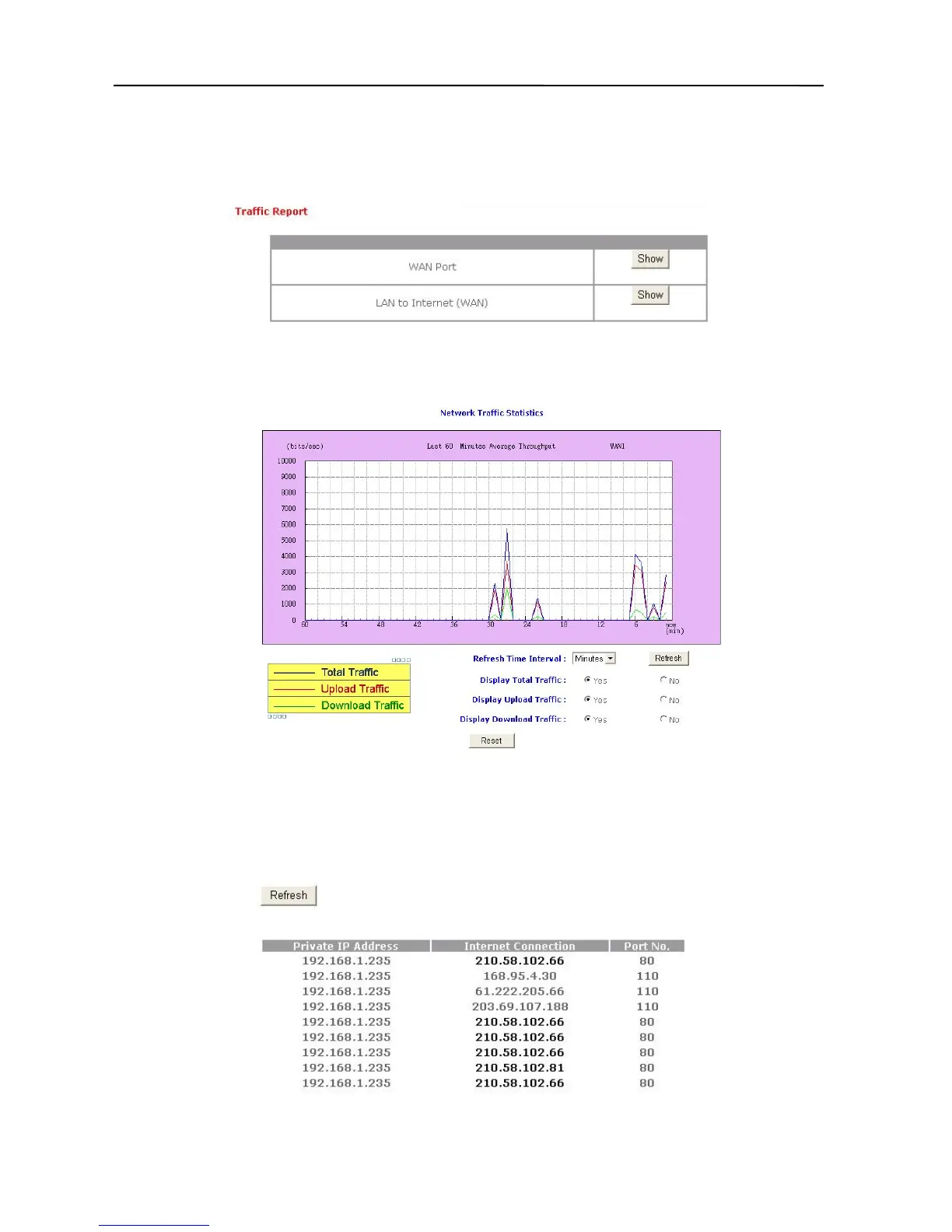
Traffic Report
You can view the network traffic report for the Broadband Firewall Router’s WAN port and
LAN-to-Internet. Click the Basic Settings button in the top column, and then choose “Traffic
Report”. The following box will appear.
1. Click “WAN Port”, and the box pictured below will appear. Please noted that your
web browser have to support the JAVA Applet – otherwise the traffic report won’t
probably show.
Access Monitor
You can use this function to monitor all the connections from LAN to WAN. Click the Basic
Settings button in the top column, and then choose “Access Monitor”. The following box will
then appear.
15



 To Next Page