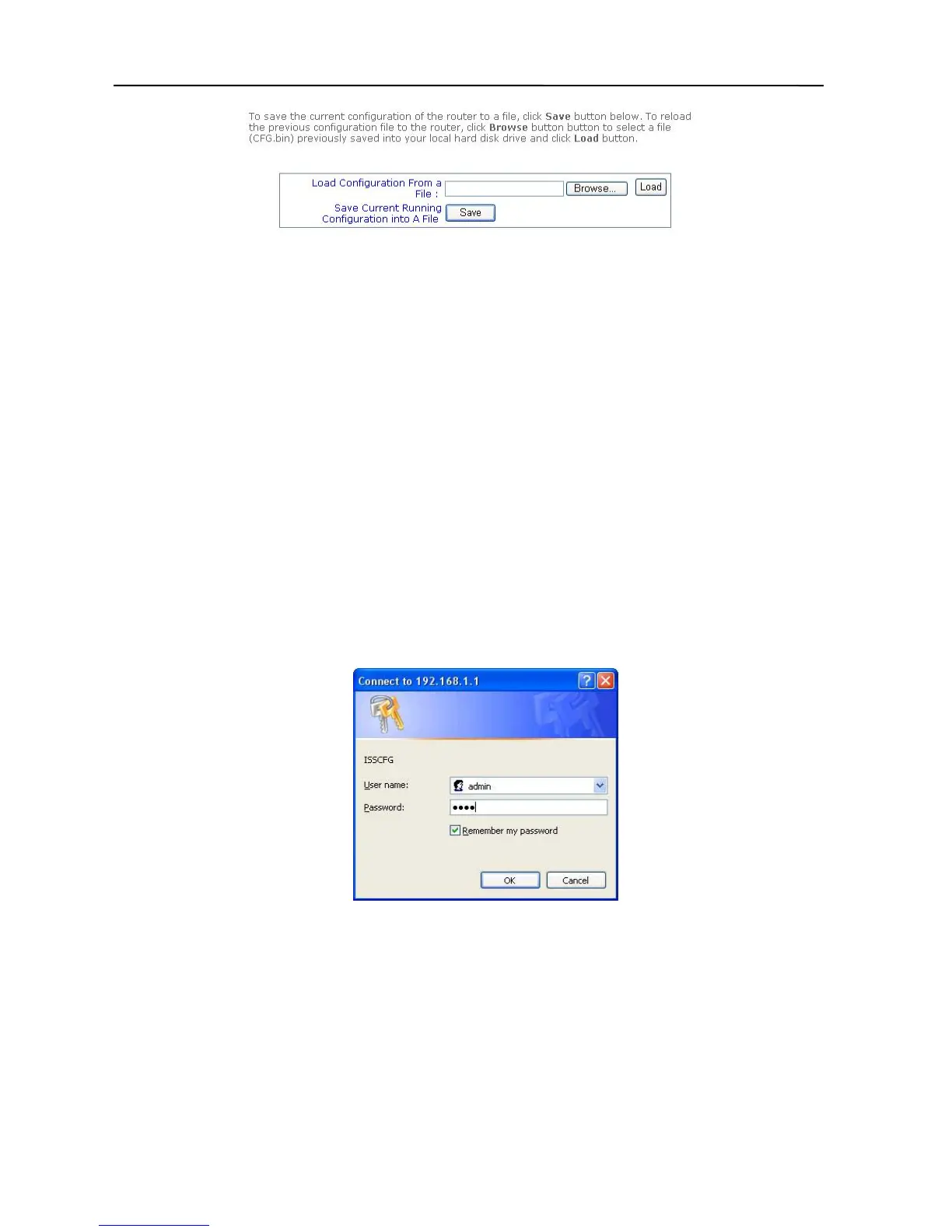
Please follow these steps to setup “Save & Restore CFG” Setting.
A. To “Save” setting:
Click the “Save” button, it saves the current router’s setting to a file “CFG.BIN”.
B. To “restore” setting:
i. Click the “Browse” button, and select the CFG.BIN file.
ii. Then, click the “Load” button, to restore the router’s setting.
Loading the Factory Default Values
If you make any errors while configuring the Broadband Firewall Router, or if you wish to reset
the Broadband Firewall Router to default settings, please follow the steps below. This
procedure will reset the router’s settings to factory defaults.
1. On the desktop, open your web browser.
2. Type the default IP address (192.168.1.1) in the Location box and press Enter.
3. The authentication dialog for the Broadband Firewall Router will then appear. Type
the default administration user name, admin, and the default configuration
password 0000 and click OK as shown in following figure.
4. Click the “Load Factory Defaults” button in the top column.
5. Click the “Yes” button for the all default settings to take effect.
6. The Default Values have now been loaded.
Now that the Broadband Firewall Router’s defaults are loaded, please re-configure the
Broadband Firewall Router by following the steps given in the previous sections of this
chapter.
17



 To Next Page