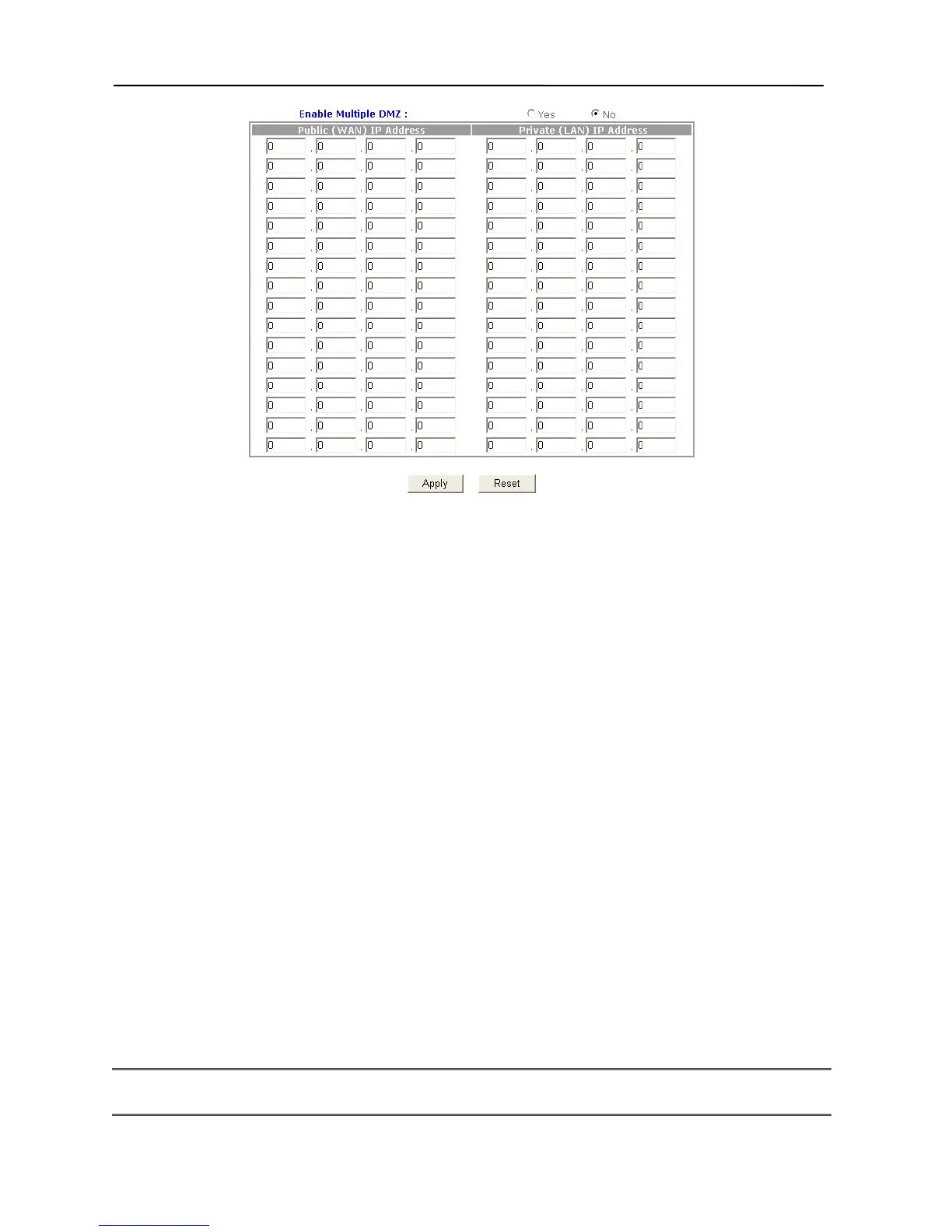
3. In the Enable Multiple DMZ field, choose “Yes”. By default, the DMZ feature of
the Broadband Firewall Router is disabled.
4. In the Public (WAN) IP Address field, type the WAN IP that you want. In the Private
(LAN) IP Address field, type the LAN IP of the computer you wish to make visible to
the public Internet.
5. Click Apply button.
6. The DMZ Host setup is now completed.
Microsoft VPN Setup
To set up this device to support Microsoft VPN (Pass-Through), please follow the instructions
below:
1. Please ensure that the VPN server is running. Have the IP address of this computer
ready.
2. Connect to the Broadband Firewall Router by using your browser.
3. Click Advanced Settings in the top column. Then click Service Setup.
4. Click DMZ.
5. In the Private (LAN) IP Address field, type the IP address of your VPN server.
6. Click the Apply button
Note: 1. When accessing the VPN server on your private network to Internet, the device will
forward (pass through) all incoming VPN requests to the server.
23



 To Next Page