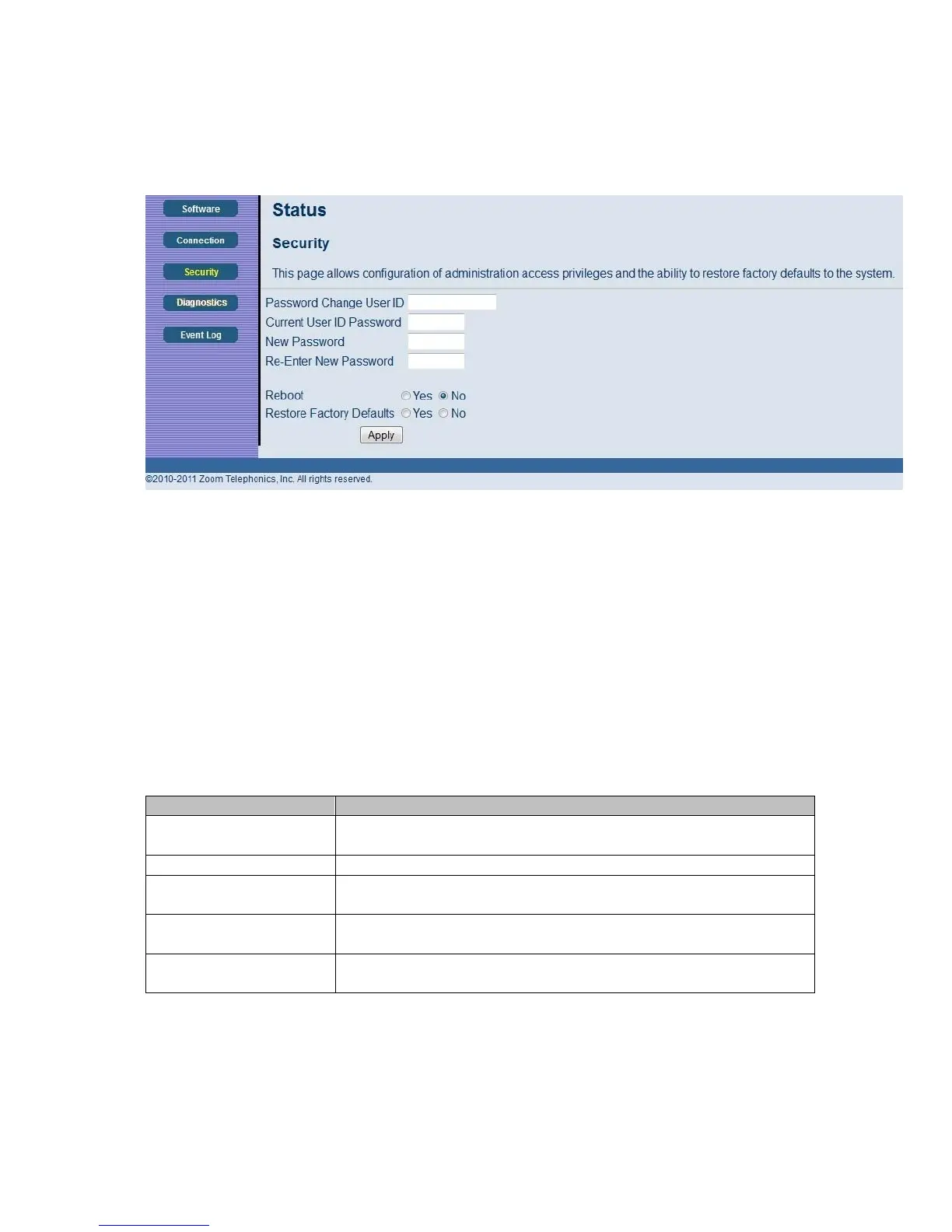
Figure 6. Example of Security Page
To restore the cable modem/router to factory defaults:
1 In the Security submenu, select the Yes button next to Restore Factory Defaults.
2 Click Apply.
3 Click OK to reboot the cable modem/router. The reboot is complete when the POWER LED
stops blinking.
4 If the Login screen doesn’t reappear, click the Refresh link to log back in to the Configuration
Manager.
Table 3. Security Menu Option
Option Description
Password Change User
ID
Enter the new ID for the administrator.
New Password Enter the new security password.
Re-Enter New
password
Re-enter (confirm) the new security password.
Current User ID
Password
Enter the current ID of the administrator.
Restore Factory
Defaults
Allows you to reset to factory default settings.
Note: You DO NOT have to restore factory defaults to change the password.
28



 To Next Page