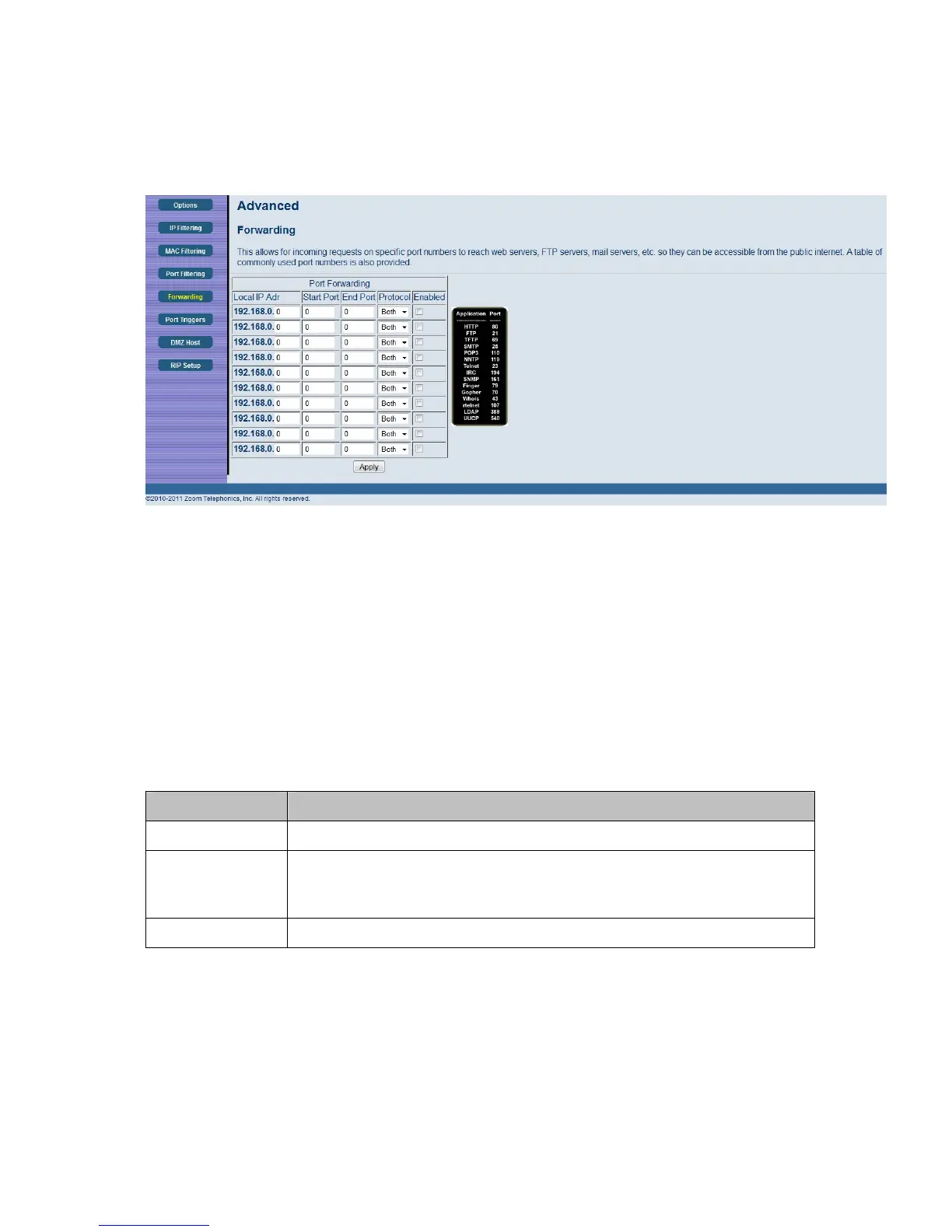
Figure 18. Example of Forwarding Page
To activate the port forwarding:
1 Enter the port range of the Internet traffic that you want to forward, and the IP address of the
server to which you want to forward that traffic.
2 Select the protocol(s) to be forwarded.
3 Check the Enable box to the right of the entry to store settings.
4 Click the Apply button to activate the forwarding rules.
Table 13. Forwarding Menu Option
Option Description
Local IP Address Enter the IP address to which forwarded traffic should be sent.
Start/End Port
Enter the range of port numbers (start and end port) to forward. If only a
single port is desired, enter the same port number in the Start and End
locations.
Protocol Select the protocol(s) to be forwarded.
Note: You may need to assign static IP addresses to devices on your LAN to insure that the port
forwarding you have set up will always apply to them.
48



 To Next Page