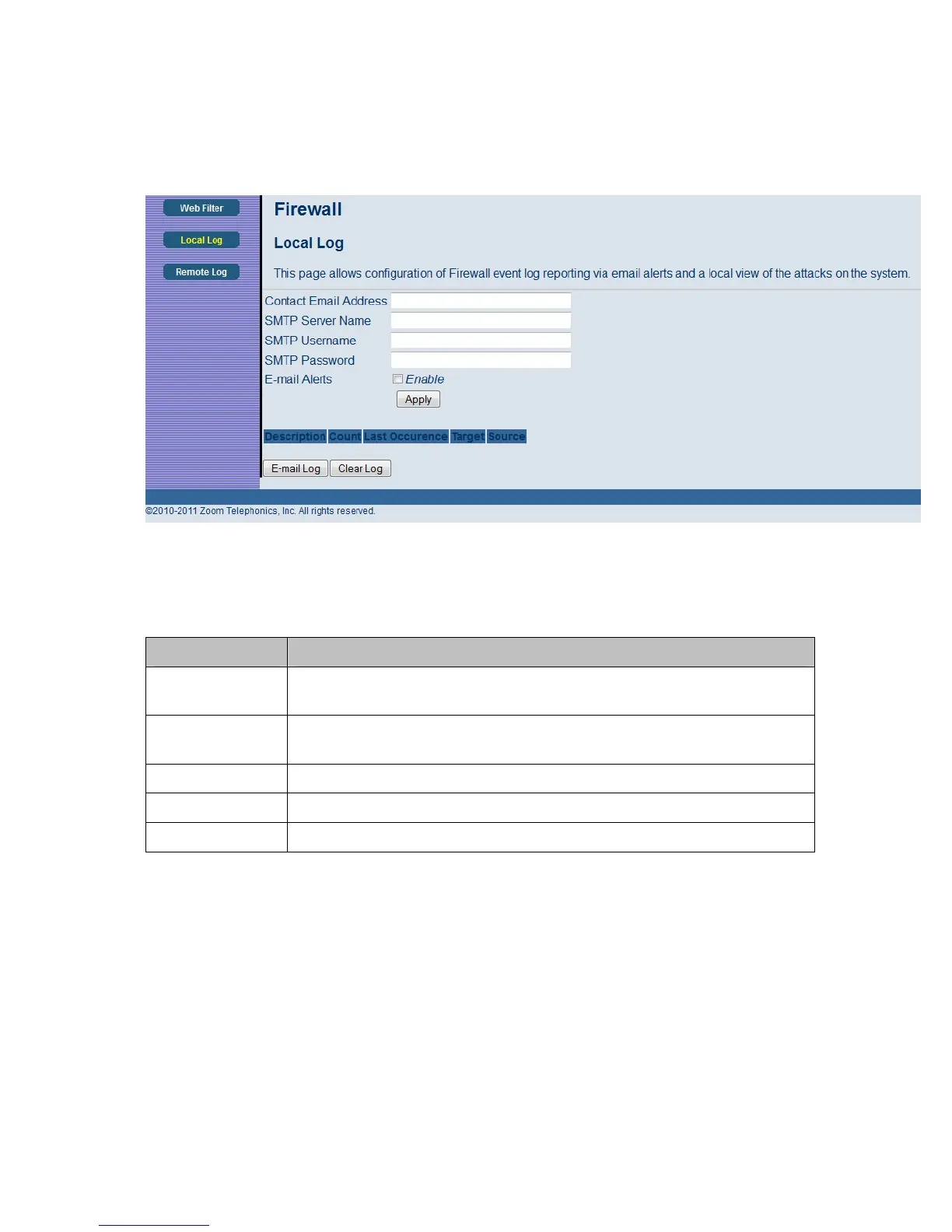
Figure 23. Example of Remote Log Page
Table 17. Local Log Menu Option
Option Description
Contact Email
Address
Enter the email address where you want to receive the alert email.
SMTP Server
Name
Enter the SMTP (Outgoing) mail server address of the email account you will
send from.
SMTP Username Enter the username of the email account you will send from.
SMTP Password Enter the password of the email account you will send from.
E-mail Alerts Check to enable sending alert email, when an attack is detected.
Remote Log
The Remote Log page allows you to send firewall attack reports to a standard SysLog server. It is
useful to log volumes of instances over a long period of time. Individual attack or configuration items
can be selected that will be sent to the SysLog server so that only the items of interest can be
monitored. Permitted connections, blocked connections, known Internet attack types, and cable
modem/router configuration events can also be logged. The SysLog server must be on the same
subnet as the Private LAN behind the cable modem/router (typically 192.168.0.x).
57



 To Next Page