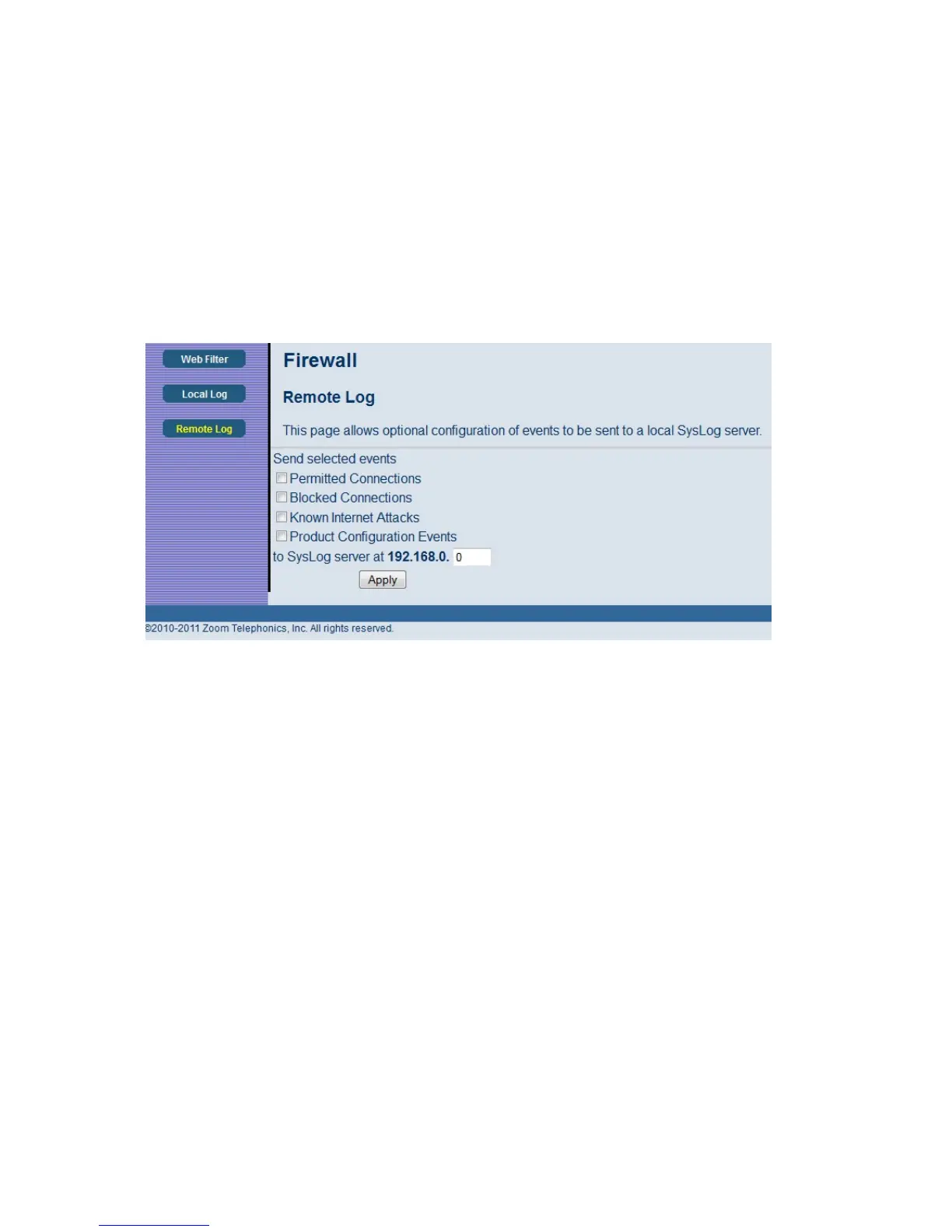
To access the Remote Log page:
1 Click Firewall in the menu bar.
2 Then click the Remote Log submenu.
Figure 24 shows an example of the menu and Table 18 describes the items you can select.
Figure 24. Example of Remote Log Page
Below is a complete list of the capable SysLog server attack/notification types and their format. The
generic format of sysLog messages for traffic or administration-related events is:
MMM DD HH:MM:SS YYYY SYSLOG[0]: [Host HostIP] Protocol SourceIP,SourcePort -->
DestIP,DestPort EventText
58



 To Next Page