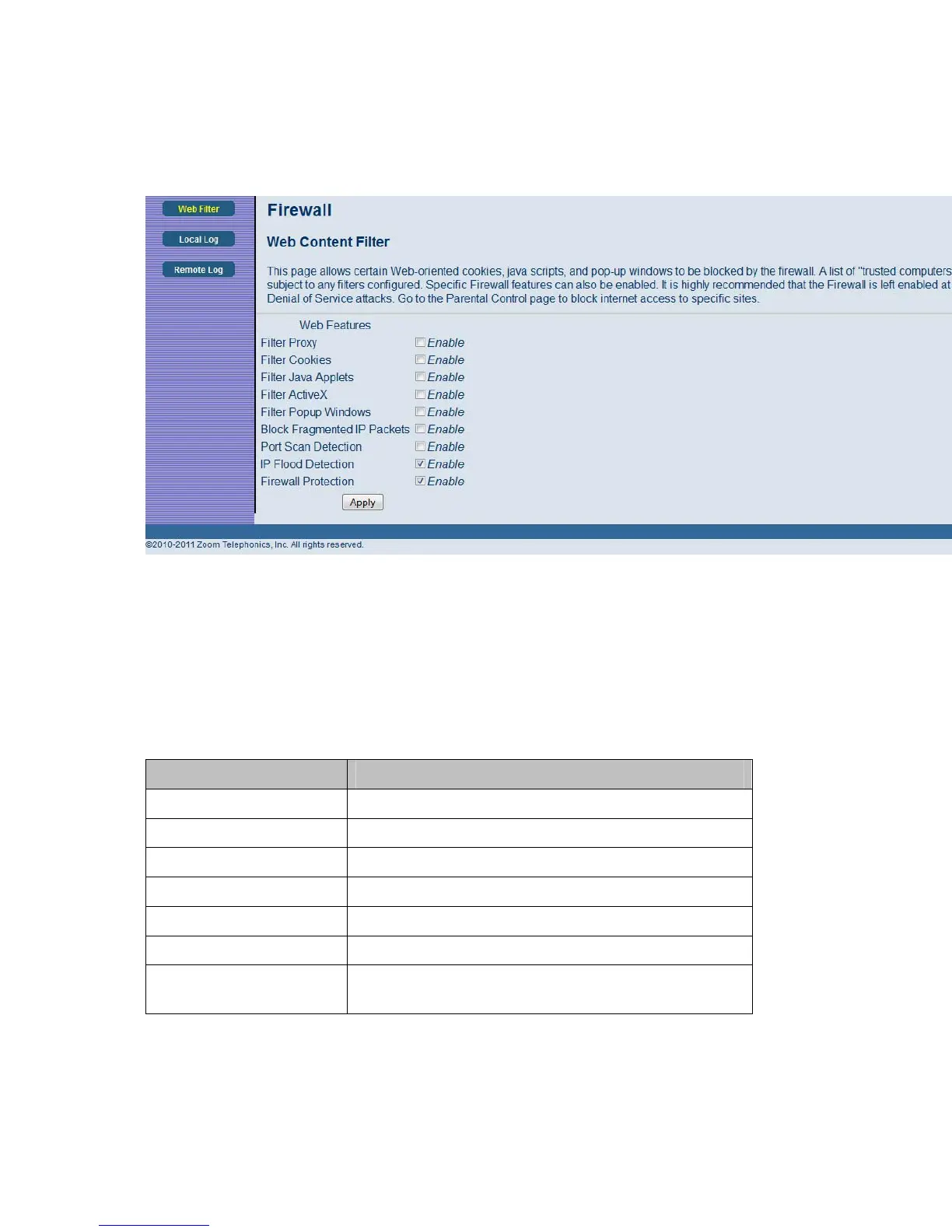
Figure 22. Example of Web Filter Page
To enable web content filter:
1 Click the appropriate check box. A check-mark will appear.
2 When you are done with your selections, click on the Apply button.
Table 16. Web Filter Menu Option
Option Description
Filter Proxy Check this box to filter proxies.
Filter cookies Check this box to filter cookies.
Filter Java Check this box to filter Javas.
Applets Check this box to filter Applets.
Filter ActiveX Check this box to filter ActiveX.
Filter Popup Windows Check this box to filter popup windows.
Port Scan Detection
Detects and blocks port scan activity originating on both
the LAN and WAN.
55



 To Next Page