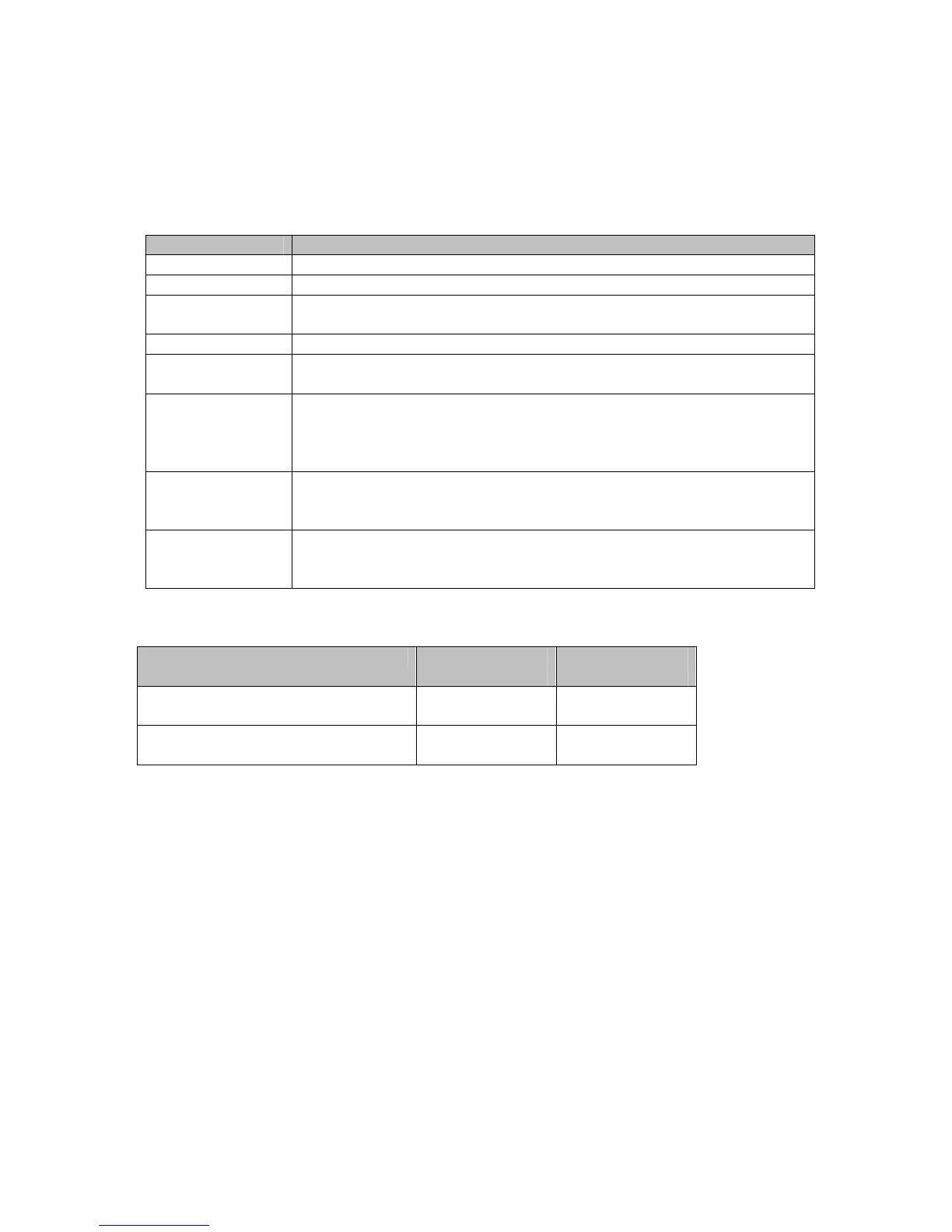
Table 23. Radio Menu Option
Option Description
Wireless Select Enable to enable the wireless function.
Country Your device is configured for operation in the U.S. only.
Output Power
Set the strength of the wireless signal that the cable modem/router
transmits.
802.11 Band Your device supports 2.4 GHz only.
802.11n-mode
In Auto mode, your cable modem/router will automatically adjust to avoid
interference with neighboring devices.
Bandwidth
Specify radio frequency bandwidth, either 20MHz single, or 40MHz (dual
channel), that the cable modem/router will use if 802.11n mode is
configured as Automatic and the Control Channel is configured as
Automatic.
Sideband for
Control Channel
(40 MHz only)
You may select Sideband and the secondary extension channels if your
cable modem/router is operating at 40 MHz bandwidth and the
802.11n-mode is configured as Auto.
Control Channel
Select the channel for AP operation next to the drop-down list box. The
current channel number is displayed. The list of detailed control channel
and extension channels are shown in the Table below.
Table 24. Country Extension Channel List
Control Channel Sideband for
Control Channel
Extension
Channel
US Channel 1-7 Lower Channel Number
+ 4
US Channel 5-11 Upper Channel Number
- 4
Example 1: If your control channel is set to 1, the extension channel will be transmitted on
channel 5. The total bandwidth of the signals on channel 1 and 5 equals 40 MHz.
Example 2: If your control channel is set to 11, the extension channel will be transmitted on
channel 7. The total bandwidth of the signals on channel 11 and 7 equals 40 MHz.
Primary Network
The Primary Network page allows you to configure the primary wireless network and its security
settings. Strong security is the best way to prevent unauthorized wireless network access. This page
provides Automatic Security Configuration to simplify the configuration process.
• Broadcom’s SecureEasySetup (SES) technology dramatically simplifies installation by
72



 To Next Page