there is a possibility that 802.11b or 802.11g devices will use your
wireless network. In
Auto mode, the wireless devices use RTS/CTS
to improve 802.11n performance in mixed 802.11g/802.11b
networks. Turn protection off to maximize 802.11n throughput
under most conditions.
Multicast Rate
Specify the rate at which multicast packets are transmitted and
received on your wireless network. Multicast packets are used to
send a single message to a set of recipients in a defined group.
Teleconferencing, videoconferencing and group email are some
examples of multicast applications. Specifying a high multicast rate
may improve performance of multicast features. The rates are in
Mbps. You can select Aut
omatic, 1, 2, 5.5, 6, 9, 11, 12, 18, 24, 36,
48 and 54.
Access Control
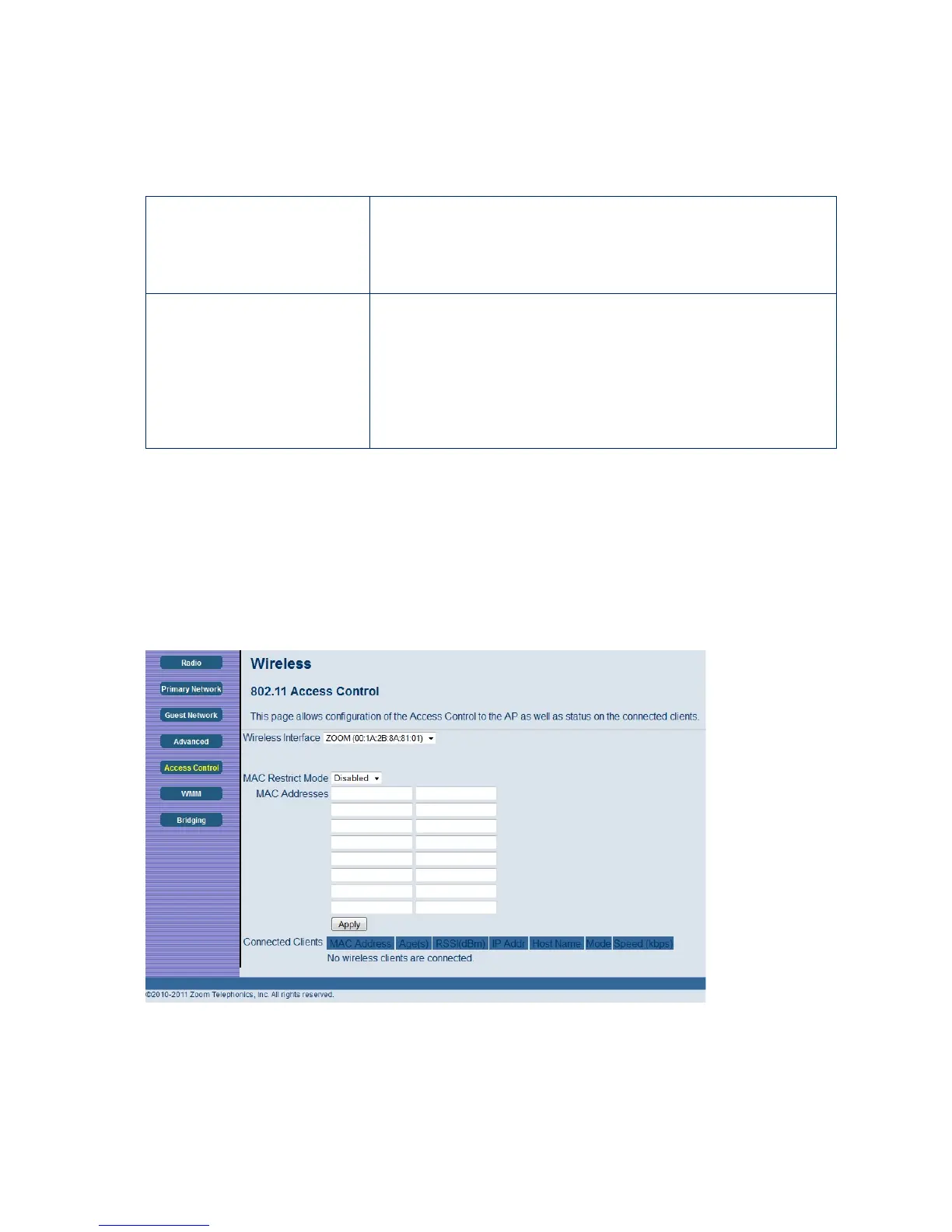
This page allows you to control which wireless clients can access your wireless network. It also
provides information about wireless clients connected to your access point.
To access the Access Control page:
1 Click Wireless in the menu bar.
2 Then click the Access Control submenu.
Figure 38 shows an example of the menu and Table 28 describes the items you can select.
Figure 38. Example of Access Control Page
83



 To Next Page