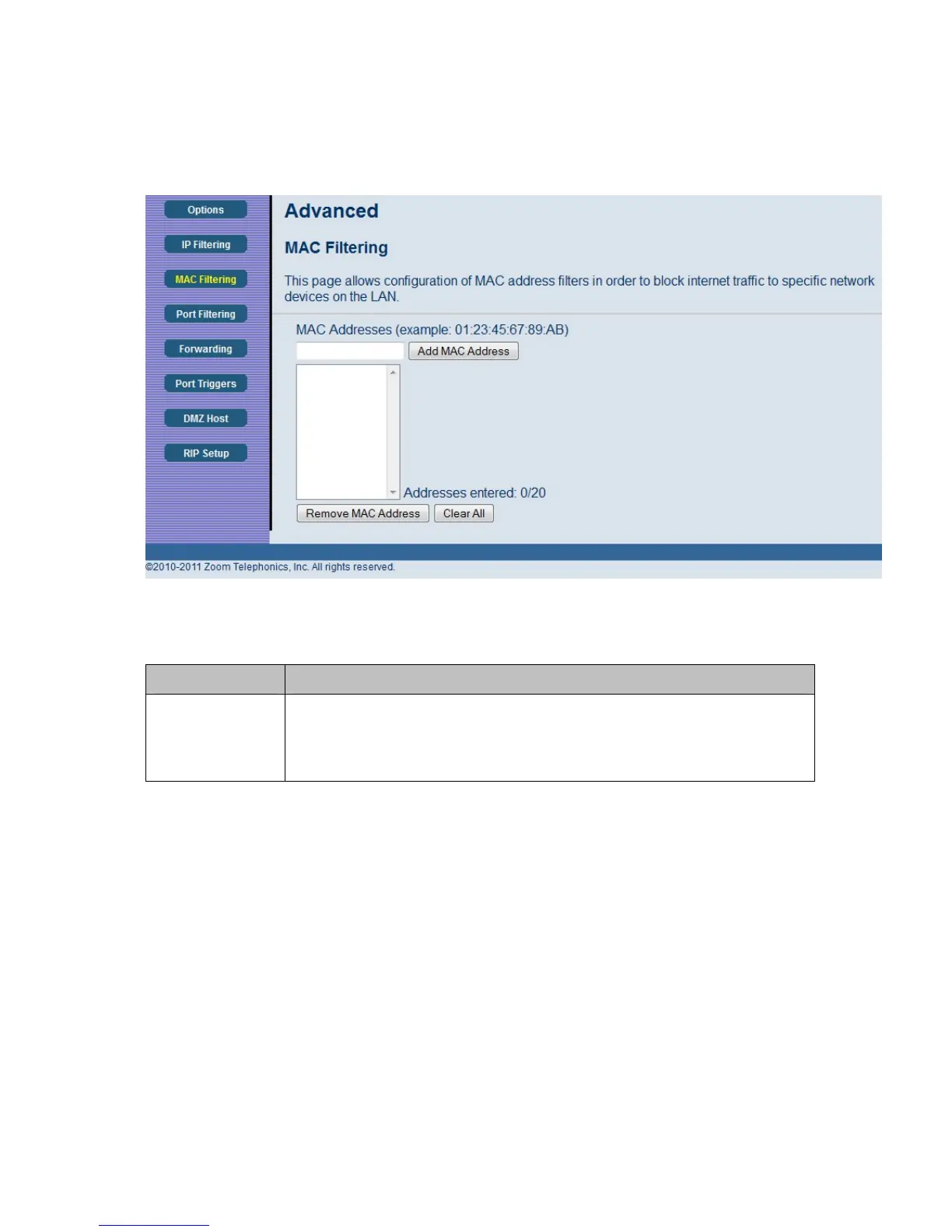
Figure 16. Example of MAC Filtering Page
Table 11. MAC Filtering Menu Option
Option Description
MAC Address
PCs and other devices can be added to the MAC filter table by entering their
MAC addresses into the Add MAC Address box, and clicking the Add MAC
Address button. Internet traffic to and from each listed Address will be
blocked.
45



 To Next Page