10
Comcast 1 (855) 652-3446 Time Warner 1 (855) 704 4503
Cox 1 (888) 556-1193 Cable One 1 (877) 692 2253
RCN 1 (866) 832-4726
Once your cable modem is registered either online or through a conversation
with someone at your cable service provider, your service provider will provision
your cable modem service. Typically this takes less than 5 minutes, but in some
cases this may take up to 30 minutes to complete.
5 Go toNow that your cable modem is connected, do this:below.
If this is a first-time cable modem installation (that is, you are
NOT replacing an “old” cable modem), do this:
1 Connect a “live” coaxial cable from your cable service provider to your cable
modem First check that the wire in the center of the cable’s connector is
centered, straight, and clean. If the coaxial cable has a screw-on connector, turn
the connector clockwise when tightening the cable onto the Zoom cable modem..
(If you’re not sure a cable is live, you can see whether you get a good TV signal
when that cable is used with a working TV set-top box.) Here are some ways
you can get the live cable:
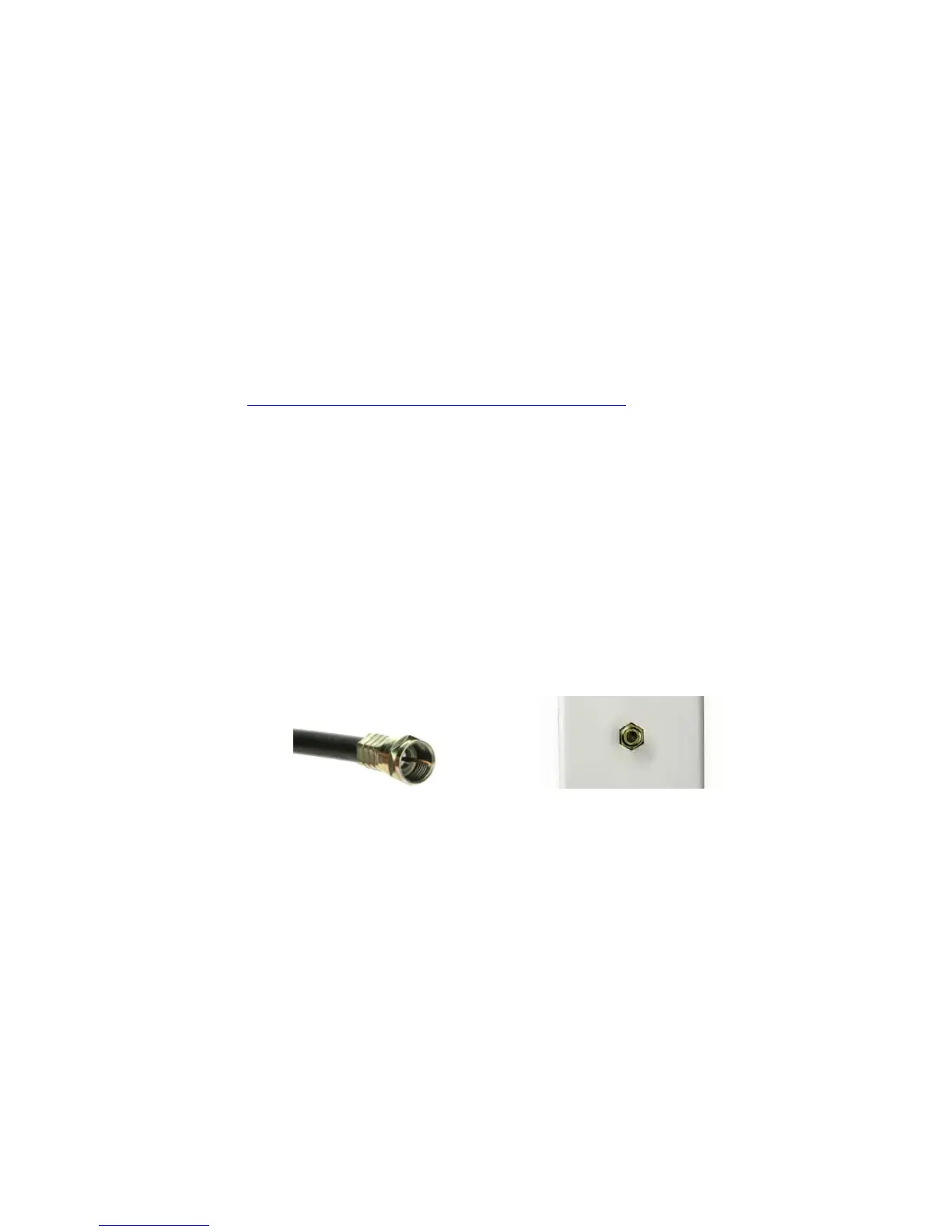
Coaxial Cable Cable TV Jack
You have a cable TV cable (“coaxial cable”) with a male connector on the end
that isn’t connected to anything. This cable may be coming out of a wall or
connected to a cable TV jack.
There’s a cable TV jack in your wall. You can connect a cable TV “coaxial
cable” between that jack and your cable modem. You may have a coaxial
cable, possibly one that came with a cable modem starter kit from your cable
service provider. If you don’t have a coaxial cable, you can get one at most



 To Next Page