126
15
USB Menu Options
The USB Menu lets you:
Attach USB devices such as flash drives or external hard drives to your Cable
Modem/Router. The files now can be accessed from anywhere on your network.
Play videos and music, and view photos stored on an attached USB hard drive to
any DNLA connected TV, game console or media player
Basic Setting
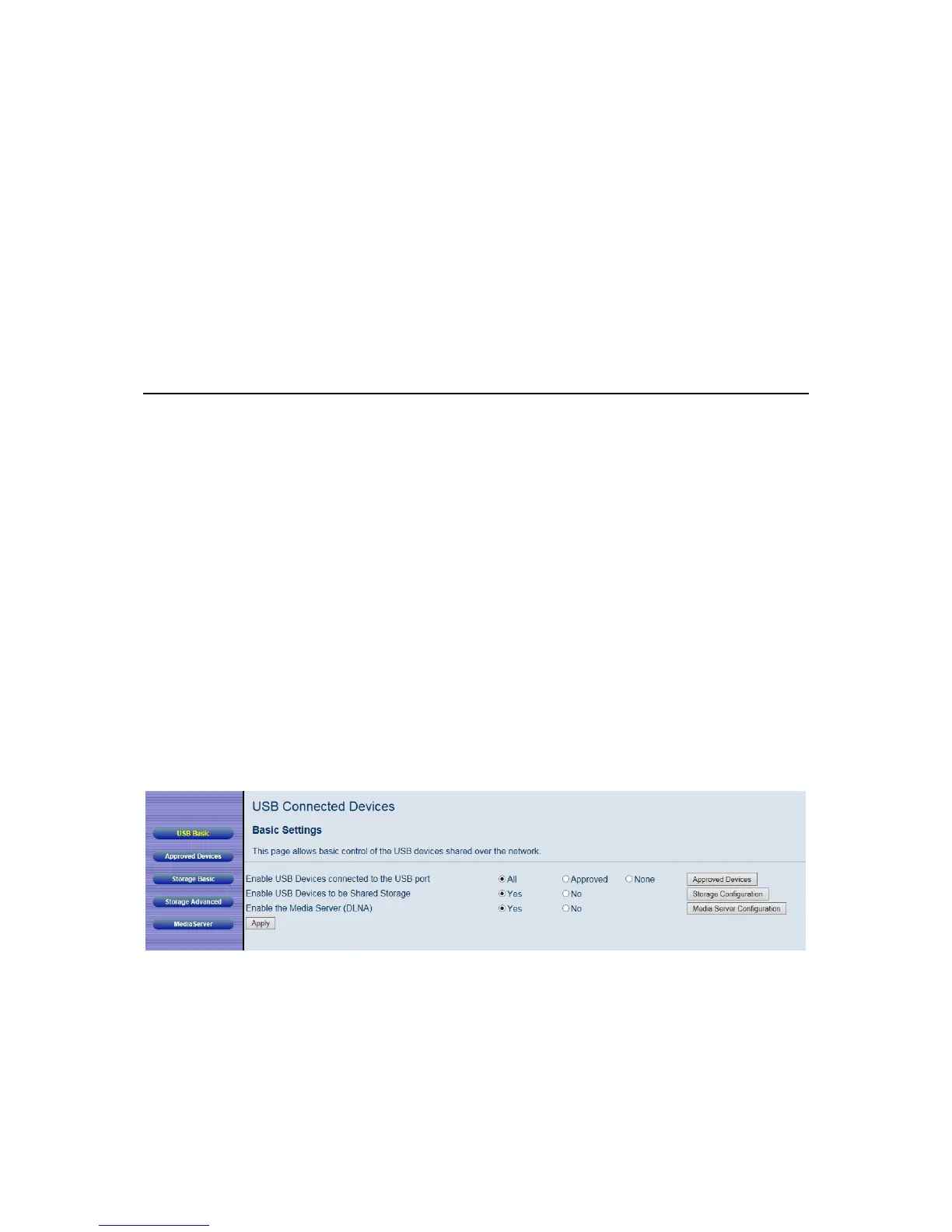
This page allows you to enable USB devices to be used as shared storage devices and
to enable the DLNA Media Server.
To access the Basic page:
1 Click USB in the menu bar.
2 Then click the USB Basic submenu.
Figure 42. Example of Basic Page shows an example of the menu and
Table 37. Basic Menu Option describes the items you can select.
Figure 42. Example of Basic Page



 To Next Page