51
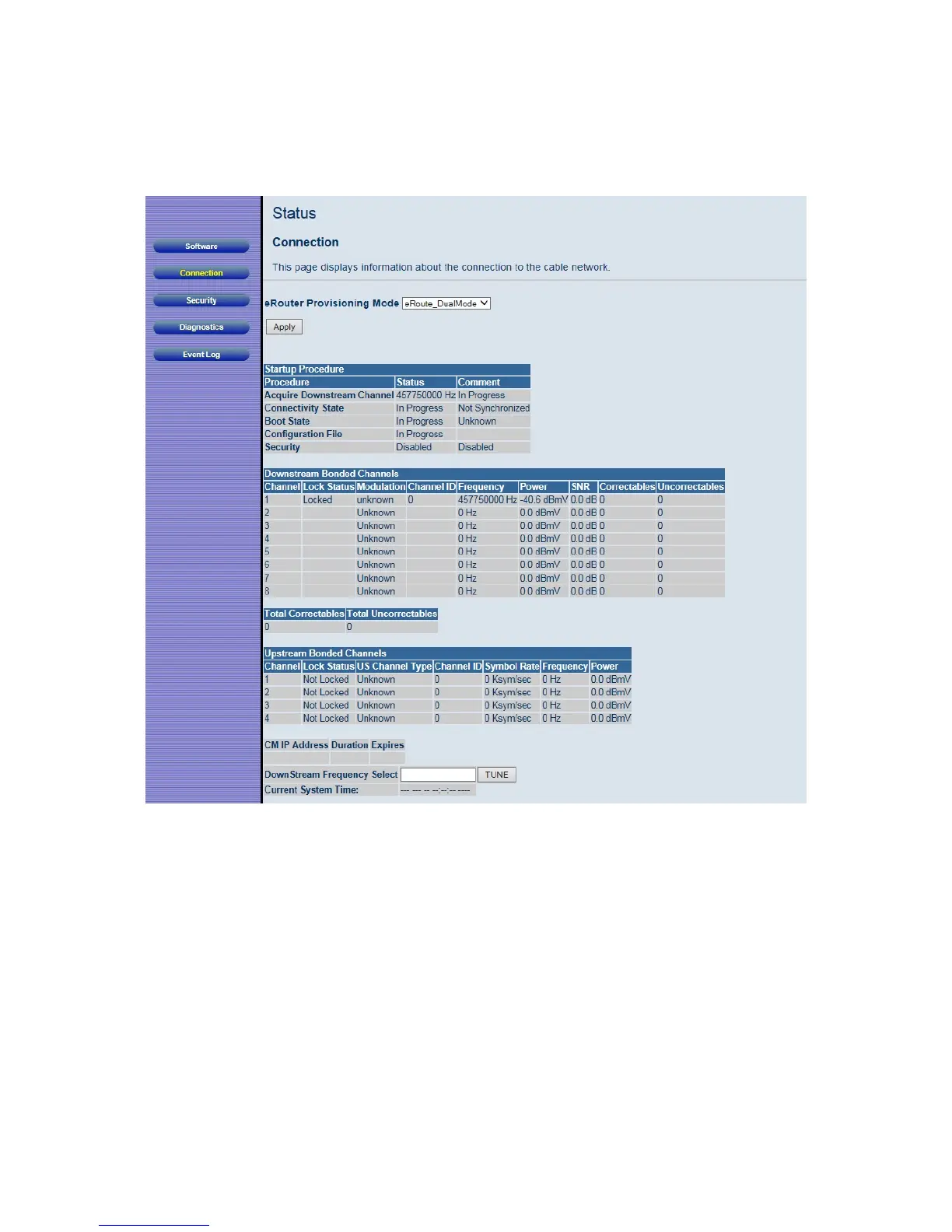
Figure 5. Example of Connection Page
By default the router is configured to use Dual mode (or Dual Stack mode). Most users
should use this setting. However your provider may ask you to change the eRouter
Provisioning mode to eRoute_IPv4only mode or eRoute_IPv6only mode.
Security
The Security page allows you to configure access privileges, reboot and restore the
Cable Modem/Router to its factory defaults.
To access the Security page, click Status in the menu bar and then click the Security



 To Next Page