113
Media
The Media page allows you to change some settings that can impact performance in
certain situations
To access the Media page:
3 Click Wireless in the menu bar.
4 Then click the Media submenu.
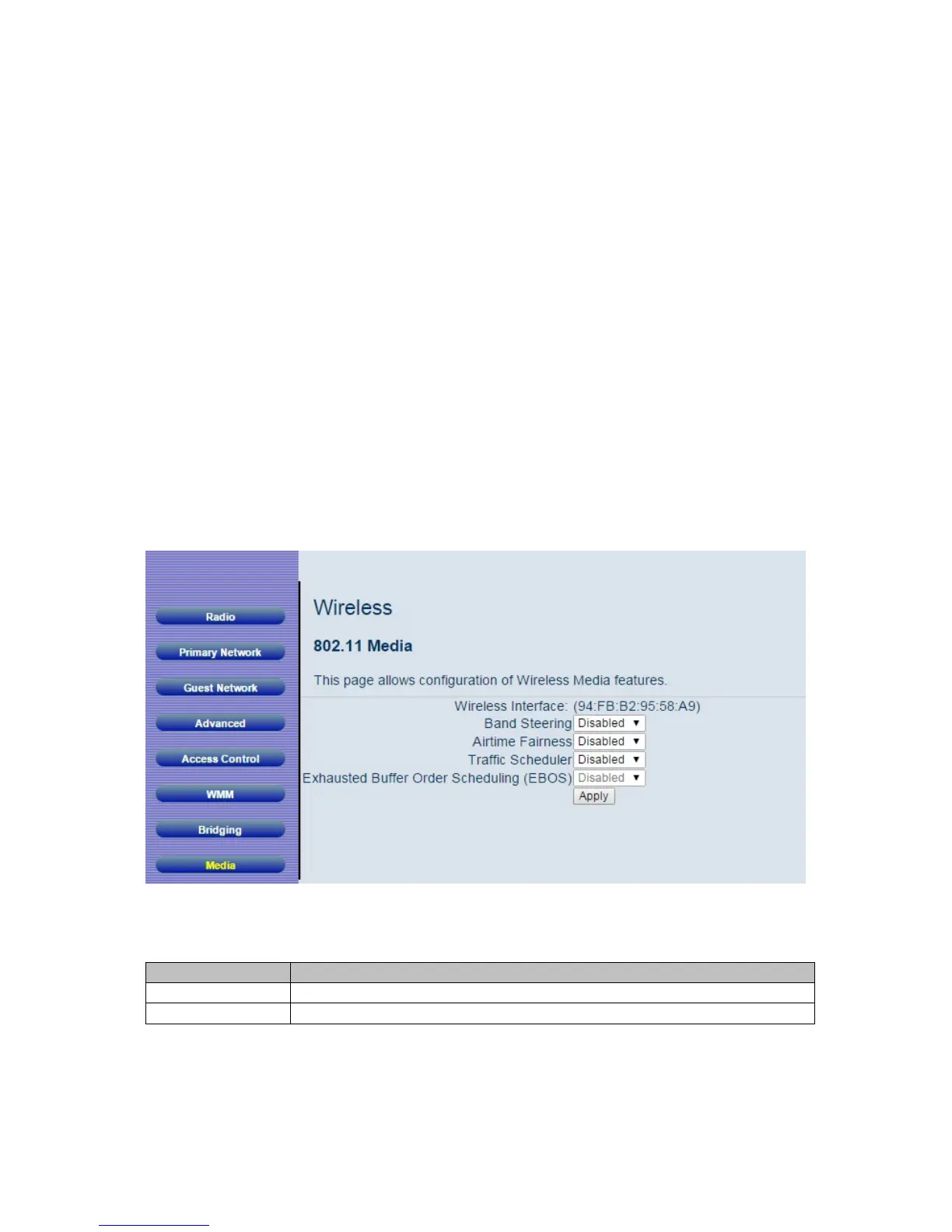
Figure 37. Example of Media Page shows an example of the menu and Table 32.Me
dia
Options describes the items you can select.
Figure 37. Example of Media Page
Table 32. Media Options
Option Description
Band Steering
Not applicable to this product
Airtime
If a 802.11g or 802.11b, client connects to the Cable Modem/Router



 To Next Page