132
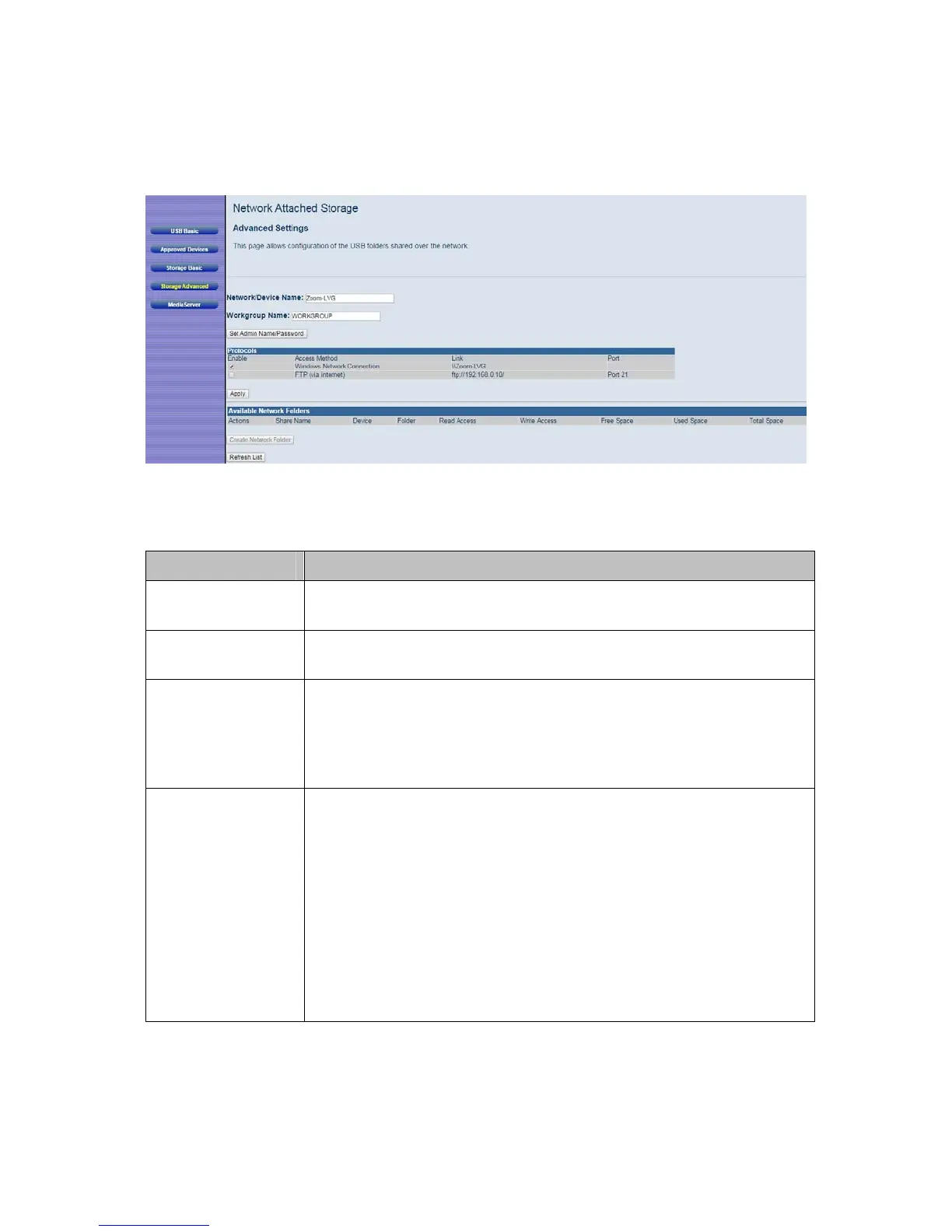
Figure 45. Example of Network Attached Storage, Advanced Settings page
Table 40. Advance Settings Menu Options
Option Description
Network/Device
Name
The name of the Cable Modem/Router. When searching your
network for the USB drives, this is the name that appears.
Workgroup
Name
The name of the workgroup to which the Cable Modem/Router
belongs.
Set Admin Name/
Password
Click on this button to set the admin name and password. When
you create a folder you have the option of allowing only admin
access to the folder. The Admin Name and Password are
entered to gain access to the folder. By default the Admin name
is admin and the password is zoom.
Available
Network Folders
Displays the USB devices that the Cable Modem/Router supports.
The following data is shown for each device:
Share Name: Name given to the shared folder.
Device: The device the shared folder resides on.
Folder: Name of the folder to be shared
Read Access: Indicates whether a password is needed for read
access.
Write Access: Indicates whether a password is needed for write
access.



 To Next Page