48
sections of this User Manual based on your intended use of the Cable Modem/Router with
Wireless-N. Each of the menu options in your Configuration Manager is covered as a separate
chapter in the remaining portion of the User Manual. Refer to the chart on the next page to go to a
specific menu option.
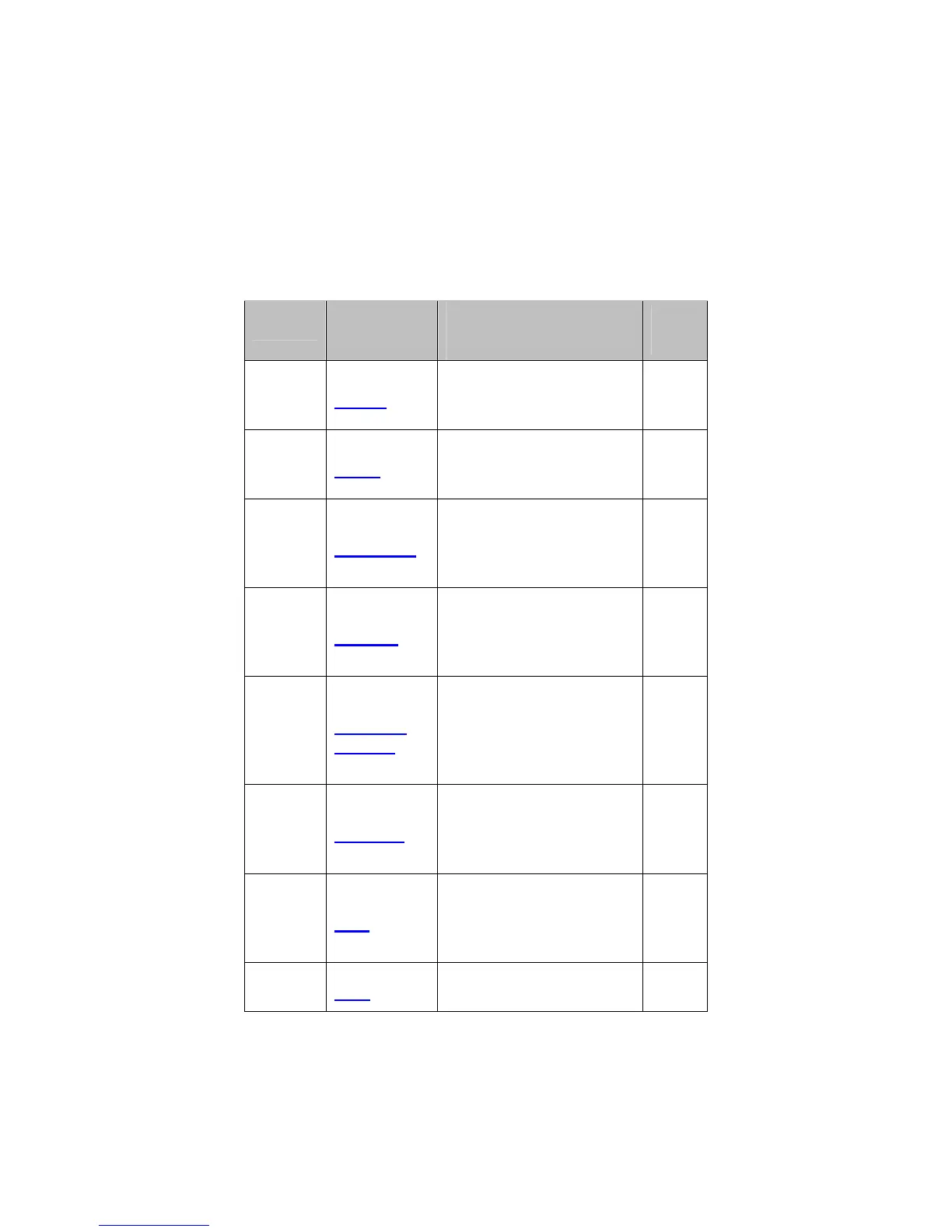
Table 1. Configuration Manager Interface Menus
Chapter
Menu
Options
Go to this section if
you want to…
See
Page
8
Status
monitor or troubleshoot
problems with the Cable
Modem/Router
49
9
Basic
make some
modifications for more
advanced uses
57
10
Advanced
make use of advanced
router features
supported by the Cable
Modem/Router
67
11
Firewall
configure the firewall
application to protect the
private LAN from attacks
from the WAN interface
82
12
Parental
Control
configure access policies
or rules to specific
network devices based
on the time of day and
Internet contents
89
13
Wireless
configure and use the
wireless features
supported by the Cable
Modem/Router
97
14
VPN
enable the VPN protocol
and configure IPSec
tunnels, L2TP and PPTP
server options
115
15
USB
configure USB storage
and streaming video



 To Next Page