Using
the
R50
for Real-time Modulation
By
connecting the optional expression pedal FP01 to the VOLUME
PEDAL or MODULATION PEDAL
jack
of the FC50, the master
volume level setting and effect parameters of the 9050 can
be
controlled
in
real time during a performance.
1.
Connect
the
FPOl to the VOLUME PEDAL or
MODULATION PEDAL jack of the FC50.
Depending on the jack that was used, the FP01 functions as follows.
VOLUME PEDAL jack
Control
change
number
7
is output. This controls
the
master volume
level setting of the 9050.
MODULATION PEDAL jack
Control change number
1
is output. The pedal can be used
as
a
real-
time modulation source.
2.
When using the FPOl
as
a
real-time modulation source, set
the 9050 to the Edit mode and call up the last page of the
effect type you want to modulate.
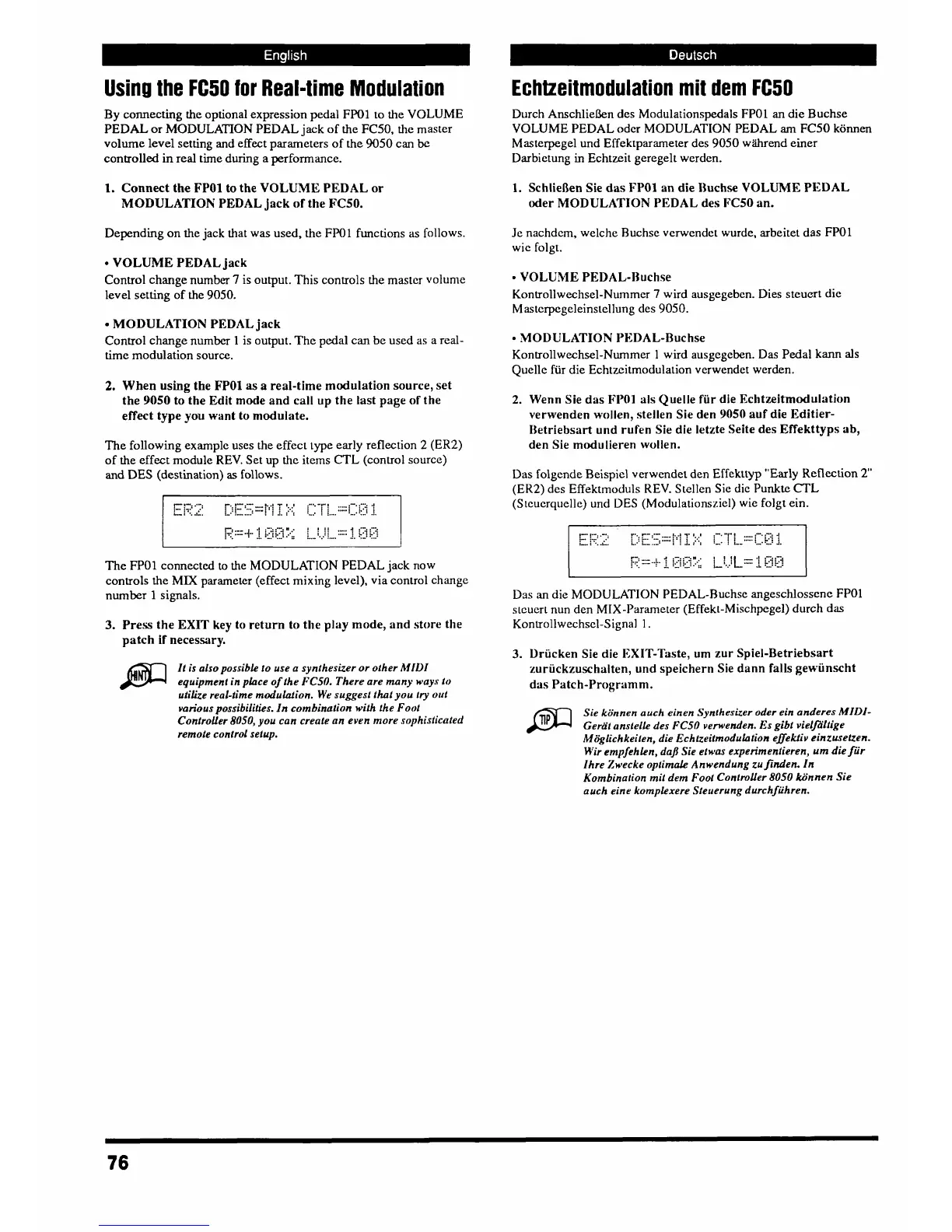
The following example uses the effect
lype
early reflection
2
(ER2)
of the effect module REV. Set
up
the items CTL (control source)
and
DES
(destination)
as
follows.
The FPOl connected to
the
MODULATION PEDAL jack now
controls the
MM
parameter (effect mixing level), via control change
number 1 signals.
3.
Press the EXIT key to return to the play mode, and store the
patch if necessary.
It is also possible to use a synthesizer or other MIDI
equipment in place of the
FCSO.
There are many ways to
utilize real-time rnodulalion. We suggest that you try
out
various possibilities. In combination with the Foot
Controller 8050, you can creute an even more sophisticated
remote control setup.
Echtzeitmodulation mit dem
R50
Durch Anschliekn des Modulationspedals FPOl an die Buchse
VOLUME PEDAL odcr MODULATION PEDAL
am
FC50 konnen
Masterpegel und Effektpararneter des 9050 wiihrend einer
Darbietung
in
Echtzeit geregelt werden.
1.
SchlieRen Sie
das
FPOl
an die
Buchse
VOLUME PEDAL
oder MODULATION PEDAL des FC50 an.
Je nachdem, welche Ruchse verwendet wurde, arbeitet das
FP01
wic folgt.
VOLUME PEDAL-Buchse
Kontrollwechsel-Nummcr
7
wird ausgegebcn. Dies steuert die
Mastcrpegeleinstellung des 9050.
MODULATION PEDAL-Buchse
Kontrollwechsel-Nurnmer
1
wird ausgegeben. Das Pedal
kann
als
Quelle fiir die Echtzeitmodulation verwendet werden.
2.
Wenn Sie das FP01 als Quelle fiir die Echtzeitmodulation
verwenden wollen, stellen Sie den
9050
auf die Editier-
Iktriebsart und rufen Sie die letzte Seite des Effekttyps ab,
den Sie modulieren wollen.
Das folgende Beispiel vmwcndet den Effekrtyp "Early Reflation
2
(EK2)
des Effektmoduls
REV.
Stellen Sie die Punkte CTL
(S~cuerquelle) und
DES
(Modulationsziel) wie folgt ein.
Das
,an
die MODULATION PEDAL-Ruchse angeschlossene FPOl
stcucrt nun den MIX-Parameter (Effekt-Mischpegel) durch das
Kontrollwechscl-Signal
1.
3.
llriicken Sie die EXIT-Taste,
urn
zur Spiel-Betriebsart
zuriickzuschalten, und speichern Sie dann falls gewiinscht
das Patch-Programm.
Sie kiinnen
auch
einen Synthesizer oder ein anderes
MIDI-
Gerat ansfelle des
FCSO
verwenden,
Es
gibt vielJ2Itige
M6gfichkeiten, die Echtzeiimodulotion eflekfiv einzuselzen.
H'ir empfehlen, da/l Sie etwas experimenfieren, um
die
fur
Ihre Zwecke optimale Anwendung zufinden. In
Kombination mit dem Fool ControUer 8050 kiinnen Sie
auch eine komplexere Steuerung dwchfiihren.



 To Next Page