Playback
Repeat playback of a set interval (AB repeat)
43
H6 Handy Recorder
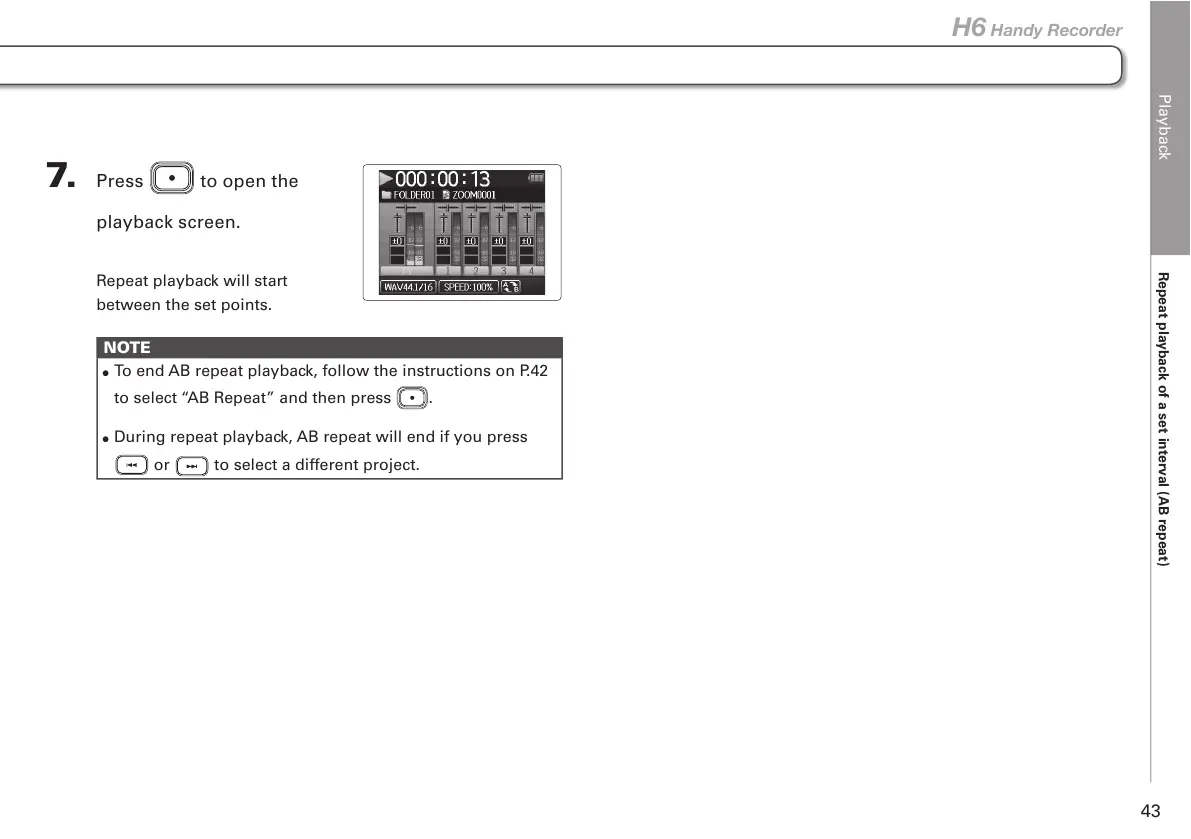
7. Press to open the
playback screen.
Repeat playback will start
between the set points.
NOTE
•
To end AB repeat playback, follow the instructions on P.42
to select “AB Repeat” and then press
.
•
During repeat playback, AB repeat will end if you press
or to select a different project.



 To Next Page
 Loading...










