06 - 10 RT100 Rough Terrain Crane
6.2 CONTROLS AND INSTRUMENTS
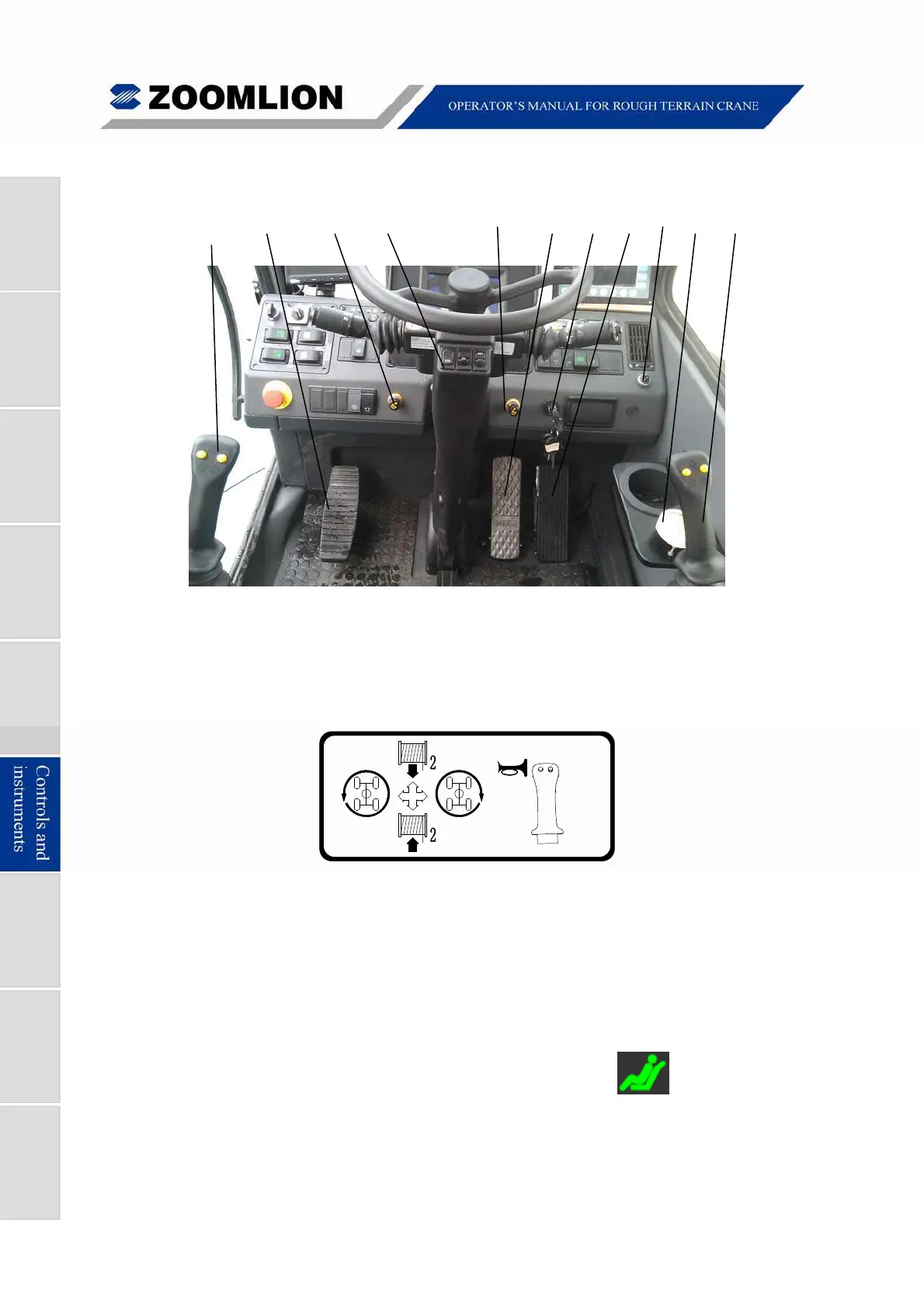
1 2 3 4 (3) 5 6 7 8 9 10
Figure 06 – 6 Controls and Instruments
1. SWING / AUX. WINCH CONTROL – Move the joystick forward to reel-off the aux.
winch rope. Move the joystick backward to spool-up the aux. winch rope. Move the
joystick to the left to move the boom to the left side. Move the joystick to the right to
move the boom to the right side.
Free
Swing
Figure 06 – 7 Left Joystick (Swing / Aux. Winch Control)
Horn – Push and hold-in to make a sound. (Located on right side of joystick)
Free swing – Push to operate the FREE SWING. Push again to release this function.
(Located on left side of joystick)
Note
Only when the operator’s seat is
occupied and the icon on the
display lights up, the joysticks can initiate various movements.



 To Next Page