RT100 Rough Terrain Crane
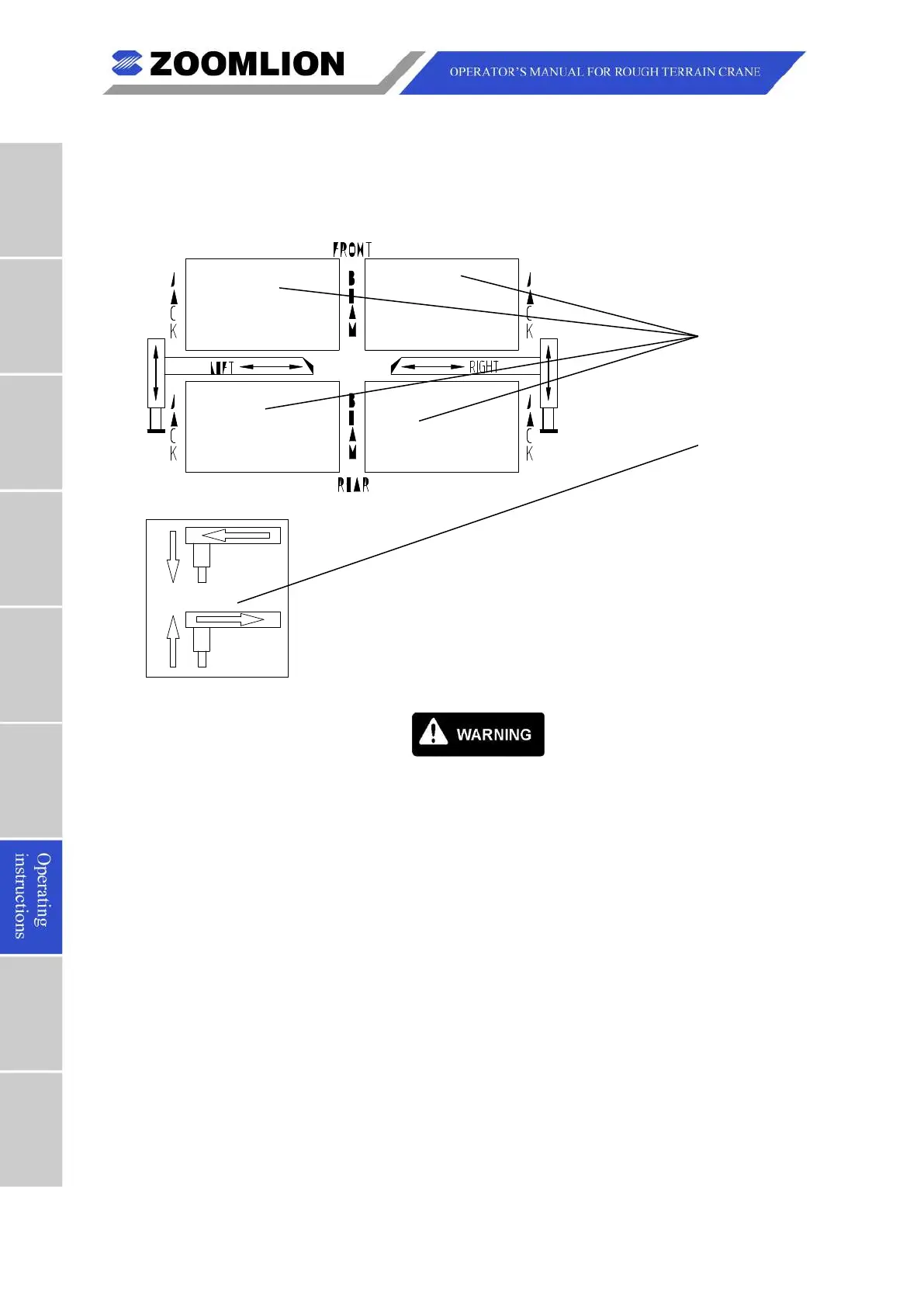
A. The outrigger switches and bubble level indicator are in the cab. The outrigger switches,
control the movements for all the outriggers. Refer to Figure 07 – 4.
The outrigger switches are shown below:
Figure 07 – 4 Outrigger Switches
Make sure that the RCI is set to match the outrigger configuration. It is
dangerous to set the RCI incorrectly.
Make sure that you do all of the work on level ground that is hard. The
ground must hold more than the load bearing capacity. Use material (such
as wooden timbers) below the outrigger floats if the work area is soft or not
(1) Extend the outrigger.
a) Remove the outrigger beam retaining pin.
b) Push and hold 2 or 4 outrigger switches to the “BEAM” position.
1 Push and hold the outrigger extend / retract master switch to the
2 After the outriggers move to the “FULLY” or “INTERMEDIATELY” marks,
release the master switch. The switch moves to the neutral position
c) After the 4 outrigger beams extend to the correct positions, push and hold
Outrigger
switches (on
the left side of
the dash)
Outrigger
extend / retract
master switch
(on the right side
of the dash)



 To Next Page