RT100 Rough Terrain Crane 07 -
37
A. The crane has a 2-section jib. Section 1 is a lattice structure and section 2 is a
B. When the operation does not use the jib, it is installed on the right side of the boom. It
connects to boom by pins.
C. You can assemble the jib at an angle of 0°, 20° or 40° to the telescopic boom according
You cannot use the jib when you lift a load if the outriggers are not in the
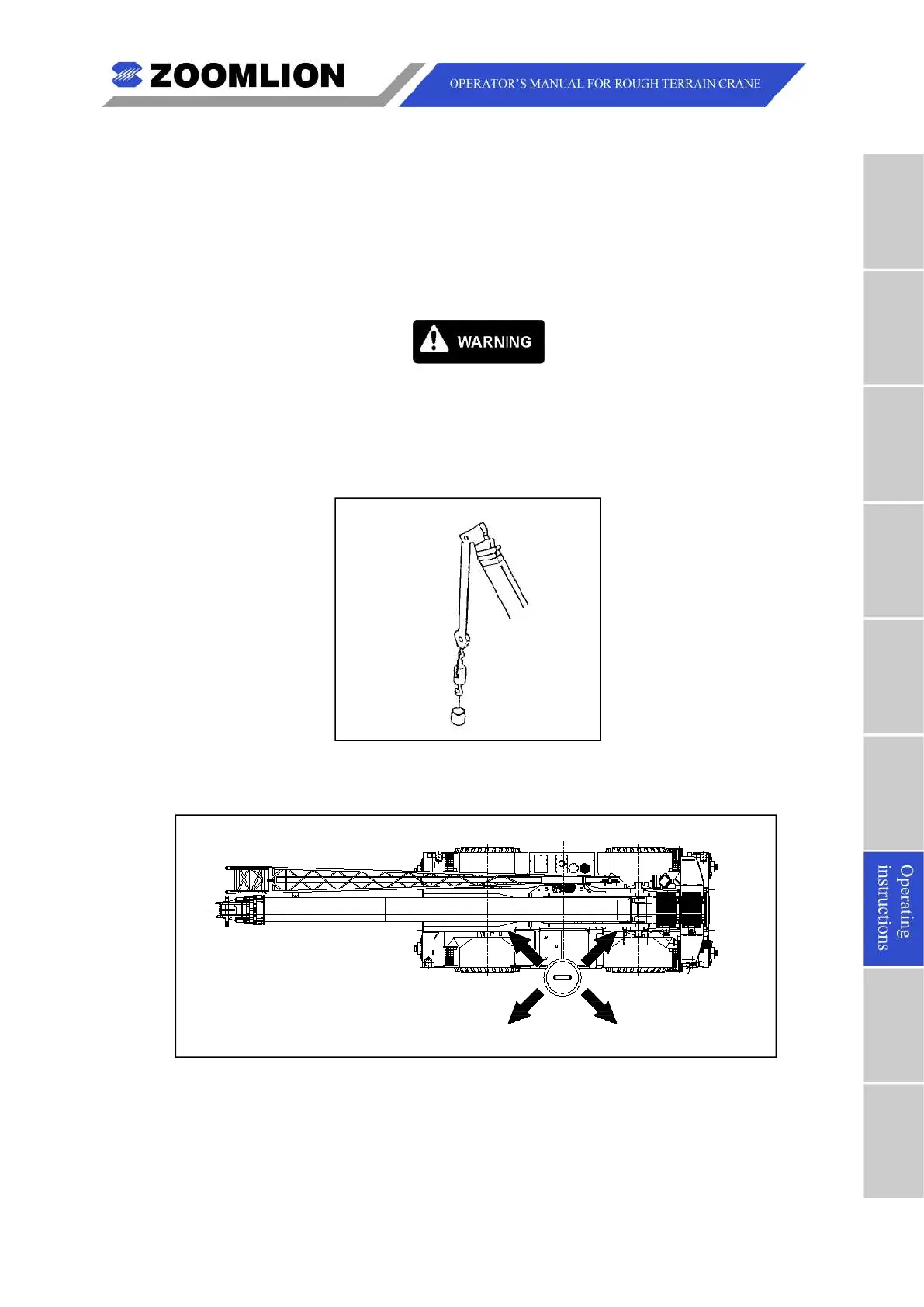
D. Assemble the jib. Refer to Figure 07 – 38 to Figure 07 – 47.
(1) Take out the auxiliary hook from the hook holder before assembling the jib.
Figure 07 – 38 Auxiliary Hook
(2) Extend the outriggers and make the crane level.
Figure 07 – 39 Bubble Level Indicator
(3) Retract the boom fully.
(4) Move the boom to the front of the crane and position it to -3°.
(5) Ensure there is 40 m swing space from the swing center.



 To Next Page